
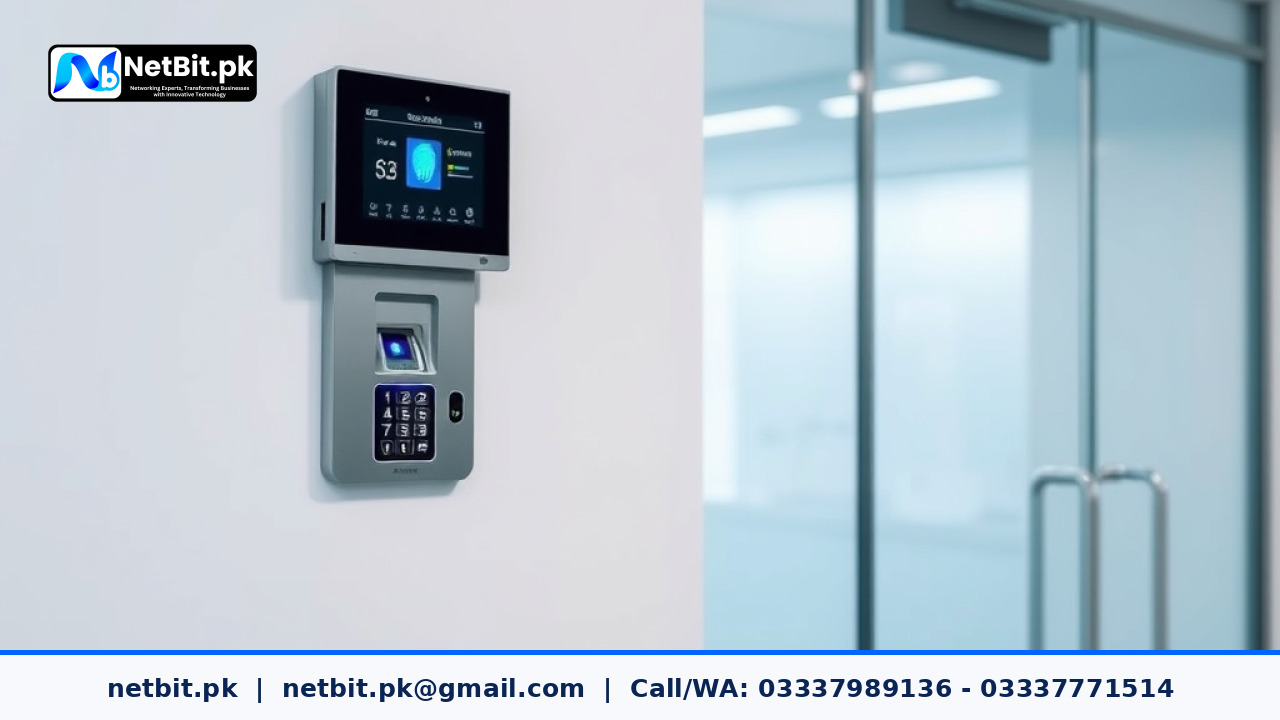
Introduction to Biometric Attendance and Access Control
Managing employee attendance and securing office premises are core operational needs for growing businesses, educational institutions, and organizations. Traditional paper registers and manual punch cards are slow, prone to errors, and difficult to manage as teams expand. Modern offices now rely on digital technology to streamline daily operations. Biometric attendance systems and electronic access control tools provide a reliable way to track working hours while protecting physical workspaces from unauthorized entry.
At NetBit, we often help organizations integrate modern workplace hardware that simplifies administrative tasks. Whether you run a small office in Khuzdar or a growing enterprise across Pakistan, understanding how these systems work helps you choose the right setup for your security and management requirements.
How Biometric Attendance Systems Work
A biometric attendance machine uses unique physical characteristics of the human body to verify identity. The most common technology used in offices is fingerprint recognition, while more advanced or secure locations may use facial recognition, card scanning, or PIN codes.
- Fingerprint Scanning: Captures unique ridge patterns on a finger and converts them into a mathematical template for comparison.
- Facial Recognition: Maps facial contours using optical sensors or infrared light to verify the user without physical contact.
- Card and PIN Fallbacks: Allows employees to use RFID cards or numeric codes if biometric scanning fails due to dirty or injured fingers.
When an employee places their finger on the sensor or stands before the camera, the device matches the scan against stored records inside its local database or connected server. The system records the exact time of arrival and departure, creating an accurate log for payroll and human resource management.
Integrating Electronic Access Control
Beyond tracking work hours, security is a major priority for modern commercial spaces. Access control technology restricts entry to sensitive areas such as server rooms, management offices, or financial archives.
- Electric Strikes and Magnetic Locks: Doors remain securely locked until an authorized biometric scan, card swipe, or remote release signal triggers the locking mechanism.
- Exit Buttons and Sensors: Placed on the inside of secured doors to allow safe and easy exit for occupants while maintaining strict entry security.
- Centralized Management Software: Allows office administrators to add new staff members, remove resigned employees instantly, and view entry logs from a connected computer.
By combining attendance tracking with physical door locks, organizations create a unified security perimeter that prevents outsiders from wandering into restricted zones.
Practical Maintenance and Reliability Tips
Like any electronic hardware, biometric and access control devices require basic maintenance to function properly over long periods, especially in demanding local environments.
- Keep Sensors Clean: Dust, oil, and moisture can accumulate on fingerprint glass scanners. Wipe them gently with a soft, dry microfiber cloth regularly.
- Ensure Stable Power Supply: Frequent power fluctuations and load shedding can disrupt electronic locks and reset device clocks. Use reliable surge protectors and backup uninterruptible power supply units.
- Regular Data Backups: Export attendance logs and user templates from the device software to a secure computer weekly so you never lose vital payroll data during a hardware failure.
- Firmware Updates: Check with your equipment provider periodically to install stable firmware updates that improve scanning speed and security patches.
Ready to Upgrade Your Office Security and Attendance Management?
Implementing reliable technology helps your business run smoothly, reduces administrative friction, and secures your workplace assets effectively. If you want to install or upgrade professional biometric attendance machines, electronic door locks, or custom business technology systems, our team is here to guide you. Contact us today at NetBit tech and software house to discuss your office requirements and become a valued client of NetBit tech for all your professional technology needs.


Reader comments.
Share your question, suggestion or experience related to this article.
No comments yet
There are no approved comments on this article yet. You can be the first person to leave one.