
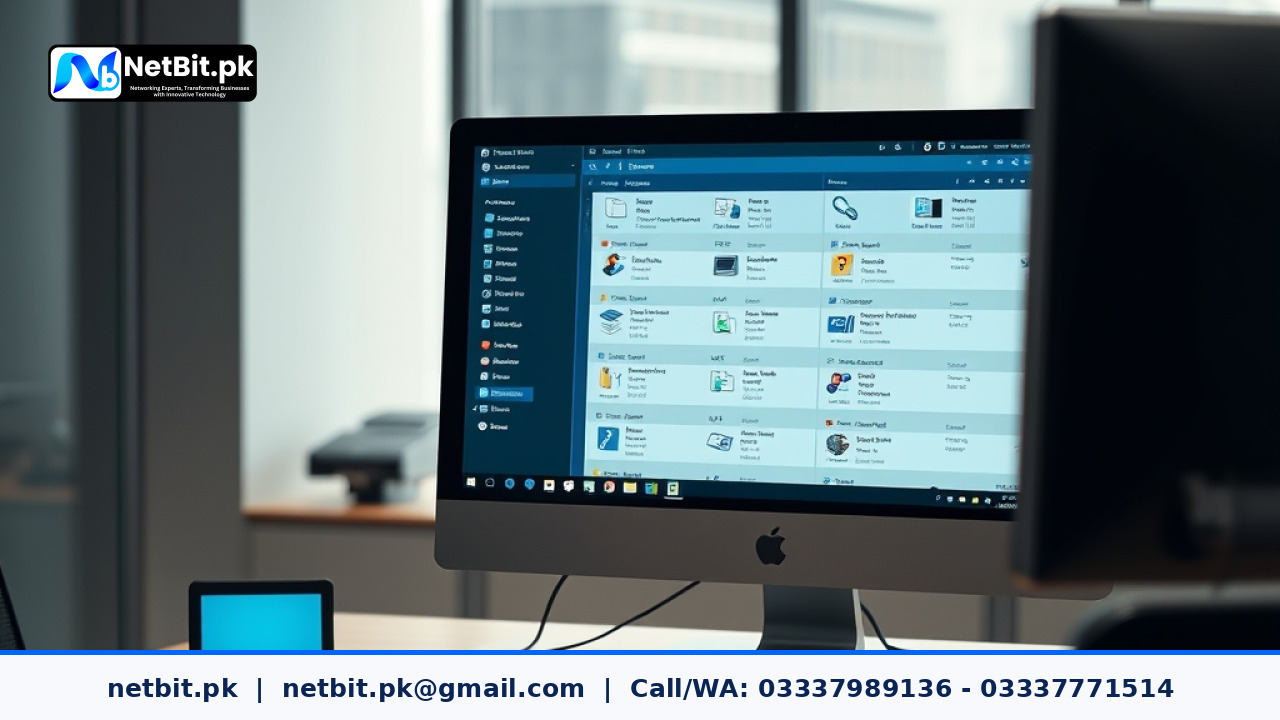
Introduction to Modern Document Management
Managing paper documents takes up a lot of time and physical space in any business. As companies grow, finding the right file in a crowded cabinet becomes difficult and frustrating. Office automation technology solves this problem by introducing digital document management systems. These tools help businesses store, organize, and retrieve files quickly using computer networks.
At NetBit, we often see local businesses struggling with scattered files across different computers and paper folders. Implementing a centralized digital document system streamlines daily operations and reduces the risk of lost paperwork. This technology is a core part of office automation that every growing organization should consider.
Key Benefits of Digital Document Workflows
Switching from paper to digital files brings many practical advantages to your daily office routine. Here are some of the main benefits:
- Faster Retrieval: Employees can search for files using keywords instead of manually sorting through physical folders.
- Better Security: Digital archives allow administrators to set password protection and user permissions for sensitive files.
- Space Saving: You no longer need large physical storage rooms for old filing cabinets.
- Easy Collaboration: Multiple team members can view and review approved documents simultaneously from their office workstations.
How Office Automation Improves Information Access
Office automation is not just about having computers on every desk. It is about connecting your tools so information flows smoothly between departments. When document management is integrated with your local network, staff members do not have to email files back and forth. Instead, they access a shared, secure repository.
For example, when an invoice arrives, it can be scanned, indexed, and stored in a designated folder instantly. The finance team receives an automated notification, and the document is logged securely. This eliminates delays and keeps your workflow transparent and accountable.
Best Practices for Setting Up Digital Archives
To get the best results from your office automation tools, follow these practical steps when organizing your digital files:
- Create a Clear Folder Structure: Use standard naming conventions for folders and files so everyone on the team understands where documents belong.
- Set User Access Levels: Restrict sensitive financial or human resources files to authorized managers only.
- Schedule Regular Backups: Ensure your digital archives are copied to an external drive or network attached storage regularly to prevent data loss.
- Train Your Staff: Teach employees how to use the document system correctly to maintain order and security.
Proper setup makes a huge difference in how smoothly your office runs every day. Netbit tech provides practical guidance and technical support to help businesses set up reliable office automation networks tailored to their specific needs.
Ready to Modernize Your Office Workflow?
If your team spends too much time searching for misplaced papers or dealing with disorganized digital files, it is time to upgrade your office automation setup. As a psychologist expert would note, reducing daily workplace friction and clutter significantly lowers staff stress and improves overall mental focus. When your systems run smoothly and your documents are neatly organized, your entire team feels more confident and productive. You deserve a workspace that supports your peace of mind and business goals without constant technical headaches. Get in touch with us today to discuss your requirements and become a valued client for NetBit tech and software house, where we help your business run smarter and more efficiently.

Reader comments.
Share your question, suggestion or experience related to this article.
No comments yet
There are no approved comments on this article yet. You can be the first person to leave one.