
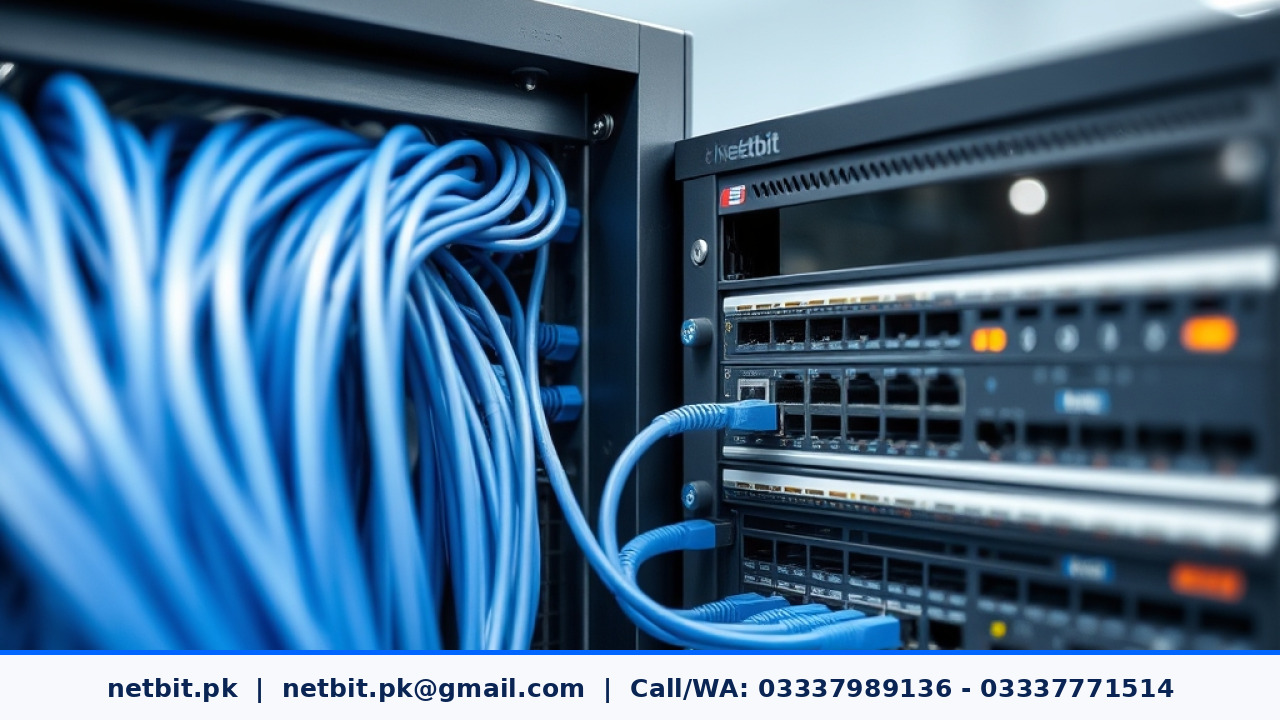
Introduction to Network Cabling Technology
Building a reliable digital workspace starts with the physical foundation of your network. Many business owners focus heavily on high-end routers and fast internet connections, but they often overlook the actual cables running through the walls and across the floors. Proper network cabling is the backbone of stable internal communication, file sharing, and internet access. When your physical wires are installed and organized correctly, your entire office enjoys fewer drops, better speeds, and easier maintenance.
At netbit, we often see offices struggling with slow file transfers simply because old or damaged cables are dragging down performance. Understanding basic cabling standards helps you make smart choices for your office workspace.
Cat5e vs. Cat6 vs. Cat6a: Choosing the Right Cable
When setting up a local network, you will encounter different categories of Ethernet cables. Choosing the right type depends on your current needs and future plans.
- Cat5e: This is an older standard that supports speeds up to 1 gigabit per second over short distances. It is affordable and often sufficient for basic web browsing and light email tasks.
- Cat6: This standard supports higher bandwidths and can handle gigabit speeds more reliably over longer distances. It features a tighter twist inside the cable and often includes a plastic spine to reduce interference. For most modern offices, Cat6 is the safe and practical baseline.
- Cat6a: Standing for augmented Category 6, this cable supports speeds up to 10 gigabits per second. It is thicker and more rigid, making it ideal for heavy data centers or offices running massive file transfers, though it is usually more than necessary for small local shops or basic setups.
Best Practices for Practical Office Cable Management
Running cables neatly is not just about keeping the office looking clean. It directly affects the lifespan of your networking hardware. Tangled wires generate heat, trap dust, and are easily damaged by foot traffic or office chairs.
Here are a few simple steps to keep your office network tidy and functional:
- Label both ends: Always mark both ends of every cable so you know which room or desk it connects to. This saves hours of troubleshooting later.
- Avoid sharp bends: Ethernet cables have twisted copper pairs inside. Bending them too sharply can break the internal wires and ruin the connection.
- Keep away from power lines: Run data cables away from high-voltage electrical lines and fluorescent light fixtures to prevent electromagnetic interference that causes packet loss.
- Use patch panels: Terminate your wall drops into a clean patch panel inside your network rack rather than letting raw cables dangle loosely from the wall.
How Network Planning Saves Time and Money
Investing time in proper network design prevents expensive downtime. When an office expands, adding new workstations becomes much easier if the underlying structure is already planned with extra ports and properly organized switch locations. Teams at netbit tech and software house emphasize structured planning so that growing businesses do not have to rebuild their infrastructure every time they add a new computer.
Conclusion
Setting up a dependable local network requires attention to physical details, from choosing the right cable category to organizing wires neatly in your server room. By following standard installation practices, your business can avoid frustrating connection drops and maintain smooth daily operations. If you want to secure a stable and professional networking setup for your office, the team at netbit tech and software house is ready to help you plan and install a reliable digital environment, so you are ready to contact us and become a client for NetBit tech and software house.



Reader comments.
Share your question, suggestion or experience related to this article.
No comments yet
There are no approved comments on this article yet. You can be the first person to leave one.