
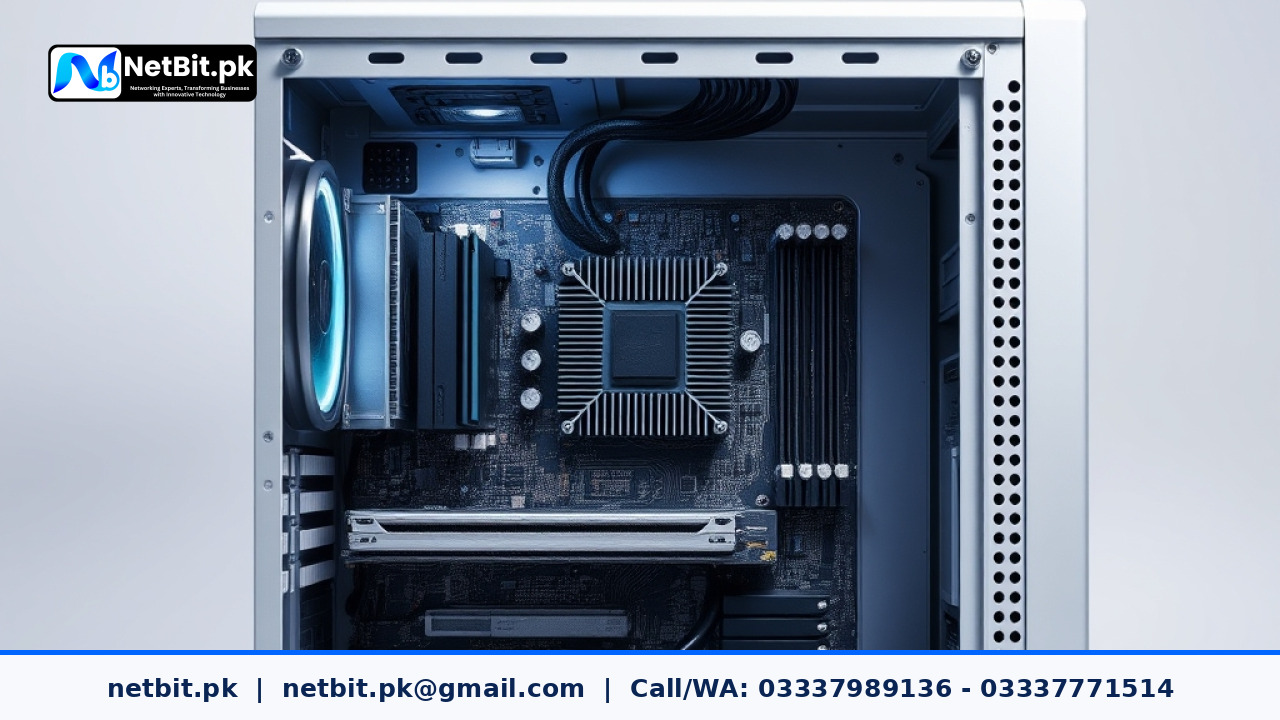
Introduction to Motherboard Chipsets
When people talk about building or buying a business computer, they usually focus on the processor, memory size, and storage capacity. However, another vital part sits quietly on the main circuit board: the chipset. The chipset acts as the central traffic controller for all computer systems, deciding how data moves between the main processor, system memory, graphics cards, and input devices. Understanding this hardware helps businesses make better choices when upgrading office computers or buying new tech equipment.
What is a Chipset and How Does It Work?
A chipset is a set of electronic components on a computer circuit board integrated into one or more integrated circuits. In modern computer systems, the chipset works closely with the central processing unit to handle data transfers. While the processor does the heavy calculations, the chipset manages the pathways—often called buses—that connect the processor to everything else.
Older systems used a two-chip design known as the Northbridge and Southbridge. The Northbridge handled fast components like system memory and the graphics card, while the Southbridge managed slower input and output ports like USB, storage drives, and audio. Modern computer systems combine these functions into a single platform controller hub that sits on the lower part of the motherboard. This single-chip design reduces power usage, lowers latency, and makes office computers more reliable.
Key Responsibilities of Core Logic
The chipset controls several crucial functions that keep your office computer systems running smoothly during daily tasks:
- Data Routing: It directs information back and forth between the processor, RAM, and storage drives without bottlenecking your workflow.
- Expansion Support: It provides the pathways for PCIe expansion slots, letting you add extra network cards, storage controllers, or specialized hardware.
- Input and Output Management: It controls built-in ports like USB connectors, audio jacks, and SATA storage ports, ensuring keyboards, mice, and external drives respond instantly.
- Power Management: It helps the operating system put computer components into low-power sleep states when staff members step away from their desks.
Why Chipset Selection Matters for Business Computers
When organizations buy new computer systems, they often overlook the chipset model, focusing only on the processor name. However, the chipset determines what upgrade paths are available later. For example, some entry-level chipsets limit the speed of connected memory or restrict the number of fast NVMe storage drives you can install.
If your office runs intensive tasks like bookkeeping software, database management, or graphic design, a business-class chipset offers better stability, more high-speed USB ports, and advanced security features like hardware-based encryption support. Choosing the right motherboard foundation ensures your hardware investment lasts longer and handles daily workloads without frustrating slowdowns.
Practical Tips for Hardware Maintenance
Because the chipset handles massive amounts of data traffic, it generates heat. Maintaining stable system temperatures is vital for long-term reliability:
- Keep Airflows Clear: Ensure your office desktop computer cases are free from dust buildup so cool air can flow over the motherboard heatsinks.
- Update System Drivers: Regularly install manufacturer-approved chipset drivers to keep hardware communication running efficiently and prevent software bugs.
- Monitor Temperatures: Use system monitoring tools to check internal hardware temperatures during heavy office workloads.
Partner with NetBit for Reliable IT Support
Managing computer systems, hardware upgrades, and office infrastructure requires careful planning and technical skill. Whether you need help diagnosing hardware bottlenecks, upgrading your office computers, or maintaining your daily IT operations, professional assistance makes all the difference. Get ready to contact us and become a client for NetBit tech and software house to secure dependable, expert technology solutions tailored to your business needs.


Reader comments.
Share your question, suggestion or experience related to this article.
No comments yet
There are no approved comments on this article yet. You can be the first person to leave one.