
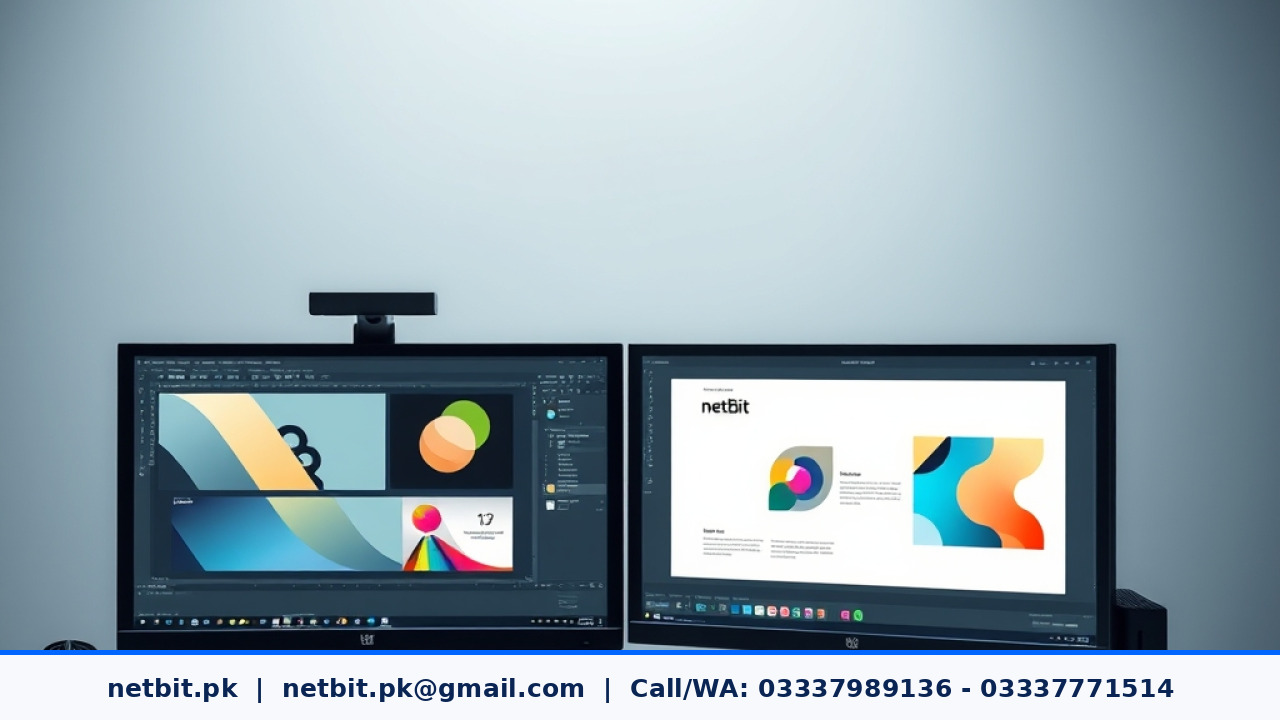
When you start building a visual identity for your business, you quickly encounter different types of image files. For business owners, students, and technology users in Pakistan, understanding how digital graphics work can save time, money, and frustration. Whether you are printing shop signs, designing social media banners, or creating official letterheads, knowing the difference between vector graphics and raster images is essential for clean and professional results.
What is a Raster Image?
Raster images, sometimes called bitmap images, are made up of a grid of tiny colored squares known as pixels. Common examples include JPEG, PNG, and GIF files. Every photograph taken with a phone or camera is a raster image.
The main strength of a raster image is its ability to show rich detail, smooth color gradients, and complex textures. However, raster images have a major technical limitation: resolution dependency. Because they are built from a fixed number of pixels, stretching a raster image causes those pixels to expand, making the image look blurry, jagged, or pixelated.
What is a Vector Graphic?
Vector graphics use mathematical formulas, points, lines, curves, and shapes instead of pixels. Common vector formats include SVG, AI, and EPS files. Because they rely on math rather than a fixed pixel grid, vector graphics can scale up to any size—from a small business card to a massive billboard—without losing any quality or sharpness.
Vector technology is the backbone of modern graphic design and professional branding. Logos, icons, and geometric shapes are almost always created as vector graphics so they remain crisp on every device, screen size, and printed material.
Key Technical Differences for Business Branding
When planning your brand identity assets, it helps to understand how these two technologies compare in practical use:
- Scalability: Vector graphics scale infinitely without quality loss. Raster images lose quality and become blurry when enlarged.
- File Size: Vector files are usually very small because they only store mathematical instructions. High-resolution raster files can be very large because they store data for thousands or millions of individual pixels.
- Editing Flexibility: Changing colors, shapes, or lines in a vector file is straightforward and non-destructive. Editing a raster image often requires pixel-level manipulation, which can degrade quality.
- Primary Uses: Use vector formats for logos, icons, and vector illustrations. Use raster formats for photographs, digital photo editing, and complex web graphics with subtle color blending.
- Always keep your master logo in vector format: Never settle for a PNG or JPEG as your primary logo file. Ensure your designer gives you the original vector files (like SVG or AI).
- Use the right format for the right platform: Use vector SVGs for website logos and icons so they load fast and look sharp on high-definition smartphone screens. Use compressed PNGs or JPEGs for blog post photos and social media posts.
- Organize your brand folders: Keep a clean digital archive of your fonts, color codes, and vector brand assets so you can share them easily with printers, web developers, or marketing teams.
Best Practices for Managing Your Brand Assets
To keep your brand looking sharp and professional, follow these simple technical guidelines:
At netbit tech software house, we help local businesses set up proper brand foundations and clean digital assets. If your current business logo looks blurry when printed or your digital branding needs a professional technical upgrade, our team at netbit is here to assist you. As trusted technology partners, we understand that paying attention to visual details builds customer trust and strengthens your market presence. Take the next step toward a polished, professional brand identity today, and feel ready to contact us and become a client for NetBit tech and software house.



Reader comments.
Share your question, suggestion or experience related to this article.
No comments yet
There are no approved comments on this article yet. You can be the first person to leave one.