
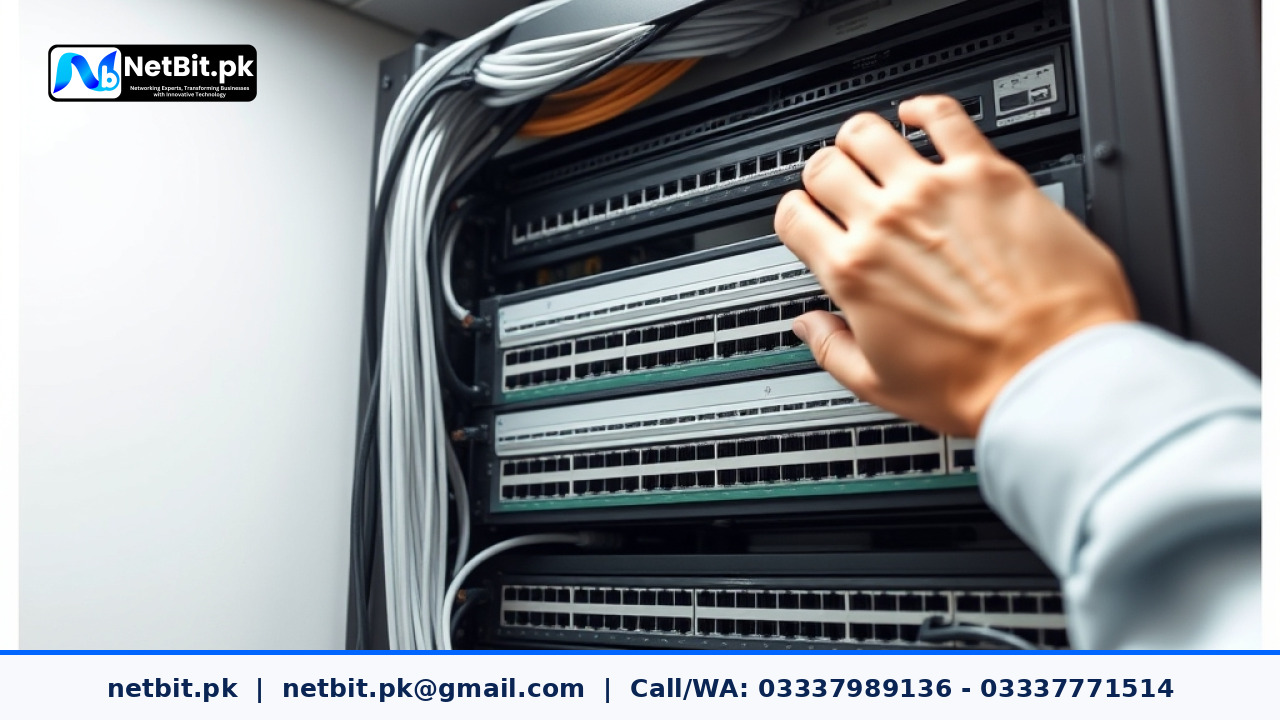
Understanding Office Firmware Updates
For any business operating in Pakistan, maintaining reliable office technology is vital for day-to-day operations. While many organizations focus on replacing old computers or upgrading internet packages, a critical element is frequently overlooked: firmware updates. Firmware is the specialized software embedded directly into your hardware components—such as network routers, managed switches, wireless access points, and security cameras. Unlike standard operating system applications, firmware governs how physical hardware communicates and executes low-level instructions.
Ignoring firmware maintenance can lead to unexpected network dropouts, security vulnerabilities, and hardware malfunctions. In environments prone to power fluctuations, keeping your devices running on stable, updated code helps prevent system corruption. At netbit tech, we frequently assist businesses in Khuzdar and across Pakistan in establishing structured routines for their hardware maintenance.
Why Regular Firmware Maintenance Matters for Pakistani Businesses
Office networks face unique challenges, from erratic power supply to fluctuating internet loads. Keeping your firmware updated offers several direct operational benefits:
- Security Patching: Manufacturers frequently patch newly discovered security flaws that hackers could exploit to compromise your business data.
- Performance Optimization: Updates often include bug fixes that improve device processing efficiency, reducing latency and packet loss.
- Hardware Compatibility: Newer software applications and operating systems require up-to-date network protocols to function smoothly without throwing connection errors.
- Extended Device Lifespan: Well-maintained hardware suffers fewer crashes, delaying the need for costly replacements.
A Step-by-Step Approach to Managing Firmware Updates
Updating office hardware requires care. A failed update can brick a router or switch, bringing your entire office network to a standstill. Follow this structured approach to manage updates safely:
- Inventory Your Hardware: Make a complete list of all active network gear, including your main gateway routers, switches, LiteBeam or PowerBeam long-range links, and CCTV NVR systems. Note their current firmware versions and exact model numbers.
- Schedule Maintenance Windows: Never perform updates during peak business hours. Choose a late evening or weekend slot when employees are offline to minimize disruption if a reboot takes longer than expected.
- Backup Configuration Files: Before clicking update, export and save the configuration file of your router or switch. If the update fails or resets settings, you can instantly restore your network configuration.
- Download from Official Sources Only: Always fetch firmware files directly from the manufacturer's verified support portal. Avoid third-party forums to prevent malware infections.
- Apply Updates Sequentially: Update core networking gear first (such as the main router), followed by distribution switches and end-user access points. Test connectivity after each major component update.
Best Practices for Power and Continuity
In Pakistan, load shedding and sudden voltage spikes are common concerns. Never initiate a firmware update if unstable power conditions are present. Always ensure that your critical network cabinets and switches are connected to a reliable UPS (Uninterruptible Power Supply) before starting any firmware flashing process. Losing power midway through a firmware write operation can permanently damage the flash memory of the device.
Partner with NetBit Software House & Technology
Managing routine IT maintenance, firmware audits, and complex network configurations can strain internal team resources. If your business needs reliable, expert assistance with network administration, custom software solutions, or structured cabling, NetBit Software House & Technology is here to help. Based in Khuzdar, our technical team specializes in keeping local businesses securely connected and fully optimized. Reach out to netbit khuzdar today to discuss how our professional IT maintenance packages can safeguard your technological infrastructure.


Reader comments.
Share your question, suggestion or experience related to this article.
No comments yet
There are no approved comments on this article yet. You can be the first person to leave one.