
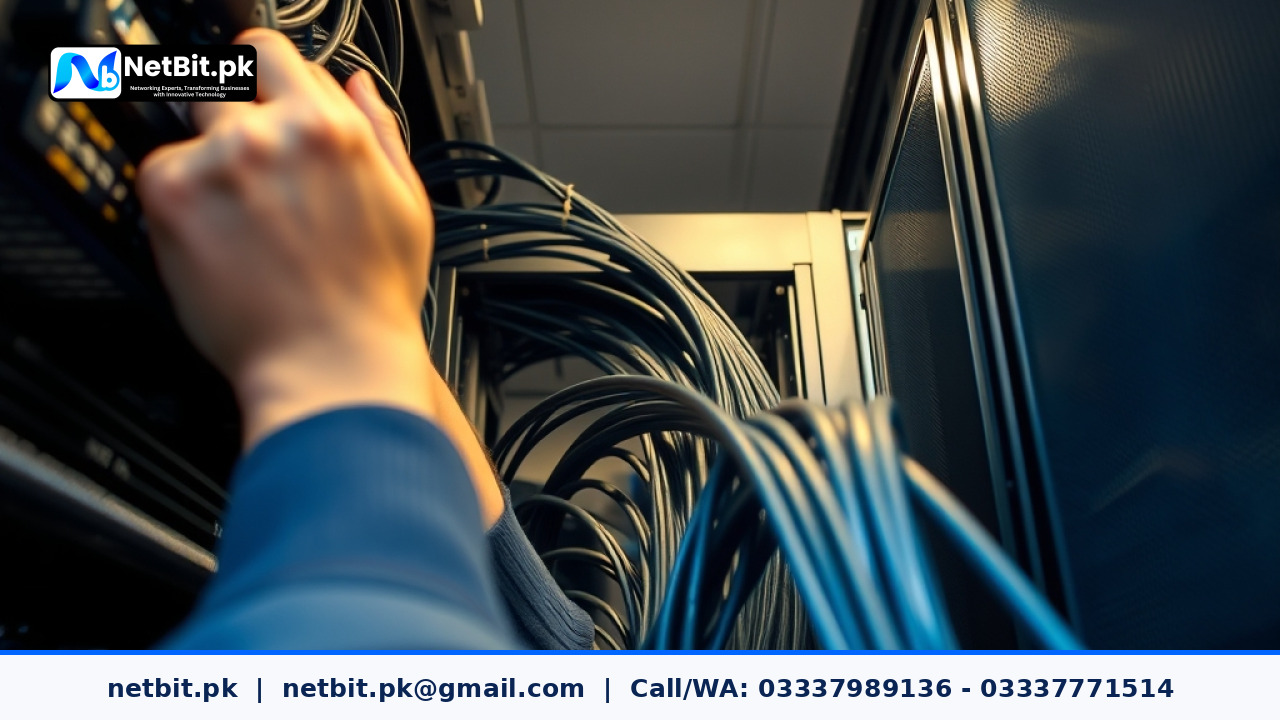
Understanding the Importance of Cable Management in Pakistani Offices
In many offices across Pakistan, network cables are often overlooked. A tangled mess of Cat6 cables behind a desk or inside a server rack might seem harmless at first glance, but it creates hidden risks for your business operations. Poorly managed cabling can lead to accidental disconnections, signal interference, and wasted hours troubleshooting simple connectivity drops. Establishing a clean and structured IT infrastructure is vital for any growing business, whether you are operating out of a corporate office in a major city or managing local operations through netbit khuzdar.
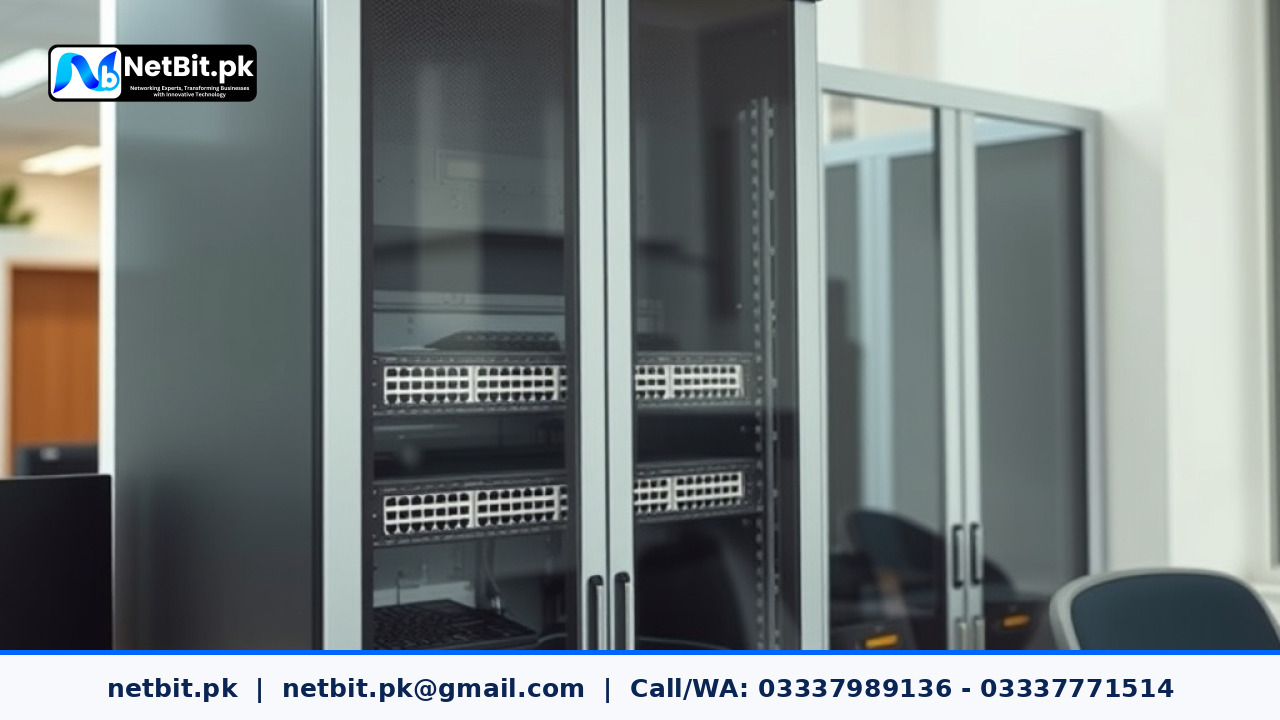
Proper cable management is not just about making server racks look tidy. It directly impacts network performance, improves airflow around networking gear, and makes it much easier for your team to identify and fix faults. When every patch cord and switch port is clearly labeled, routine maintenance becomes straightforward instead of a frustrating guessing game.
Essential Steps for Organizing Office Network Cabling
Before you begin tidying up your office network, take time to plan your layout. A structured approach ensures long-term reliability and reduces the chances of damaging expensive networking hardware.
1. Label Every Cable Clearly
Never leave a cable unmarked. Use printable wrap-around labels or plastic flag markers at both ends of every Cat6 cable, fiber patch cord, and power lead. Document these identifiers in a simple spreadsheet so that any technician can instantly trace where a specific connection leads from the switch to the wall outlet or desktop computer.
2. Separate Power and Data Lines
Electrical power cords emit electromagnetic interference (EMI) that can disrupt data signals traveling through unshielded network cables. Always route high-voltage power cables on one side of your server rack or cable tray, and keep networking cables like Cat6 on the opposite side. If they must cross paths, ensure they intersect at a 90-degree angle to minimize interference.
3. Use Proper Support and Raceways
Avoid letting heavy bundles of cables hang freely from patch panels or network switches. The weight puts excessive physical strain on the RJ45 connectors and port pins. Use horizontal and vertical cable managers, Velcro straps, and wall-mounted raceways to support the weight and keep pathways neat.
Routine Maintenance Checklist for IT Infrastructure
Keeping your network stable requires consistent upkeep. Incorporate these basic practices into your monthly IT maintenance routine:
- Inspect patch panels and network switches for dust accumulation and clean them using compressed air if necessary.
- Check Velcro straps and cable ties to ensure they are secure without pinching or bending cables beyond their minimum bend radius.
- Verify that backup power supplies and UPS units connected to your networking gear are functioning correctly.
- Review documentation to ensure any recent workstation moves or additions are reflected in your cable mapping records.
By taking a systematic approach to your office networking environment, you minimize unexpected downtime and protect your technology investments.
Partner with NetBit Tech for Professional IT Infrastructure
Building and maintaining a reliable office network requires technical expertise and careful planning. At netbit, we help businesses across Pakistan optimize their internal technology systems. Whether you need structured Cat6 cabling, professional switch installation, custom software solutions, or comprehensive desktop and server support, our team delivers dependable results tailored to your exact operational requirements. Reach out to netbit software house today to discuss how we can strengthen your business infrastructure.


Reader comments.
Share your question, suggestion or experience related to this article.
No comments yet
There are no approved comments on this article yet. You can be the first person to leave one.