
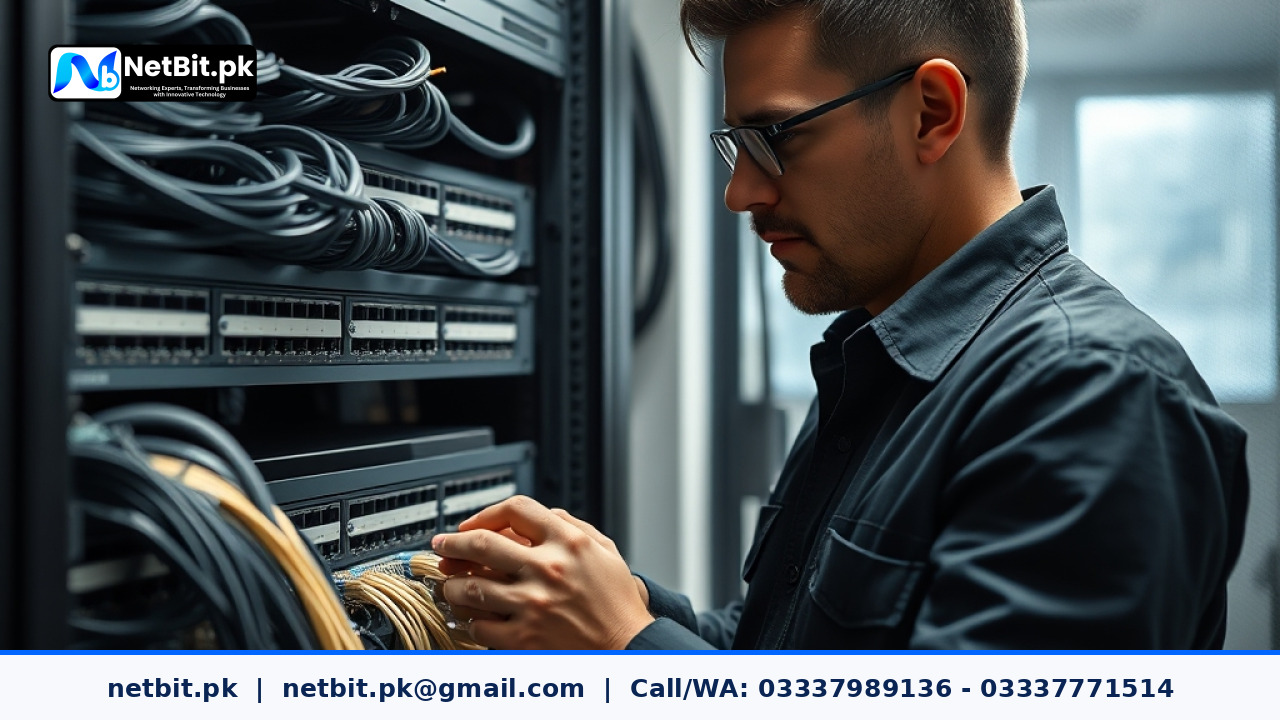
Understanding Office Network IP Addressing in Pakistan
For any growing business, student group, or organization in Pakistan, a stable and reliable IT infrastructure is the foundation of daily operations. Whether you are running local desktop systems, connecting multiple departments, or managing security cameras, your office network depends entirely on how devices communicate. At the core of this communication is IP (Internet Protocol) addressing.
When a new computer, printer, or network switch joins your office local area network (LAN), it needs a unique identifier to send and receive data. Without a structured approach to IP management, businesses often face frequent network drops, IP address conflicts, and security vulnerabilities. This practical guide explores how organizations in Pakistan can properly plan and manage their office network IP addressing to maintain a seamless workflow.
What is IP Addressing and Why Does It Matter Locally?
An IP address is a numerical label assigned to every device connected to a computer network. In a typical office setting, these addresses fall into two main categories: static IP addresses and dynamic IP addresses. Improper handling of these addresses leads to common office IT headaches.
- IP Conflicts: Occurs when two devices on the same network are accidentally assigned the same IP address, causing one or both to lose internet and local connectivity.
- Disorganized Infrastructure: Makes troubleshooting difficult when a network printer or server changes its address unexpectedly.
- Security Risks: Failing to segment network traffic leaves sensitive business software and local file repositories exposed to unauthorized users.
Proper IP planning ensures that every piece of hardware—from administrative desktop stations to networking hardware—operates predictably.
Best Practices for Office IP Address Management
Implementing a structured IP addressing scheme does not require complex enterprise equipment, but it does require careful planning. Here are practical steps you can take in your office environment:
1. Separate Static and Dynamic Allocations
Assign permanent (static) IP addresses to critical infrastructure equipment such as network switches, local servers, network-attached storage, printers, and core security camera systems. Use your router's DHCP (Dynamic Host Configuration Protocol) server to automatically lease dynamic IP addresses to everyday employee workstations and mobile devices. This prevents critical hardware from disappearing off the network.
2. Document Your Network Layout
Keep a physical or digital log of every static IP address assigned in your office. Include the device name, physical location, MAC address, and purpose. When network issues arise, this documentation drastically reduces downtime.
3. Utilize Subnetting for Departmental Isolation
If your business operates multiple departments—such as accounts, customer support, and management—consider dividing your local network into smaller subnets or VLANs. This keeps administrative traffic isolated from general employee browsing, improving both performance and data security.
Frequently Asked Questions
How do I find my device's IP address on a Windows computer?
Open the Windows Command Prompt by typing cmd in the Start menu, type ipconfig, and press Enter. Look for the IPv4 Address listed under your active network connection.
What causes an IP address conflict in an office?
An IP conflict usually happens when a static IP address is manually assigned to a new device that falls within the active range of the router's automatic DHCP pool.
Partner with NetBit Tech for Reliable IT Infrastructure
Managing an office network requires technical precision, structured cabling, and dependable hardware maintenance. If your business in Khuzdar or across Pakistan is struggling with unstable connections, unorganized network switches, or general IT infrastructure challenges, you do not have to handle it alone. NetBit Software House & Technology (netbit.pk) provides professional IT support, custom networking solutions, robust cabling, and comprehensive system maintenance tailored to local Pakistani businesses. Let our experienced technical team optimize your workspace technology today. Contact NetBit Tech to discuss your office infrastructure needs and secure a reliable network foundation for your growth.


Reader comments.
Share your question, suggestion or experience related to this article.
No comments yet
There are no approved comments on this article yet. You can be the first person to leave one.