
Standardizing Computer System Maintenance Across Commercial Workstations
As commercial organizations, educational institutes, and government offices across Pakistan expand their digital footprints, the baseline reliability of desktop computer systems becomes critical to daily operations. Hardware failures, thermal throttling, and unorganized component configurations cause unnecessary downtime and hardware decay. To address these operational friction points, standardizing hardware maintenance and stress-testing protocols for commercial computer systems is essential.
This hardware update from netbit highlights key practices for maintaining high-availability workstations. From thermal dynamics in ambient high-temperature zones like Khuzdar to RAM architecture standards, implementing structured hardware protocols ensures long-term operational stability for business desktop environments.
Key Focus Areas in Modern Computer System Standardization
Modern desktop computer systems require more than occasional software updates. Physical hardware health directly impacts operating system responsiveness, application execution speed, and hardware life cycles. Organizations upgrading or deploying new office workstations must focus on three primary hardware areas.
1. Thermal Management and Dust Mitigation
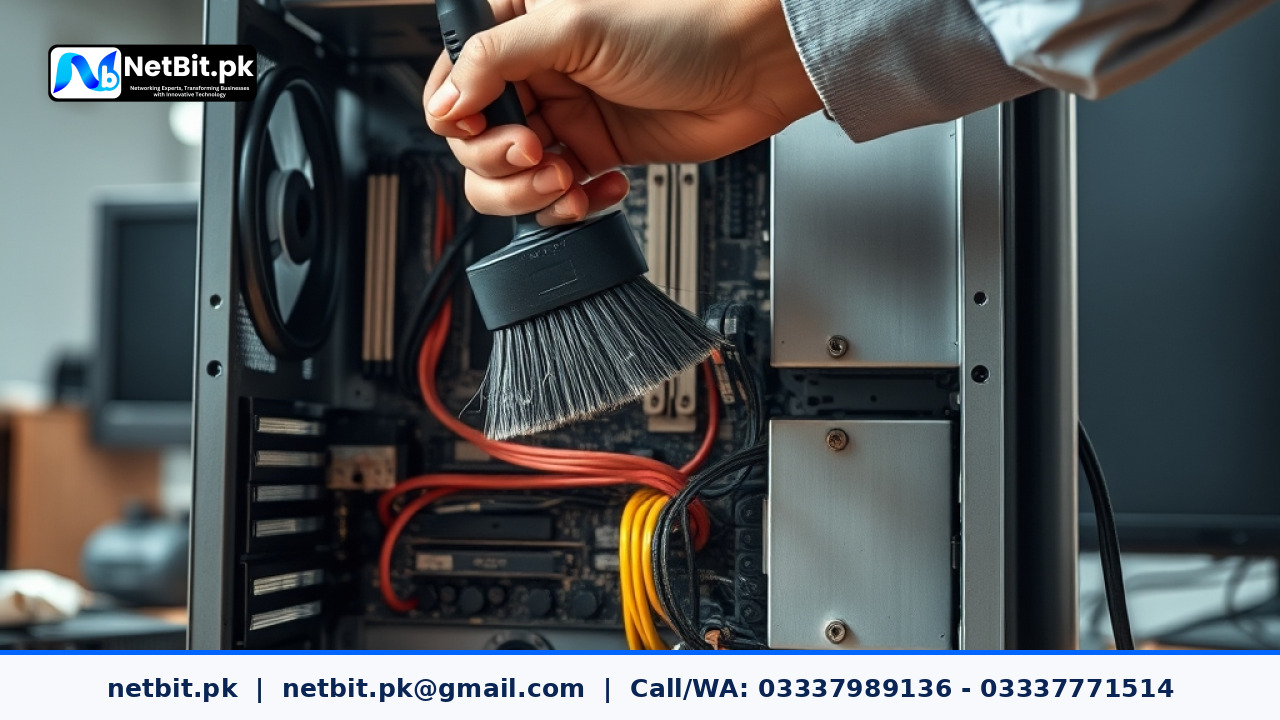
Dust accumulation and elevated ambient temperatures are significant factors in hardware performance degradation throughout Pakistan. When airborne dust settles inside computer system chassis, it forms an insulating blanket over motherboards, power supplies, and cooling fins. This forces CPU and GPU cooling fans to run at maximum operational speed, accelerating mechanical wear and triggering thermal throttling.
Standard maintenance protocols mandate establishing quarterly physical cleaning schedules using anti-static blowers and replacing thermal interface materials (thermal paste) every 12 to 18 months. Maintaining proper positive air pressure inside desktop cases—ensuring more filtered intake air than exhaust—substantially reduces dust build-up.
2. Memory Architecture and Dual-Channel Optimization
A common efficiency loss in office computer systems stems from improper RAM installation. Operating a workstation with a single memory stick or installing dual sticks in non-matching memory channels cuts available memory bandwidth in half. For multi-tasking staff handling modern web applications, database queries, and desktop software, single-channel operation causes noticeable micro-stutters and bottlenecked system bus speeds.
Standardizing system builds requires populating matching DIMM slots (typically slots 2 and 4 on standard four-slot motherboards) to enforce dual-channel mode. System administrators should verify memory bus frequencies in BIOS/UEFI settings after deployment to ensure RAM runs at its rated speed rather than default baseline fallback clocks.
3. Storage Reliability and S.M.A.R.T Diagnostics
Mechanical hard drives (HDDs) remain suitable for bulk data storage, but running operating systems on legacy spin drives severely limits productivity. Upgrading primary system drives to Solid-State Drives (SSDs)—specifically NVMe M.2 or SATA III drives—reduces system boot times from minutes to seconds and eliminates application launching delays.
Standard protocols require implementing Self-Monitoring, Analysis, and Reporting Technology (S.M.A.R.T) tracking across all storage units. Regular automated S.M.A.R.T checks flag bad sectors, read errors, and wear-level percentages long before total drive failure occurs, giving IT teams sufficient time to migration data safely.
Step-by-Step Maintenance Protocol for Desktop Computer Systems
To establish standard operations across your organization's IT assets, follow this structured physical and diagnostic workflow during routine maintenance checks.
Step 1: Physical Inspection and De-dusting
Disconnect all power cables and peripheral connections from the computer system. Relocate the system to a clean work area. Remove side panels and use a compressed air canister or electric anti-static blower to clear dust from cooling heat sinks, fan blades, power supply units (PSU), and intake grilles. Inspect all internal Cat6 network connections, power cables, and storage data cables to ensure firm seatings.
Step 2: Component Verification and Thermal Assessment
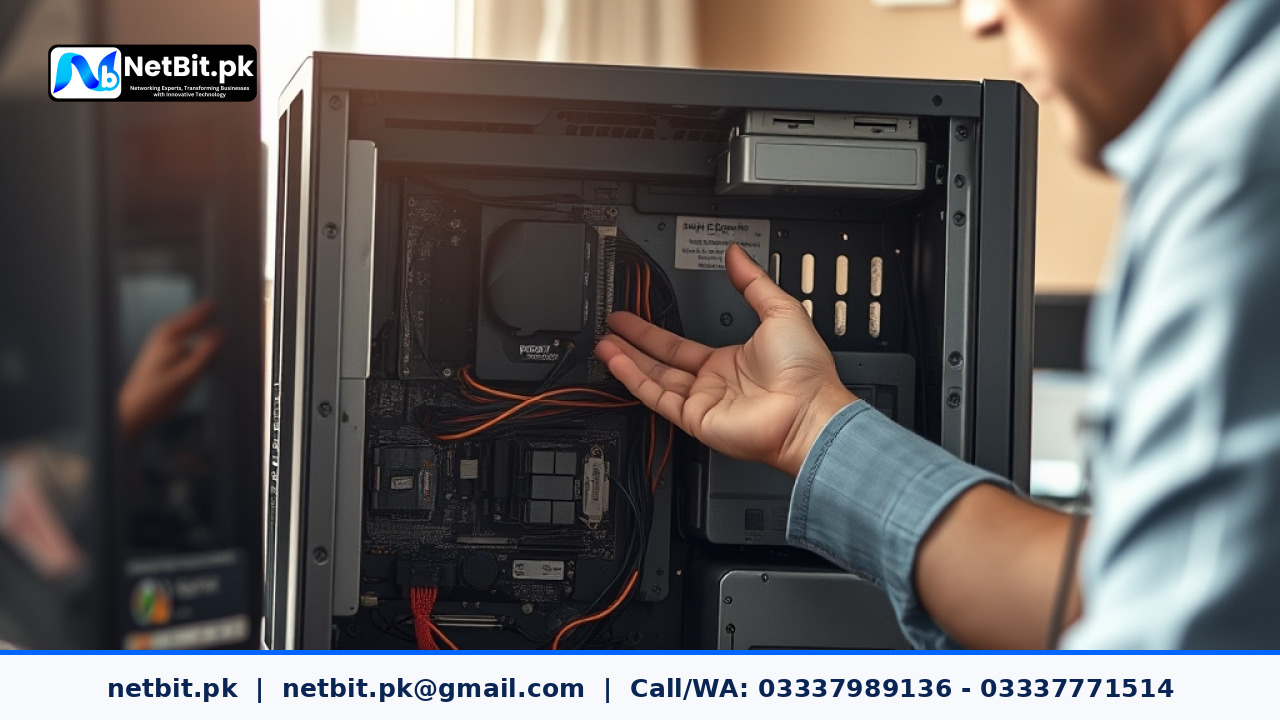
Inspect motherboard capacitors for physical swelling or leakage. Confirm that CPU cooler mounting brackets maintain even pressure. Reapply high-grade non-conductive thermal paste if thermal monitoring logs indicate idle temperatures exceeding 50°C. Ensure all exhaust fans spin freely without mechanical bearing friction noise.
Step 3: Operating System Diagnostics and RAM Testing
Boot the workstation into a diagnostic environment or execute native operating system memory diagnostic tools (such as Windows Memory Diagnostic or memtest86). Execute a full pass memory pass to identify bit-level memory address corruption that could lead to unexpected system blue-screens or file system corruption.
Step 4: Storage Health and Disk Integrity Verification
Run diagnostic utility commands in terminal or dedicated hardware utilities to verify drive health. In Windows environments, execute disk health checks using powershell commands: Get-PhysicalDisk | Select-Object DeviceId, FriendlyName, OperationalStatus, HealthStatus. For Linux workstations, query S.M.A.R.T attributes using smartctl -a /dev/sda. Immediately plan replacement for any drive reporting non-zero reallocated sector counts.
Frequently Asked Questions (FAQs)
How often should commercial desktop computer systems undergo hardware servicing?
For standard air-conditioned corporate offices, complete physical de-dusting and diagnostic scans should occur every 6 months. For high-dust environments or industrial facility offices, physical cleaning schedules should be conducted quarterly.
Why are workstation power supply units (PSUs) critical to hardware stability?
Inconsistent grid power and voltage spikes common in regional infrastructure can degrade cheap power supplies quickly. Standardizing on 80-Plus certified power supplies with active Power Factor Correction (PFC) prevents voltage ripple from damaging sensitive CPU and motherboard VRM components.
Can upgrading RAM speed resolve software lag on old office systems?
Upgrading RAM capacity and ensuring dual-channel installation significantly reduces software lag caused by virtual memory disk swapping. However, if the primary drive is an old mechanical HDD, replacing it with an SSD yields the most immediate speed improvement.
Partner with NetBit Tech for Enterprise Computer Systems & Hardware Support
Maintaining reliable computer systems, structured networking cables, and robust IT hardware infrastructure requires dedicated technical expertise. netbit software house based in Khuzdar provides complete technical services for businesses, educational institutions, and organizations across Balochistan and nationwide.
At NetBit Tech, our engineers specialize in custom software development, mobile app engineering, enterprise desktop software, structured network cablings (Cat6, fiber optic patch connections, switches), and commercial CCTV surveillance installations. Whether you need an office-wide workstation hardware overhaul, network rack maintenance, or custom management software built specifically for your operations, netbit khuzdar delivers dependable, standard-compliant technical solutions.
Ensure your business hardware runs at peak performance without costly unexpected downtime. Contact NetBit Tech today to consult with our IT infrastructure specialists and schedule a comprehensive computer systems audit for your organization.


Reader comments.
Share your question, suggestion or experience related to this article.
No comments yet
There are no approved comments on this article yet. You can be the first person to leave one.