
Understanding Attendance and Leave Automation for Modern Businesses
In many offices across Pakistan, managing employee attendance and tracking leave requests remain manual, time-consuming tasks. Human resource officers and administrative heads often spend valuable days at the end of every month reviewing paper sign-in sheets, matching manual entries against leave notes, and calculating salary deductions on spreadsheets. This traditional workflow is prone to human error, creates unnecessary disputes during payroll disbursement, and wastes precious administrative hours that could be spent on core business operations.
Implementing automated attendance and leave tracking within your office automation framework shifts this entire burden from manual paperwork to a centralized software application. By establishing clear digital record-keeping, real-time approval pipelines, and clear reporting rules, organizations can achieve total accuracy while drastically reducing monthly processing time.
Core Components of an Automated Workforce Tracking System
Before configuring software workflows, it is essential to understand the functional building blocks that make attendance automation effective in commercial and educational environments:
- Input Data Connectors: Modern software can pull check-in records directly from desktop portals, web-based employee dashboards, or network-connected local databases.
- Policy Engine: Custom rules built into the system enforce late arrival thresholds, half-day calculations, casual and medical leave quotas, and public holiday calendars automatically.
- Approval Workflows: Digital routing paths automatically send leave requests directly to designated department heads or managers for approval without physical paper forms.
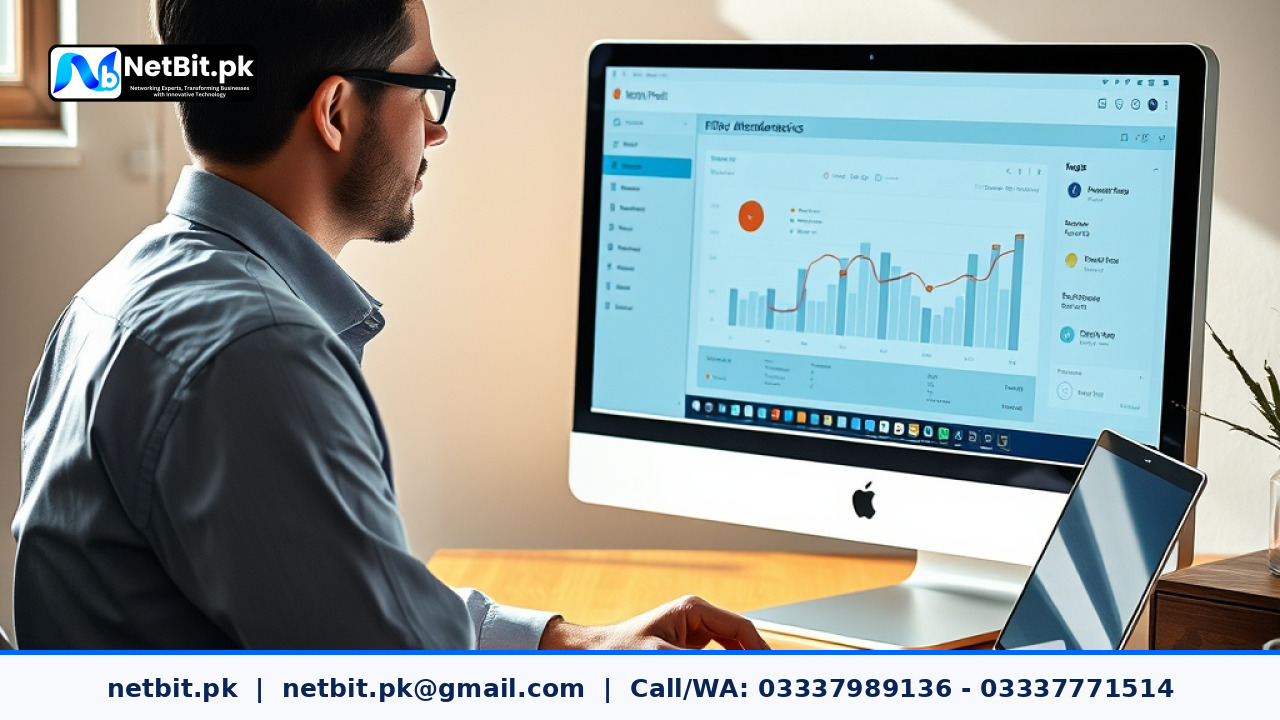
- Real-Time Analytics & Reporting: Centralized dashboards display live presence counts, daily tardiness trends, and cumulative leave balances for individual employees or entire divisions.
Step-by-Step Implementation Guide for Office Automation
Step 1: Establish Standardized Check-In Data Pipelines
The foundation of accurate office automation is structured input data. Establish a primary check-in mechanism that feeds daily records into your custom database application. In a local office network setup, employees log into their assigned desktop workstations or sign into a secure intranet web page hosted on local servers. Ensure that each check-in event logs an immutable timestamp, user identity parameter, and workstation identifier. Standardizing data formats at entry prevents duplicate logs and ensures smooth record processing.
Step 2: Define and Encode Organizational Leave Policies
Every Pakistani enterprise operates with specific organizational rules regarding sick leave, casual leave, annual allowances, and official holidays. To ensure accurate automation, convert these written business rules into exact software logic:
- Quota Rules: Assign exact annual leave allocations per employee tier (e.g., 14 days casual leave, 10 days sick leave per calendar year).
- Accrual Calculations: Configure the system to credit leaves either upfront annually or on a prorated monthly schedule.
- Late Arrival Logic: Define explicit grace periods—for example, a 15-minute grace window past official office start time, where three consecutive late arrivals automatically log as a half-day deduction.
Step 3: Build Digital Leave Request and Approval Workflows
Replace paper application forms with an automated submission screen accessible via web application or internal desktop software. When an employee submits a leave request:
- The system instantly validates whether the employee has sufficient leave balance in their category quota.
- If eligible, the system generates an automated notification trigger that alerts the appropriate manager or department head.
- The manager can review current shift coverage and approve or reject the application with a single click inside their dashboard.
- Upon decision, the system instantly updates the employee balance and reflects the scheduled absence on the company-wide daily attendance master sheet.
Step 4: Integrate Attendance Logs Directly into Payroll Processing
The ultimate objective of office automation in workforce management is seamless payroll calculation. Manual transcription of attendance balances into accounting software is where most errors occur. Custom software applications automatically summarize individual monthly attendance into finalized operational metrics—total worked hours, approved paid leaves, unexcused absences, and overtime hours. Exporting clean, pre-calculated totals directly into accounting modules removes spreadsheets entirely and guarantees error-free monthly payouts.
Common Implementation Pitfalls to Avoid
While adopting office automation yields immediate productivity gains, businesses should avoid common operational traps:
- Overly Complex Approval Chains: Requiring four levels of managerial approval for a single day of casual leave creates administrative bottlenecks. Keep routing paths limited to direct department managers and HR administrators.
- Ignoring System Exception Handling: Ensure your system accounts for unexpected power cuts or network interruptions by including manual admin override capabilities protected by strict log auditing.
- Lack of Employee Transparency: Ensure employees can view their live leave balances and daily attendance status on their own self-service portal to eliminate frequent inquiries to HR staff.
Frequently Asked Questions
Can attendance automation work for multi-branch organizations?
Yes. Custom web applications host database instances centrally on a cloud server or head-office web server. Branch locations push local check-in records over secure network protocols, allowing head office HR teams to view real-time multi-branch attendance simultaneously.
What happens if an employee forgets to check out at the end of the shift?
Properly designed office automation software includes auto-flagging rules. If a check-out timestamp is missing, the system tags the record as an missing entry exception and prompts the employee to submit a formal missed-punch request through the portal for supervisor verification.
How does automated leave tracking handle public holidays in Pakistan?
System administrators can update an annual official holiday master calendar within the software. The automated engine automatically skips listed national and local holidays when calculating multi-day leave requests, preventing accidental deduction of employee leave balances over official breaks.
Streamline Your Office Workflows with NetBit Software House
Transitioning from inefficient manual procedures to custom office automation is one of the most impactful investments a growing business can make. NetBit Software House & Technology, based in Khuzdar, Balochistan, specializes in designing and deploying tailored desktop systems, custom web applications, and local business software solutions engineered specifically for Pakistani business environments.
Whether you need an end-to-end workforce management portal, custom leave tracking workflows, or integrated local IT network infrastructure support, our team delivers reliable software solutions built around your exact daily routines. Contact NetBit Tech today to consult with our technical team and modernize your office operations with professional software automation.



Reader comments.
Share your question, suggestion or experience related to this article.
No comments yet
There are no approved comments on this article yet. You can be the first person to leave one.