

Introduction to Outdoor Wireless Bridging for Pakistani Facilities
As businesses, educational institutions, and industrial facilities across Pakistan expand, operating across multiple physical buildings separated by streets, parking lots, or open yards becomes common. Connecting these separate sites into a single unified Local Area Network (LAN) is critical for shared software access, centralized database management, CCTV security monitoring, and internal communication. However, digging trenches through concrete pavement to lay underground fiber optic cabling is often expensive, requires municipal permits, or is physically impossible.
Point-to-Point (PtP) wireless network bridging offers a highly practical and cost-effective alternative. By using high-performance outdoor wireless antennas—such as Ubiquiti PowerBeam or LiteBeam equipment—organizations can establish long-range, high-speed data links through the air. These directional radio units transmit network traffic across distances ranging from a few hundred meters to several kilometers without losing performance. Whether you operate a multi-building campus in Khuzdar or an industrial complex in Karachi, setting up a properly engineered outdoor wireless bridge keeps your entire IT infrastructure connected seamlessly.
Key Components of a Point-to-Point Wireless Network Setup
Building a robust outdoor wireless link requires specific networking hardware designed to withstand environmental stress while maintaining uninterrupted data throughput. Below are the core components needed for a professional deployment:
- Outdoor Wireless Radios: A pair of directional antenna radios (such as PowerBeam or LiteBeam) acting as the bridge endpoint nodes.
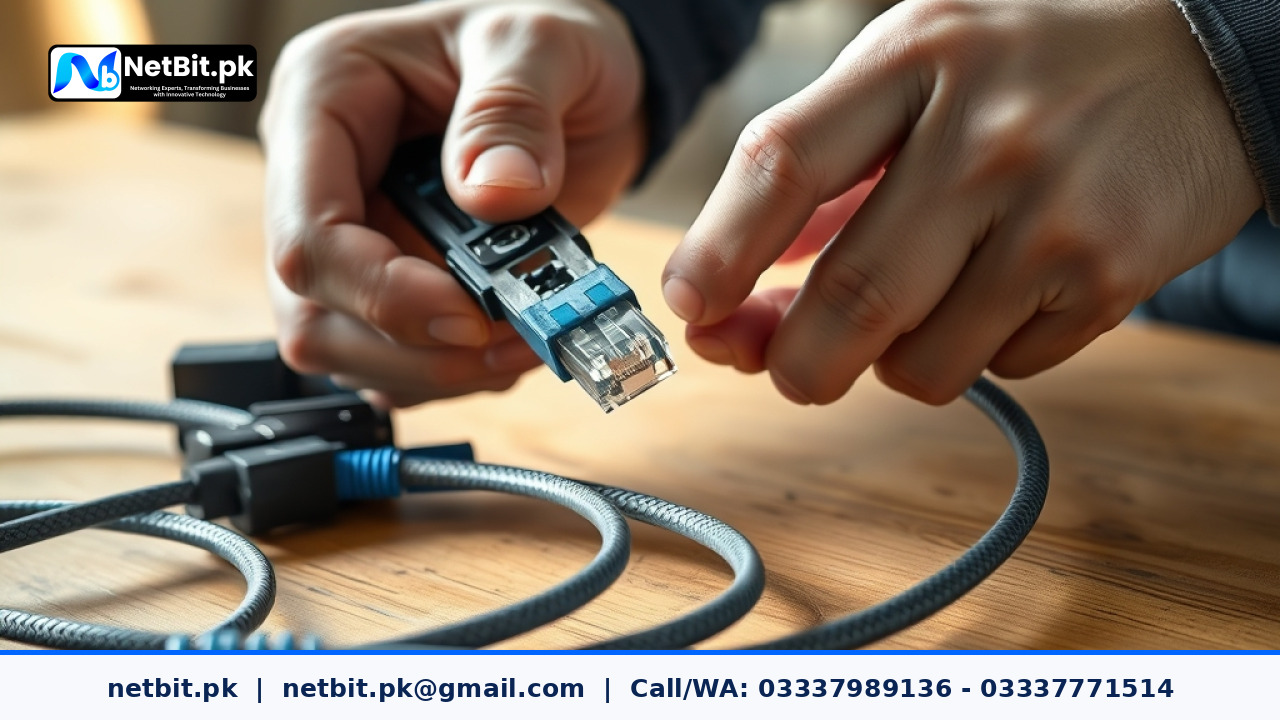
- Shielded Outdoor Cat6 Cabling: UV-resistant, weatherproof Ethernet cable with integrated ESD (electrostatic discharge) drain wire.
- Power over Ethernet (PoE) Injectors: Units that supply both power and data to the rooftop radios over the single Cat6 network cable.
- Gigabit Network Switches: Managed or unmanaged switches located inside each building to route traffic from the wireless bridge to local computers and servers.
- Surge Protectors & Mounting Hardware: In-line Ethernet surge protectors and galvanized steel mast brackets to secure the equipment against strong wind and electrical surges.
Step 1: Establishing Line of Sight and Managing the Fresnel Zone
Unlike indoor Wi-Fi networks that diffuse signals through walls, long-range outdoor wireless bridges rely on strict Line of Sight (LOS). Before mounting any hardware, you must verify that both building rooftops have an unobstructed visual path to one another.
In addition to visual line of sight, network engineers must account for the Fresnel Zone—an elliptical area surrounding the direct visual path between the two antennas. If physical objects like tree branches, concrete roof edges, or power lines protrude into this zone, they deflect the radio signals, causing phase cancellation and packet loss. In dust-prone and mountainous regions like Khuzdar, mounting antennas at adequate heights on rigid steel masts prevents structural interference and ensures optimal signal transmission.
Step 2: Pre-Configuring the Access Point and Station Units
It is always recommended to configure both wireless radios on a workbench inside your IT department before climbing onto rooftops for physical installation. This allows you to verify firmware versions, test network connectivity, and establish the wireless link in a controlled environment.
- Assign Static IP Addresses: Assign distinct static IP addresses to both radios (for example,
192.168.1.20for the transmitter and192.168.1.21for the receiver) so you can access their management interfaces reliably. - Set Operational Modes: Configure the main building radio to Access Point (AP) PtP Mode, and set the remote building radio to Station PtP Mode.
- Configure Security and SSID: Assign a secure, hidden Service Set Identifier (SSID) and set strong WPA2-AES or WPA3 encryption key passphrases to prevent unauthorized access to your wireless bridge.
- Select Channel Width: Set the channel width (typically 20 MHz or 40 MHz). A 40 MHz channel yields higher data throughput, while a 20 MHz channel offers greater noise immunity in areas with heavy radio frequency interference.
Step 3: Physical Installation, Cable Routing, and Weatherproofing
Once pre-configuration is complete, the physical installation can begin. Mounting security and weather protection are paramount to preventing early hardware failure caused by extreme weather conditions in Pakistan.
Secure the mounting brackets to solid masonry or steel structures using heavy-duty expansion bolts. Route the outdoor-grade shielded Cat6 cable from the radio unit down into the building interior. Always create a drip loop—a small downward curve in the cable right before it enters the building wall—so rainwater drips off the wire instead of flowing into the electrical port. Seal wall penetrations with outdoor silicone sealant, and slip weather-resistant rubber boots over the RJ45 connectors on the outdoor radio.
Step 4: Antenna Alignment and Signal Optimization
Aligning directional antennas requires precision. Small adjustments of just a few millimeters at the transmitter end can shift the target beam by several meters across long distances.
Access the radio management console to view real-time signal indicators. Pay close attention to the following signal metrics:
- Received Signal Strength Indicator (RSSI): Aim for a stable signal between -50 dBm and -60 dBm. A signal weaker than -75 dBm results in low speed and frequent dropouts, while a signal stronger than -40 dBm can saturate the receiver.
- Noise Floor: Ensure the noise floor remains around -90 dBm or lower, establishing a high Signal-to-Noise Ratio (SNR) for maximum network speed.
- Chain Balance: Ensure the horizontal and vertical signal paths (Chain 0 and Chain 1) are within 2 dBm of each other, indicating that the antenna is level and properly aligned on both axes.
Slowly swivel the antenna horizontally (azimuth) and vertically (elevation) until you reach peak signal strength, then tighten all mounting bolts securely to prevent movement during heavy wind storms.
Common Mistakes to Avoid in Outdoor Wireless Deployments
Many localized network issues stem from minor installation errors during deployment. Avoid these common mistakes to maintain high network availability:
- Using Indoor Ethernet Cables Outdoors: Regular PVC network cables break down rapidly under direct solar UV exposure, leading to cracked insulation and short circuits within months. Always insist on UV-rated outdoor Cat6 cables.
- Neglecting Surge Protection: Outdoor elevated equipment is vulnerable to static charges and lightning activity. Installing grounded Ethernet surge protectors at the cable entry point protects internal network switches from destructive power spikes.
- Ignoring Power Grid Instability: Frequent load-shedding and voltage fluctuations in Pakistan can damage PoE power supplies and corrupt access point firmware. Connect all PoE injectors to online UPS units or stabilized solar backup systems.
Frequently Asked Questions (FAQs)
Can an outdoor wireless bridge match the performance of physical fiber optics?
Modern 5 GHz wireless bridge equipment can deliver real-world network throughput ranging from 300 Mbps to over 800 Mbps with sub-5 millisecond latency. While high-end fiber optic cables offer gigabit speeds, a properly configured wireless link is more than fast enough for seamless file sharing, database access, VoIP calls, and high-definition CCTV video streaming between buildings.
How does heavy rain or dust storms impact the wireless bridge connection?
In standard 5 GHz deployments, normal rain and dust have minimal effect on the signal over distances under 5 kilometers. However, severe dust storms or extreme downpours can temporarily degrade signal levels by a few decibels. Maintaining a signal safety margin of -55 dBm ensures the connection remains stable during adverse weather.
Do I need specialized software to monitor the bridge link?
Most enterprise wireless radio units feature built-in web management dashboards that display active throughput, connected clients, signal history, and airtime usage. Network administrators can also monitor these devices remotely using standard network management systems via SNMP protocols.
Build a Reliable IT Infrastructure with NetBit Software House
At NetBit Software House & Technology (netbit.pk), based in Khuzdar, Pakistan, we specialize in designing and deploying end-to-end technology solutions tailored for local businesses, schools, and enterprise facilities. Our engineering expertise spans long-range outdoor wireless bridges, structured Cat6 network cabling, fiber patch panel systems, managed switch configurations, and complete commercial CCTV surveillance installations.
In addition to hardware and networking infrastructure, netbit.pk builds custom web applications, desktop systems, and mobile software designed to run seamlessly over your local or multi-branch network infrastructure. Whether you need to establish a high-speed wireless link between facilities or build a complete enterprise tech ecosystem from the ground up, our dedicated technical team delivers reliable, professional results. Contact netbit khuzdar today to discuss your network setup and empower your organization with dependable technology solutions.


Reader comments.
Share your question, suggestion or experience related to this article.
No comments yet
There are no approved comments on this article yet. You can be the first person to leave one.