
Understanding Computer System Maintenance in Pakistani Workplaces
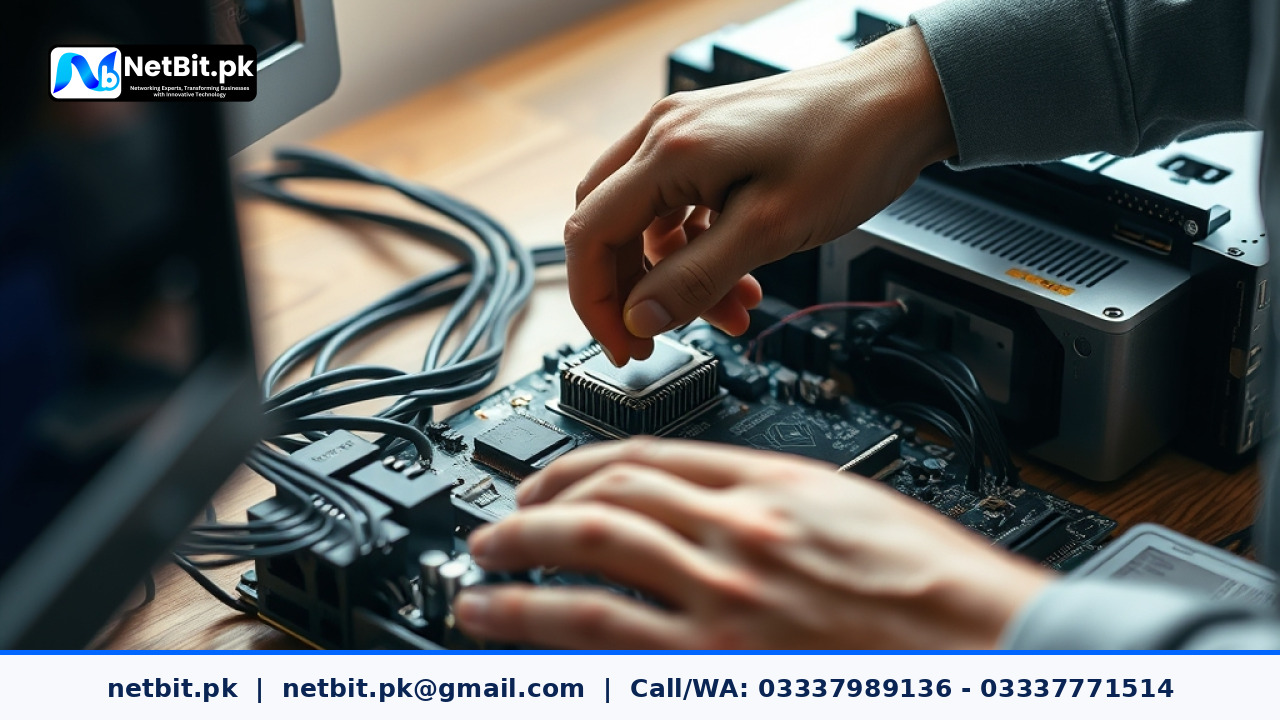
Office computer systems are the backbone of modern business operations across Pakistan. Whether managing daily accounts, processing customer orders, or handling digital communications, an efficient workstation keeps productivity steady. However, dust, fluctuating power supplies, and general wear can degrade hardware performance over time. Implementing routine physical and digital maintenance helps prevent sudden hardware failure and costly repairs.
The Impact of Dust and Heat on Office Hardware
Pakistani offices often face environmental challenges, particularly airborne dust and high ambient temperatures during summer months. When dust accumulates inside computer system cases, cooling fans struggle to move air effectively over the processor and power supply units. This thermal buildup causes components to throttle performance or shut down unexpectedly.
Practical Steps for Internal Dust Cleaning
Keeping computer internals clean requires careful execution and the right tools. Follow these steps every six months to maintain optimal thermal management:
- Power down the computer system completely and disconnect all external cables and the main power cord.
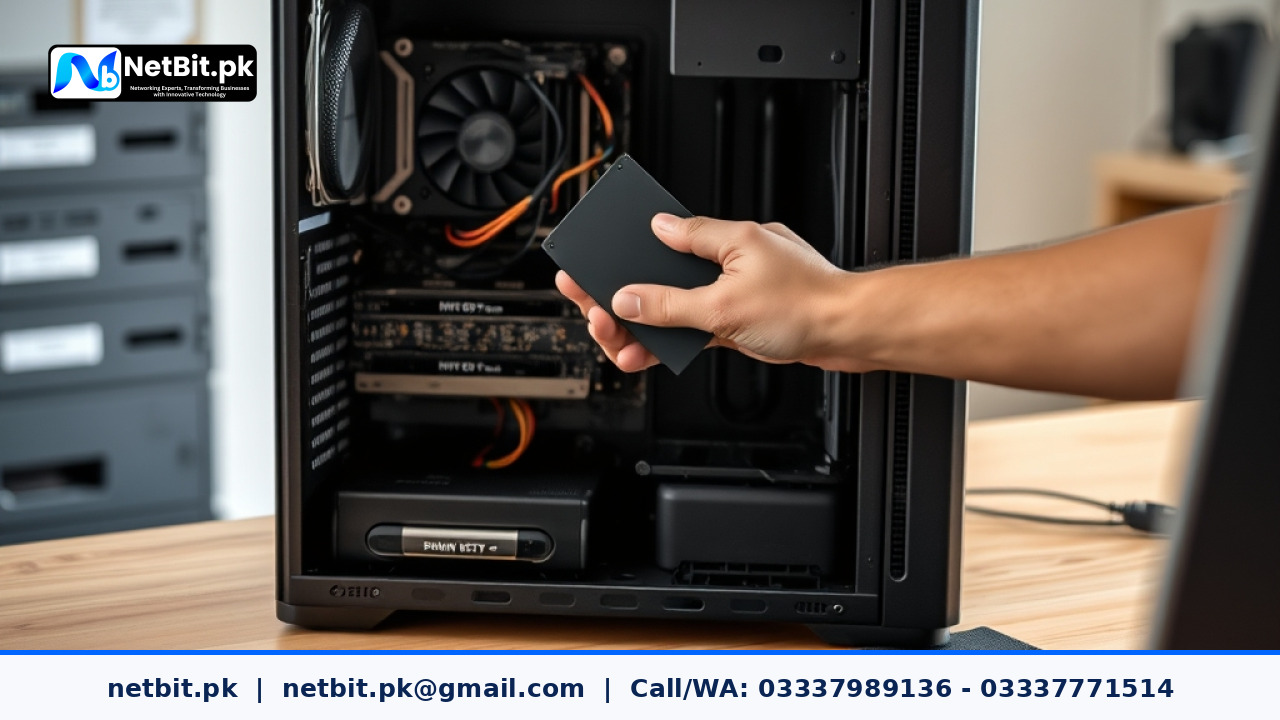
- Open the side panel of the desktop casing in a well-ventilated outdoor or open area.
- Use a compressed air can or an electric blower on a low setting to clear accumulated dust from CPU heatsinks, graphics cards, and case fans.
- Hold fans in place with a finger while blowing air to prevent them from spinning too fast and generating harmful electrical currents.
- Gently vacuum dust filters on the bottom or front panels of the chassis.
Managing Operating System Hygiene and Startup Programs
Hardware maintenance is only half the battle. Operating systems collect temporary files, registry bloat, and unnecessary startup applications that slow down day-to-day tasks. Ordinary users and local businesses can maintain responsive computer systems by following a few clear digital habits.
- Review Startup Applications: Disable background programs that launch automatically when the computer boots up, reserving system memory for essential business applications.
- Clear Temporary Files: Regularly delete cached data and system temporary files using built-in utility tools to free up valuable storage drive space.
- Keep System Drivers Updated: Ensure chipset, network interface, and display drivers remain stable to maintain compatibility with modern software tools.


Reader comments.
Share your question, suggestion or experience related to this article.
No comments yet
There are no approved comments on this article yet. You can be the first person to leave one.