

Understanding Network Loops and Broadcast Storms in Business Environments
For growing businesses in Pakistan, a stable local area network (LAN) is the invisible backbone that keeps operations running smoothly. Whether your team relies on custom software applications, shared network drives, or IP surveillance systems, an unexpected network outage can bring daily productivity to a complete halt. One of the most common yet overlooked causes of sudden network failure is the formation of a physical or logical network loop. When two or more network ports are connected via redundant paths without proper protocols, broadcast traffic can loop endlessly, saturating switch CPU resources and completely disabling network communication.
At netbit, our network engineers frequently encounter offices experiencing sudden, unexplained network slowdowns that trace back to simple cabling mistakes or accidental loops created by unauthorized desktop switches. Implementing features like Loop Guard on enterprise-grade managed switches helps mitigate these risks, ensuring high availability and seamless data flow across your organization.
What Causes Network Loops?
Network loops typically occur due to human error during physical cabling upgrades or office expansions. Common scenarios include:
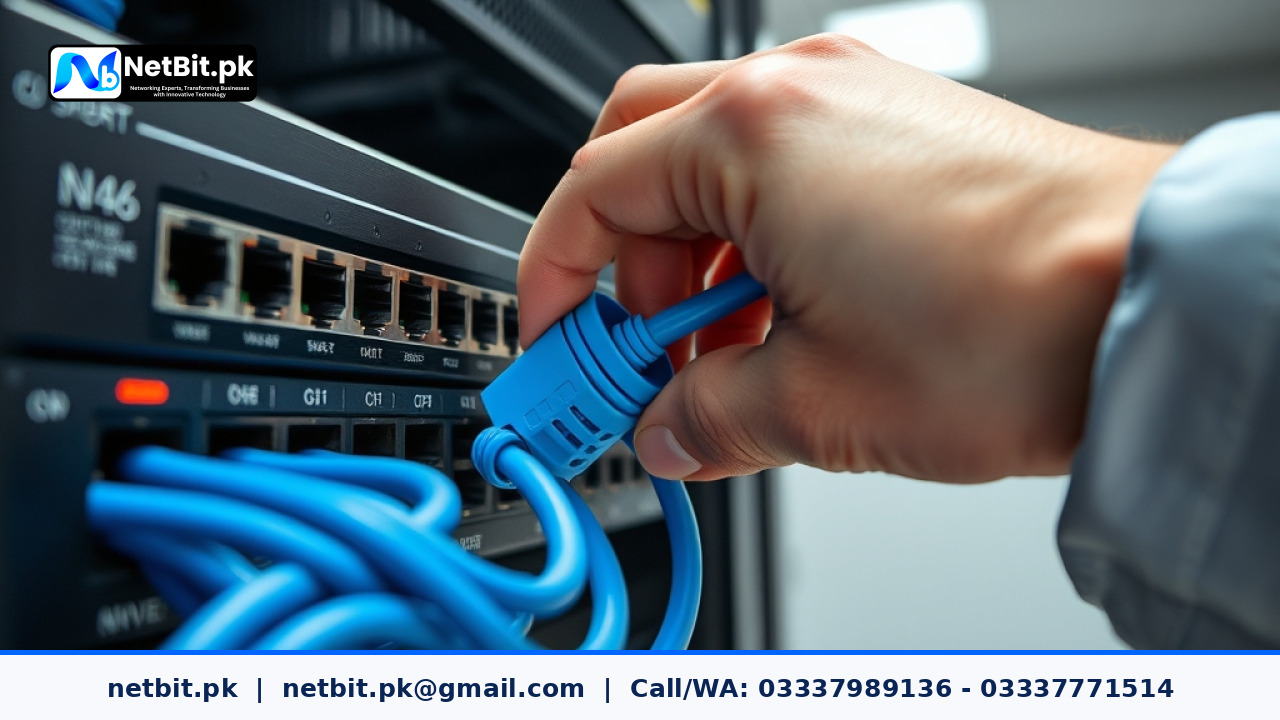
- Connecting both ends of a single Ethernet patch cable into two ports on the same managed switch.
- Daisy-chaining unmanaged desktop switches incorrectly to create a circular path.
- Misconfiguring redundant trunk links between core distribution switches and access switches.
When a loop forms, broadcast frames—such as ARP requests or DHCP discoveries—multiply exponentially every second. This phenomenon is known as a broadcast storm. Within seconds, network switches become unresponsive, VoIP phones drop calls, and access to local servers or cloud applications fails entirely.
How Spanning Tree Protocol and Loop Guard Protect Your Network
Traditional Ethernet networks rely on the Spanning Tree Protocol (STP) to prevent loops by blocking redundant paths until a primary link fails. However, standard STP relies on receiving regular bridge protocol data units (BPDUs) from neighboring switches. If a unidirectional link failure occurs—meaning a fiber optic strand or copper wire can transmit data in one direction but stops receiving BPDUs—a port might incorrectly transition from a blocking state to a forwarding state, instantly creating a loop.
Loop Guard provides an extra layer of protection by explicitly monitoring BPDU transmissions on non-designated ports. If BPDUs stop arriving on a port that is supposed to be blocking, Loop Guard places that specific port into a loop-inconsistent blocking state rather than letting it transition to forwarding. This prevents the loop before it can paralyze your infrastructure.
Step-by-Step Configuration Guidelines
Configuring Loop Guard requires access to managed network switches via command-line interface (CLI) or web-based management consoles. Follow these general technical steps to secure your office switch infrastructure:
- Access the Switch CLI: Establish a secure console or SSH connection to your core or access switch.
- Enter Global Configuration Mode: Type
configure terminalto enter the global configuration environment. - Enable Global Loop Guard: On many enterprise platforms, you can enable loop guard globally using commands such as
spanning-tree loopguard default. This applies the protection automatically to all point-to-point access ports. - Verify Interface Status: Check individual switch ports using commands like
show spanning-tree interface [interface-id]to confirm that Loop Guard is active and monitoring correctly.
Note: Always test network configuration changes during scheduled maintenance windows to avoid disrupting active business operations.
Partner with NetBit for Reliable IT Infrastructure
Managing enterprise networking hardware, configuring secure VLANs, and optimizing switch performance requires specialized technical expertise. If your business in Khuzdar or across Pakistan is struggling with unstable connections, frequent network drops, or outdated cabling, you do not have to handle it alone. netbit tech delivers comprehensive IT support, structured Cat6 cabling, fiber optic deployments, and robust hardware maintenance tailored to modern commercial requirements. Contact netbit software house today to schedule a professional network assessment and secure your business operations with reliable, enterprise-grade IT infrastructure.


Reader comments.
Share your question, suggestion or experience related to this article.
No comments yet
There are no approved comments on this article yet. You can be the first person to leave one.