
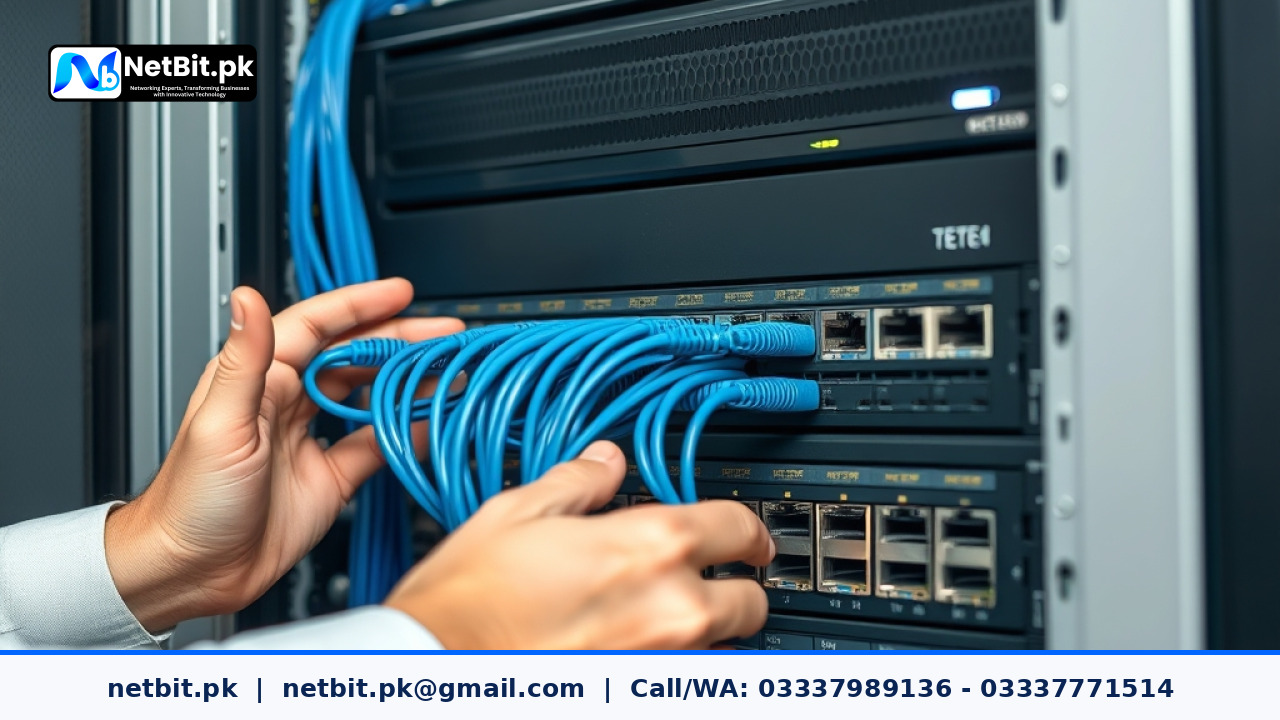
Understanding Network Loops in Business Environments
For growing businesses and offices in Pakistan, maintaining a reliable internal network is critical for daily operations. Whether your team relies on custom desktop systems, web applications, or shared database servers, unexpected network downtime can bring productivity to a complete halt. One of the most common yet overlooked causes of sudden network failure is the physical network loop.
A network loop occurs when there is more than one active data path between two network devices—such as connecting two ports of the same switch with an Ethernet cable, or improperly wiring secondary switches in a daisy chain. When this happens, broadcast packets circulate endlessly between the switches, multiplying exponentially. This phenomenon, known as a broadcast storm, quickly overwhelms switch CPU resources, saturates bandwidth, and knocks the entire office network offline.
To prevent these catastrophic disruptions, network administrators implement loop protection mechanisms. At NetBit, our networking experts routinely configure robust redundancy protocols during structured cabling and switch deployments to ensure seamless, uninterrupted connectivity for our clients.
The Importance of Spanning Tree Protocol (STP) and Loop Guard
Managed Gigabit switches use intelligent software protocols to detect and block redundant paths automatically without shutting down the entire network link. Implementing these features is a core requirement for stable business infrastructure.
- Spanning Tree Protocol (STP): STP standardizes network topologies by electing a root bridge and dynamically placing redundant paths into a blocking state. If the primary cable fails, STP automatically transitions the backup path to forwarding mode.
- Rapid Spanning Tree Protocol (RSTP): An evolution of standard STP that drops reconvergence times from 30-50 seconds down to a few milliseconds, making it ideal for modern office networks.
- Loop Guard / BPDU Guard: Supplementary security features that protect access ports from receiving unexpected bridge protocol data units, preventing rogue devices or misconfigured user cables from injecting loops into the core network.
Step-by-Step Guide to Enabling Loop Protection
Configuring loop protection requires access to your managed switch management interface (CLI or Web GUI). Follow these practical steps to secure your office switch environment:
- Access the Switch Management Console: Log into your core or edge managed switch using a secure terminal connection or web browser. Ensure you have administrative privileges.
- Verify Switch Software Capabilities: Check your switch firmware to confirm support for IEEE 802.1D (STP) or IEEE 802.1w (RSTP). Update firmware if necessary for stability patches.
- Enable Global STP/RSTP: Navigate to the Spanning Tree configuration menu and enable the global STP setting. Select RSTP as the active protocol mode for faster convergence times.
- Configure Port Priorities and Edge Ports: Identify ports connected directly to end-user workstations, printers, or IP cameras and designate them as edge ports (PortFast). This allows ports to skip the listening and learning states and transition directly to forwarding.
- Enable BPDU Guard on Access Ports: Activate BPDU guard globally or per edge port. If a user plugs a rogue switch or looped cable into an edge port, BPDU guard will immediately error-disable the port, containing the hazard.
- Save and Test Configurations: Write your running configuration to startup memory. Verify the root bridge status to ensure your primary core switch holds the lowest bridge priority.
Frequently Asked Questions
What happens if a network loop occurs without loop protection?
Without loop protection, broadcast packets multiply instantly, consuming 100% of link bandwidth and switch CPU capacity. This causes complete network freezing, dropped local connections, and unreachable servers until the offending cable is manually unplugged.
Is STP necessary for small office networks?
Even in smaller setups with only two or three interconnected switches, accidental loops can happen when cleaning racks or tracing Cat6 patch cords. Enabling basic loop protection prevents accidental human error from taking down the office.
Can managed switches handle loop protection automatically?
Most enterprise and business-grade managed switches feature factory-default safety checks, but administrators should always verify and tune RSTP, BPDU guard, and storm control settings to match the specific topology of the business.
Partner with NetBit Tech for Reliable Business Networking
Designing and securing a resilient network infrastructure requires technical precision, professional hardware, and ongoing maintenance. At NetBit (netbit.pk), based in Khuzdar, Pakistan, our team specializes in comprehensive IT solutions tailored to local businesses. From structured Cat6 cabling, fiber patch cord routing, and managed switch configuration to custom software development, mobile applications, and secure CCTV surveillance installations, we deliver scalable infrastructure that keeps your operations running smoothly.
Ready to upgrade your office network stability or secure your IT infrastructure? Contact NetBit Tech today to consult with our experienced engineers and discover custom solutions designed for your business growth.


Reader comments.
Share your question, suggestion or experience related to this article.
No comments yet
There are no approved comments on this article yet. You can be the first person to leave one.