
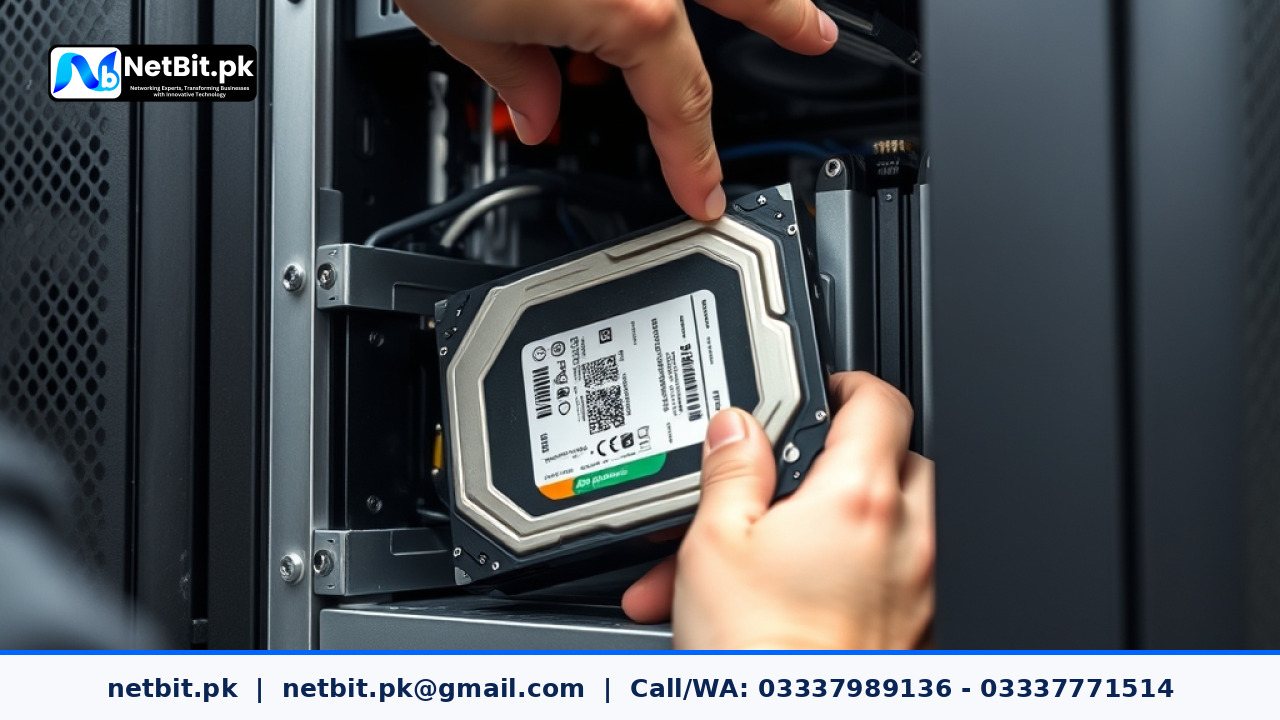
Understanding RAID for Business Servers
In the world of business IT, data loss is not just an inconvenience—it is a significant operational risk. Whether you are running a local database for your inventory or a file server for your team, ensuring that your data survives a hardware failure is vital. This is where RAID (Redundant Array of Independent Disks) comes into play. For businesses in Pakistan, setting up the correct RAID level is one of the most effective ways to maintain server reliability.
What is RAID?
RAID is a technology that combines multiple physical hard drives into a single logical unit. Depending on the configuration, it can provide either better performance, data redundancy, or a balance of both. For most small to medium enterprises, the goal is redundancy—ensuring that if one drive fails, your business operations continue without interruption.
Common RAID Levels for Office Servers
- RAID 1 (Mirroring): This requires at least two drives. It copies data identically to both drives. If one drive fails, the other takes over immediately. It is perfect for small business servers where data security is the top priority.
- RAID 5 (Striping with Parity): This requires at least three drives. It distributes data and parity information across all drives. If one drive fails, the system can rebuild the data. It is highly efficient for storage-heavy tasks.
- RAID 10 (Mirroring + Striping): This combines the benefits of RAID 1 and RAID 0. It offers high performance and high redundancy but requires at least four drives. This is ideal for high-traffic database servers.
Best Practices for Server Maintenance
Setting up RAID is only the first step. To ensure your server remains healthy, keep these tips in mind:
- Monitor Disk Health: Use S.M.A.R.T. monitoring tools to keep an eye on drive temperatures and error rates.
- Keep Spares Ready: Always have a compatible replacement drive on-site. In a RAID 5 setup, a degraded array needs a new drive immediately to begin rebuilding.
- Regular Backups: RAID is not a backup. It protects against hardware failure, but it does not protect against accidental file deletion or ransomware. Always maintain an off-site backup.
Professional Server Solutions with NetBit Tech
Managing server infrastructure requires technical precision and consistent oversight. At NetBit Software House, we specialize in helping businesses in Khuzdar and across Pakistan design, implement, and maintain reliable server solutions. From initial hardware configuration to ongoing IT maintenance and network optimization, our team ensures your systems are built for stability.
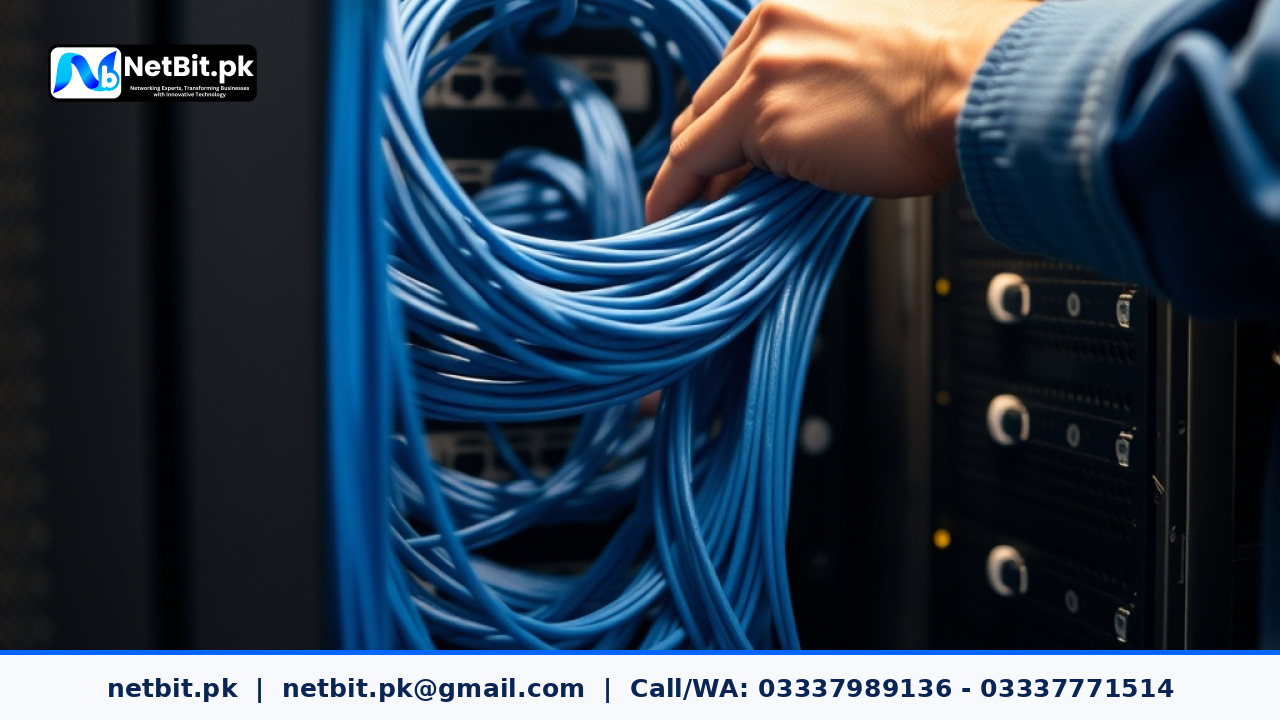
Whether you are setting up a new server room or need to audit your current storage configuration, NetBit provides the expert guidance you need. We handle everything from structured cabling and switch configuration to complex software deployment and server administration. Don't leave your business data to chance. Contact NetBit Tech today to discuss your IT infrastructure needs and ensure your operations run smoothly and securely.

Reader comments.
Share your question, suggestion or experience related to this article.
No comments yet
There are no approved comments on this article yet. You can be the first person to leave one.