
Understanding Thermal Paste Maintenance for Business PCs
In any active office environment across Pakistan, desktop computers and workstations endure long hours of operation. Over time, the microscopic compound situated between the processor (CPU) and the heatsink—known as thermal paste—begins to dry out, lose its conductivity, and harden. When this happens, heat dissipation drops significantly, leading to thermal throttling, unexpected system reboots, and reduced hardware longevity. Maintaining this vital thermal interface is a core component of routine IT maintenance that every business should prioritize.
At netbit, our technical team frequently encounters office machines running slowly not due to malware or outdated software, but simply because their cooling systems are choked with dried thermal paste and dust. Implementing a proactive replacement schedule ensures your desktop systems remain reliable during peak work hours.
Signs Your Office Computers Need Thermal Paste Replacement
Detecting thermal degradation early can save your business from costly hardware replacements. Watch out for these common indicators on your office systems:
- Frequent Random Shutdowns: The computer suddenly turns off during heavy tasks like rendering, accounting calculations, or running large Excel sheets to protect the CPU from permanent heat damage.
- Excessive Fan Noise: Internal cooling fans spin at maximum velocity constantly, even when the computer is sitting idle on the desktop.
- Sluggish Performance: The operating system slows down abruptly as the processor throttles its clock speed to lower operating temperatures.
- High Idle Temperatures: Monitoring software shows CPU temperatures exceeding 65°C to 70°C even when no intensive programs are open.
Step-by-Step Guide to Replacing Thermal Paste Safely
Executing this maintenance task requires patience, steady hands, and the right tools. Follow these practical steps to safely replace thermal paste on standard office desktop systems.
- Preparation and Safety: Shut down the computer completely, unplug the power cable from the wall outlet, and press the power button for a few seconds to drain any residual electrical charge. Work on an anti-static surface.
- Remove the Cooler: Carefully disconnect the CPU fan header from the motherboard. Unscrew or unclip the heatsink assembly from the processor socket, twisting it gently if it feels stuck due to dried paste. Do not yank it straight up.
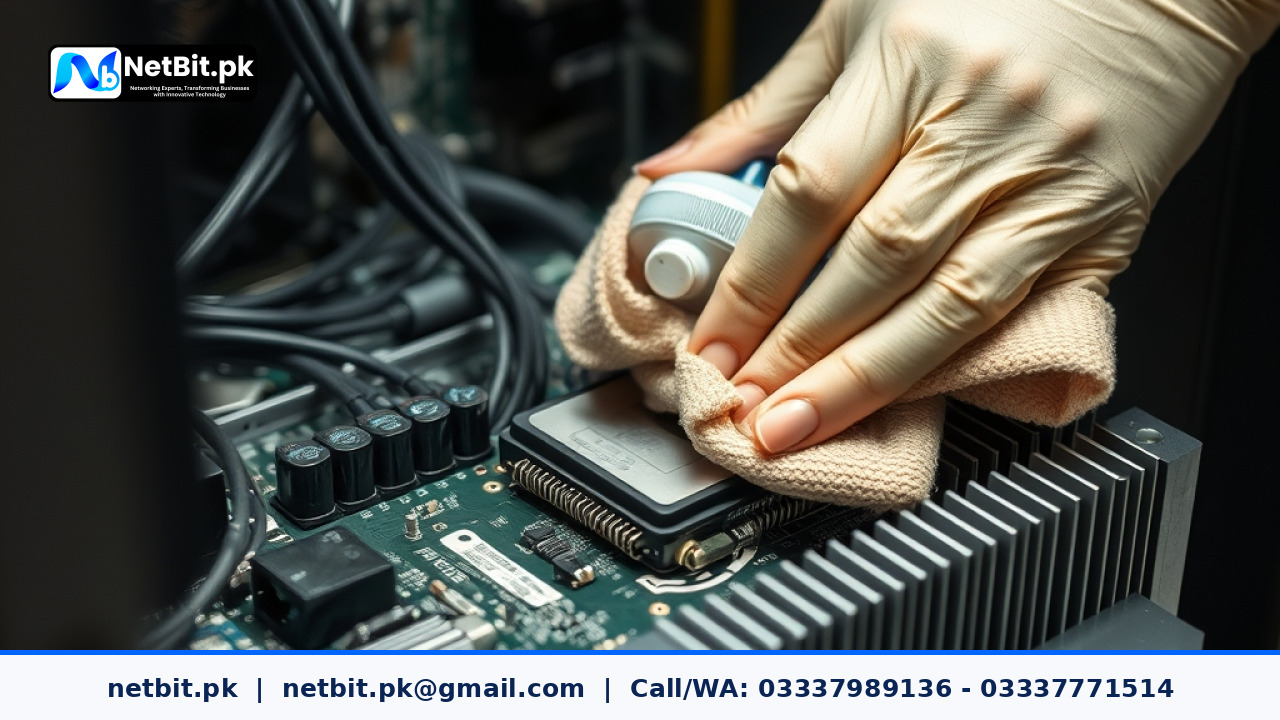
- Clean Old Residue: Moisten a microfiber cloth or lint-free cotton swab with high-purity isopropyl alcohol (90% or higher). Gently wipe away all old, crusty thermal paste from both the top of the CPU and the bottom of the heatsink base until both surfaces are spotless.
- Apply Fresh Compound: Apply a small, pea-sized drop (or a thin line) of high-quality thermal paste directly onto the center of the CPU IHS (Integrated Heat Spreader). Avoid over-applying, as excess paste can squeeze out onto the motherboard components.
- Reinstall the Heatsink: Lower the cooler straight down onto the CPU without sliding it around. Secure the screws or retention clips in a diagonal, criss-cross pattern to ensure even pressure distribution. Reconnect the fan cable to the motherboard.
Frequently Asked Questions About PC Thermal Maintenance
How often should office PCs get new thermal paste?
For standard office environments in Pakistan where dust and ambient heat can be challenging, thermal paste should ideally be inspected and replaced every 2 to 3 years.
Can I use low-cost generic paste?
It is always recommended to use reliable, branded non-conductive thermal compounds. Cheap pastes degrade faster and can bleed or dry out within months.
Does netbit offer on-site IT maintenance for businesses?
Yes, netbit tech provides comprehensive on-site IT support, hardware maintenance, networking solutions, and custom software development tailored to business requirements across the region.
Partner with NetBit Software House & Technology
Managing hardware upkeep alongside daily business operations can stretch internal resources thin. When your office infrastructure requires professional attention—ranging from routine hardware servicing and network cabling to custom software solutions and CCTV installations—rely on the experts at netbit khuzdar. We help organizations maintain seamless operational continuity with dependable, cost-effective tech services. Contact netbit software house today to discuss a customized IT maintenance plan for your business.



Reader comments.
Share your question, suggestion or experience related to this article.
No comments yet
There are no approved comments on this article yet. You can be the first person to leave one.