
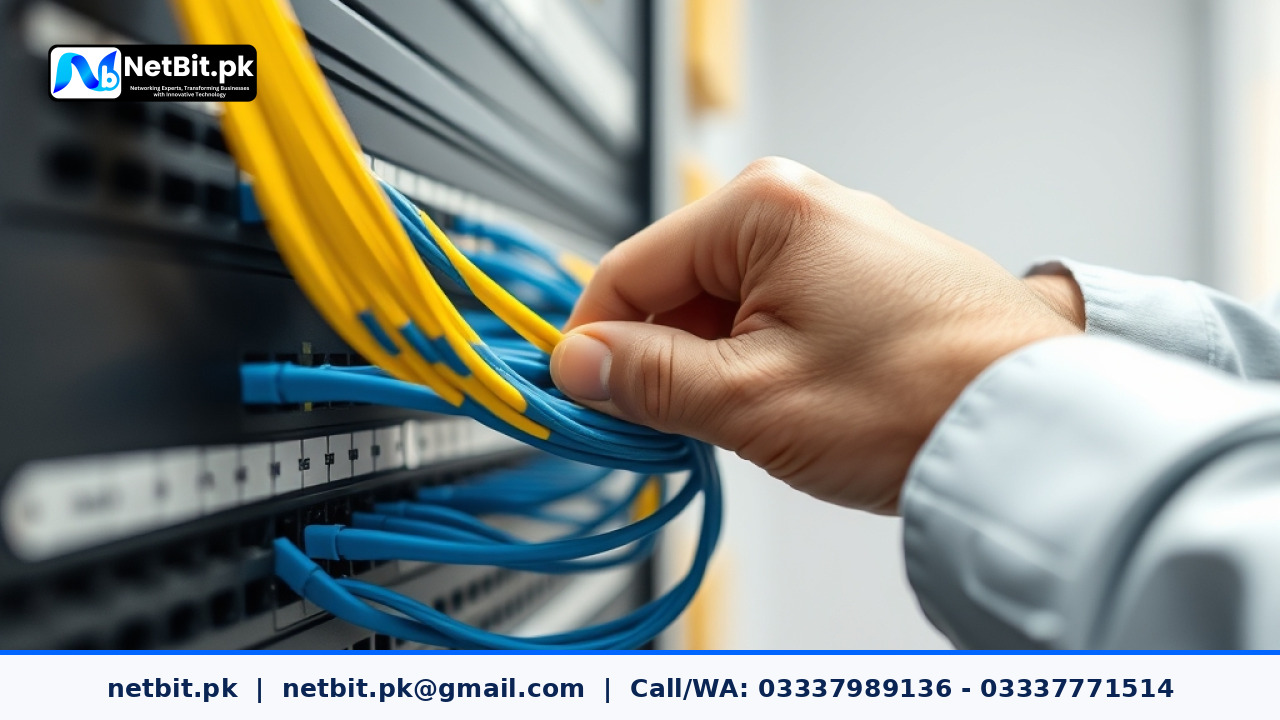
The Importance of Organized Network Infrastructure
In many offices across Pakistan, the network rack is often treated as an afterthought—a tangle of wires hidden in a corner. However, for businesses, your network rack is the heart of your operations. When cabling is disorganized, airflow is restricted, which leads to overheating, hardware failure, and hours of wasted time during troubleshooting. At NetBit, we believe that a clean, well-managed rack is the first step toward a stable IT environment.
The Basics of Rack Management
Effective management begins with clear planning. Before moving a single cable, take an inventory of your equipment: switches, routers, fiber patch panels, and CCTV NVRs. Group similar devices together and ensure that heat-generating units like high-capacity switches have at least 1U of space between them for proper ventilation.
Strategic Cabling and Labeling
The most common mistake we see is using cables that are too long for the distance between devices. Use custom-length Cat6 patch cords to reduce clutter. Once the hardware is physically mounted, labeling is critical. Every cable should be tagged at both ends with a unique identifier that corresponds to your network map. If a port fails, you should be able to identify the specific device it serves without tracing the wire through a bundle of fifty others.
- Use Cable Management Arms: These help keep cables tidy when sliding rack-mounted gear out for maintenance.
- Velcro Over Zip-Ties: Always use Velcro ties instead of plastic zip-ties. Zip-ties can pinch internal wires and are difficult to remove without potentially damaging the cable jacket.
- Color Coding: Use specific colors for different functions—for example, blue for workstations, red for CCTV surveillance, and yellow for uplink connections.
Why Professional Maintenance Matters
Maintaining a rack is not a one-time task; it is a discipline. Dust buildup acts as an insulator, trapping heat inside your servers and switches. Regularly cleaning your rack and ensuring that your fiber patch cords are free of dust or debris will significantly extend the lifespan of your IT investment. If you find your network rack has become a 'spaghetti' of cables, it is time for a professional cleanup to ensure your business stays connected and efficient.
Professional IT Infrastructure Services with NetBit
At NetBit, we specialize in building and maintaining robust IT infrastructure for businesses across Pakistan. Whether you are setting up a new office, upgrading your network switches, or need expert installation of Cat6 cabling and CCTV systems, our team provides the technical precision required for modern operations. Don't let a messy network rack slow down your productivity. Contact NetBit Tech today to discuss how we can modernize your IT setup and ensure your business remains secure and reliable. Let us handle the hardware so you can focus on growing your business.


Reader comments.
Share your question, suggestion or experience related to this article.
No comments yet
There are no approved comments on this article yet. You can be the first person to leave one.