

Understanding Link Aggregation for Growing Pakistani Businesses
As local businesses in cities like Khuzdar, Quetta, and Karachi expand their daily digital operations, local area network (LAN) bottlenecks often slow down productivity. When multiple staff members access shared network servers, cloud storage, or heavy custom software databases simultaneously, a single standard ethernet link between your core switches can quickly get saturated. This is where Link Aggregation comes into play.
Link aggregation, often referred to as port trunking or IEEE 802.3ad LACP (Link Aggregation Control Protocol), allows you to combine multiple physical network cables and switch ports into a single logical high-bandwidth channel. Instead of relying on one 1Gbps link between your distribution switch and core switch, netbit tech experts frequently configure multi-port bundles to double or quadruple your internal backbone capacity.
Why Your Office Network Needs Link Aggregation
Implementing link aggregation provides two primary benefits for business IT infrastructure: increased throughput and built-in redundancy. Understanding these advantages helps business owners optimize their networking investments without buying expensive new hardware.
1. Doubling Network Bandwidth
If your office handles heavy file transfers, video conferencing, or continuous backups to an on-premise server, a standard 1Gbps connection can easily bottleneck. By grouping four 1Gbps ports together using LACP, you create a robust 4Gbps aggregate pipe. This ensures that heavy local traffic moves swiftly between departments without causing annoying slowdowns.
2. Ensuring Failover Protection
Hardware failures happen unexpectedly. If a single Cat6 cable gets accidentally damaged, or if one port on your network switch fails, a non-aggregated link would drop connection entirely. With a properly configured link aggregation group (LAG), the traffic dynamically and instantly reroutes across the remaining active links in the bundle without dropping active user sessions.
Step-by-Step Guide to Configuring Link Aggregation
Setting up link aggregation requires careful coordination between your managed switches and connected devices, such as servers or NAS units. Here is a practical workflow utilized by IT professionals:
- Verify Hardware Support: Ensure that both your switches (whether managed Layer 2 or Layer 3 models) and your target servers support IEEE 802.3ad or LACP standards.
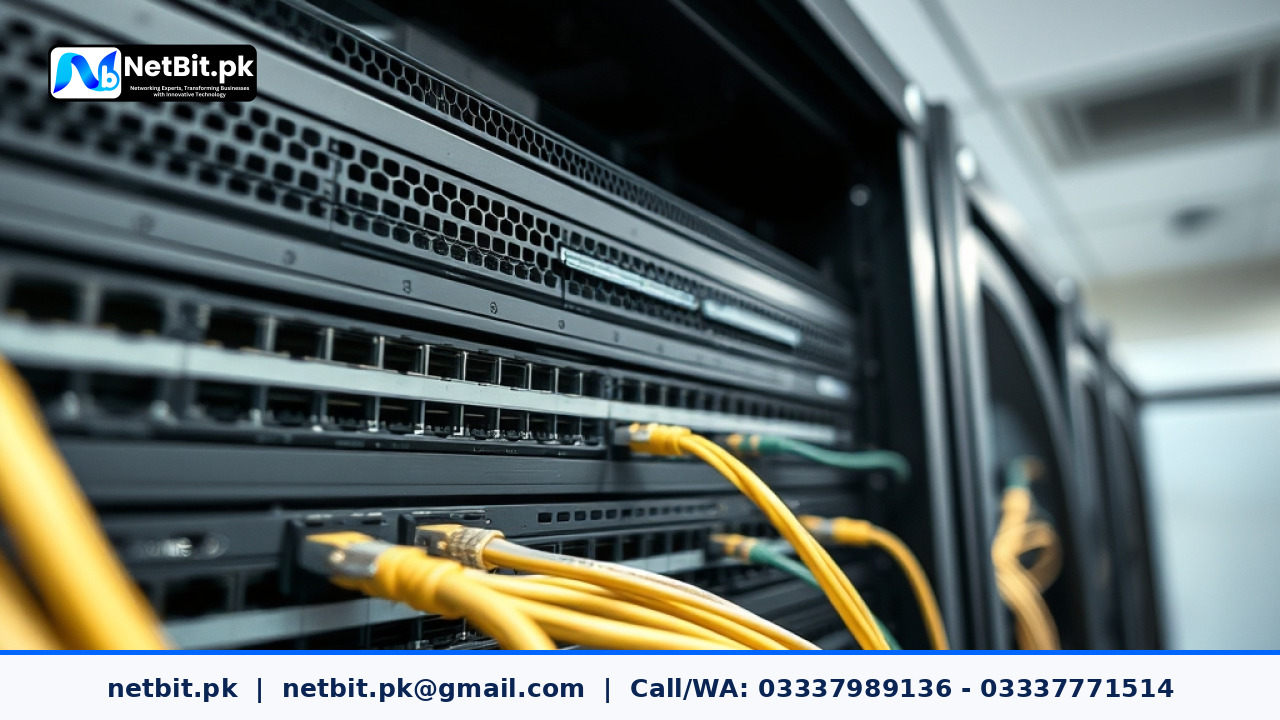
- Plan Port Allocation: Select adjacent ports on your switch to maintain clean cable management inside your server rack. Use matching Cat6 patch cords for equal signal propagation.
- Access the Switch Management Interface: Log into your switch console via web GUI or CLI. Navigate to the port trunking or LACP configuration menu.
- Create the LAG Group: Assign your chosen ports to a new aggregate group and enable dynamic LACP mode rather than static mode for better negotiation and error checking.
- Configure the Server End: Mirror the settings on your server's network interface cards (NIC teaming) to match the switch group configuration.
- Test Failover and Load: Unplug one active cable from the bundle while transferring a large file to verify that traffic seamlessly shifts to the remaining links.
Best Practices for Stable Network Infrastructure
To keep your aggregated links running smoothly over the long term, follow these essential maintenance guidelines:
- Use Quality Cabling: Always use certified Cat6 or fiber optic patch cords to prevent packet loss across bundled connections.
- Keep Firmware Updated: Regularly update your managed switch firmware to patch bugs related to LACP negotiation.
- Document Port Mappings: Label your rack cables clearly so technicians know which ports belong to specific aggregation groups during routine maintenance.
Frequently Asked Questions
Does link aggregation increase internet speed?
No. Link aggregation increases internal LAN bandwidth between your devices and switches. It does not increase your Internet Service Provider (ISP) broadband bandwidth package.
Can I use different speeds in a single aggregation group?
Generally, all ports in an LACP bundle must operate at the same speed (e.g., all 1Gbps ports) and duplex mode for stable packet distribution.
Partner with NetBit for Professional IT Infrastructure Solutions
Building a resilient, high-speed office network requires expert planning, precise configuration, and reliable hardware maintenance. At netbit, our experienced engineers specialize in designing robust corporate networks, structured Cat6 cabling, wireless point-to-point links, custom software integration, and comprehensive IT support tailored for Pakistani businesses. Whether you are upgrading an existing server rack or setting up a new office in Khuzdar or beyond, netbit software house provides dependable technology solutions that keep your operations running without interruption. Contact netbit tech today to discuss your infrastructure requirements and elevate your business connectivity.


Reader comments.
Share your question, suggestion or experience related to this article.
No comments yet
There are no approved comments on this article yet. You can be the first person to leave one.