
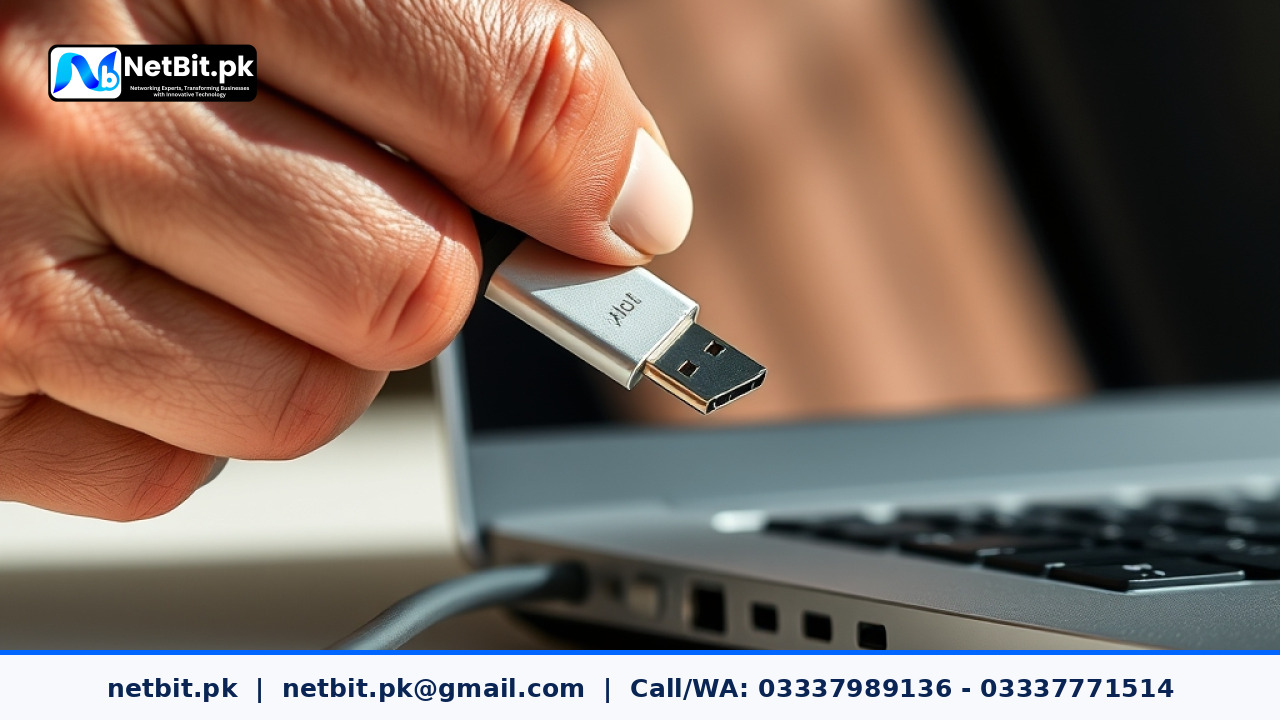
Introduction to Peripheral Systems in the Modern Office
When we talk about computer systems in a professional environment, we often focus solely on the CPU, RAM, or the operating system. However, a functional office relies heavily on a wide range of peripheral devices. These include printers, high-speed scanners, external storage drives, network switches, and even CCTV recording units. For businesses in Pakistan, ensuring these devices communicate perfectly with your main computers is essential for daily productivity.
Peripheral hardware updates are often overlooked until something stops working. You might find that after a Windows update, your office printer suddenly refuses to print double-sided, or your high-speed document scanner is no longer detected. These issues are usually not hardware failures but rather a mismatch in software communication. This guide will help you understand how to manage these updates effectively to keep your netbit tech infrastructure stable.
The Difference Between Drivers and Firmware
To manage your computer systems properly, you must understand the two types of updates associated with peripherals. Drivers are software files installed on your computer that tell the operating system how to talk to the hardware. Firmware, on the other hand, is software programmed directly into the peripheral device itself (like the internal logic of a network switch or a CCTV camera).
Why Driver Updates Matter
Drivers act as the translator. If your computer speaks a new version of Windows but your printer still speaks an older version, the translation fails. Keeping drivers updated ensures that your computer systems can utilize all the features of your hardware, such as energy-saving modes or advanced scanning resolutions.
The Role of Firmware Updates
Firmware updates often fix internal bugs or security vulnerabilities within the device. For networking equipment like switches or LiteBeam units used in Pakistani offices, firmware updates can improve data throughput and connection stability, which is vital for maintaining a fast internal network.
A Practical Guide to Updating Office Peripherals
Managing updates across multiple workstations requires a systematic approach. Whether you are a small business owner in Khuzdar or a large firm in Karachi, following these steps will prevent system crashes and hardware conflicts.
1. Identify Your Hardware Precisely
Before looking for updates, you must know the exact model number and hardware revision of your device. This information is usually found on a white sticker at the back or bottom of the device. Using the wrong driver can lead to 'Blue Screen of Death' (BSOD) errors on your computer systems.
2. Use Official Manufacturer Sources
Always download drivers and firmware directly from the manufacturer’s official website. Avoid third-party 'driver updater' software, as these often contain bloatware or incorrect files. For networking gear like Cat6 compatible switches or fiber patch systems, ensure you are on the regional support page that matches your hardware version.
3. Create a System Restore Point
Before installing any new peripheral driver, create a System Restore point in Windows. This allows you to 'roll back' your computer system to a working state if the new driver causes instability. To do this, type Create a restore point in your Windows search bar and follow the prompts.
Common Challenges in the Pakistani Technical Environment
Businesses operating in Pakistan face unique challenges when updating computer systems. Infrastructure issues can sometimes turn a simple update into a technical headache.
Handling Power Fluctuations
One of the biggest risks during a firmware update is a power outage. If a network switch or a CCTV NVR loses power while the firmware is being written, the device can become 'bricked' (permanently unfunctional). Always ensure your peripherals are connected to a stable UPS (Uninterruptible Power Supply) before starting a firmware update.
Internet Bandwidth Management
Large driver packages can be several hundred megabytes. In offices with limited bandwidth, downloading these updates during peak hours can slow down the entire team. It is best to schedule these downloads during off-peak hours or maintain a local repository of drivers on an office server managed by netbit software house specialists.
Managing Networked Peripherals: Switches and CCTV
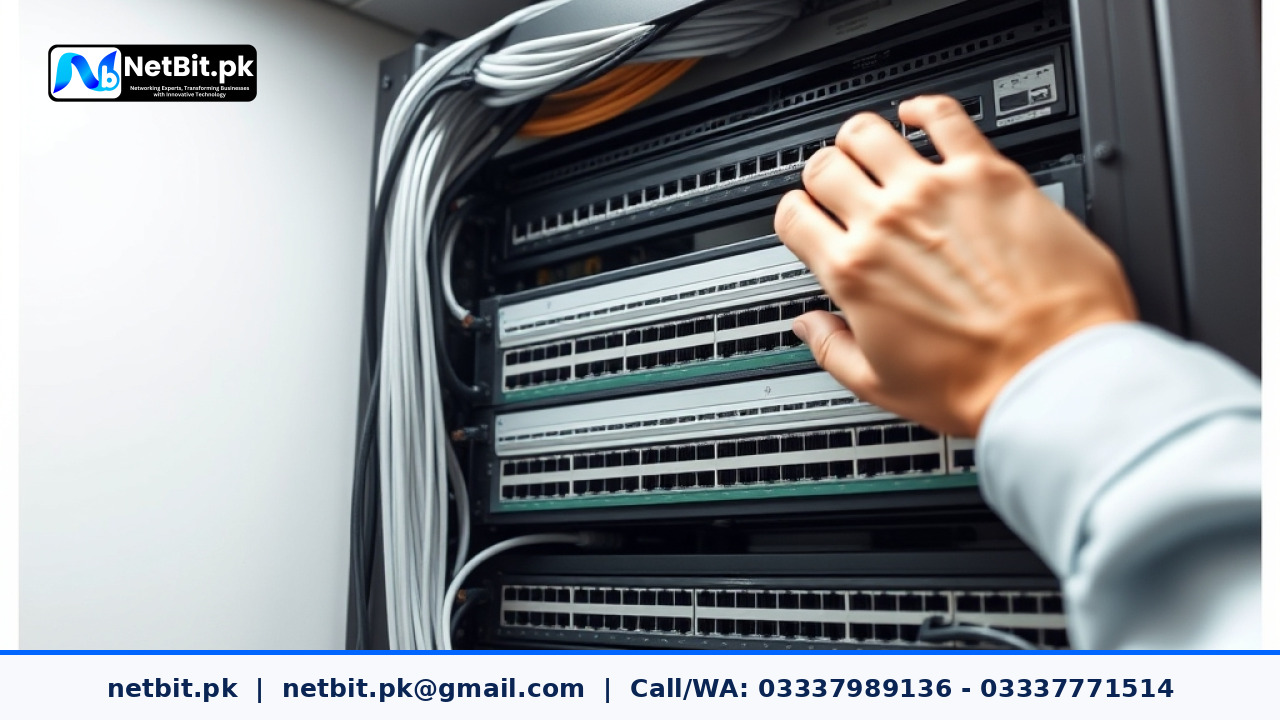
In a modern netbit khuzdar setup, many peripherals are connected via the network rather than USB. This includes your CCTV surveillance systems and network switches.
- CCTV Systems: Update your NVR firmware to ensure compatibility with newer mobile apps for remote viewing.
- Network Switches: Managed switches often require firmware updates to patch security holes that could allow unauthorized access to your local data.
- Network Cabling: while physical Cat6 or fiber patch cords don't have software, the devices they connect to do. Ensure your network cards have the latest drivers to handle high-speed data transfers.
Best Practices for Office IT Maintenance
To avoid sudden downtime, follow these simple rules for your computer systems:
- Don't Update Everything at Once: Update one workstation or one peripheral first. If it works for 24 hours without issues, proceed with the rest of the office.
- Keep a Driver Archive: Save the installation files for your printers and scanners on a shared network drive. This makes setting up new computers much faster.
- Read the 'ReadMe' File: Manufacturers often list 'Known Issues' in the update notes. If a known issue affects a critical part of your workflow, skip that update.
Partner with NetBit for Professional IT Maintenance and System Upgrades
Maintaining a complex network of computer systems, peripherals, and security hardware requires professional oversight. At NetBit Software House & Technology, we specialize in providing comprehensive IT solutions for Pakistani businesses. From setting up robust desktop systems and custom software to installing professional networking infrastructure using high-quality Cat6 cabling and fiber patch cords, our team ensures your technology works for you, not against you.
We understand the local landscape in Khuzdar and across Pakistan, offering expert CCTV surveillance installations and desktop system maintenance that prioritize stability and security. Whether you need a custom web application to manage your inventory or a complete office networking overhaul with LiteBeam and PowerBeam technology, NetBit Tech is your trusted partner. Contact NetBit today to audit your current computer systems and implement a professional maintenance strategy that keeps your business moving forward.

Reader comments.
Share your question, suggestion or experience related to this article.
No comments yet
There are no approved comments on this article yet. You can be the first person to leave one.