
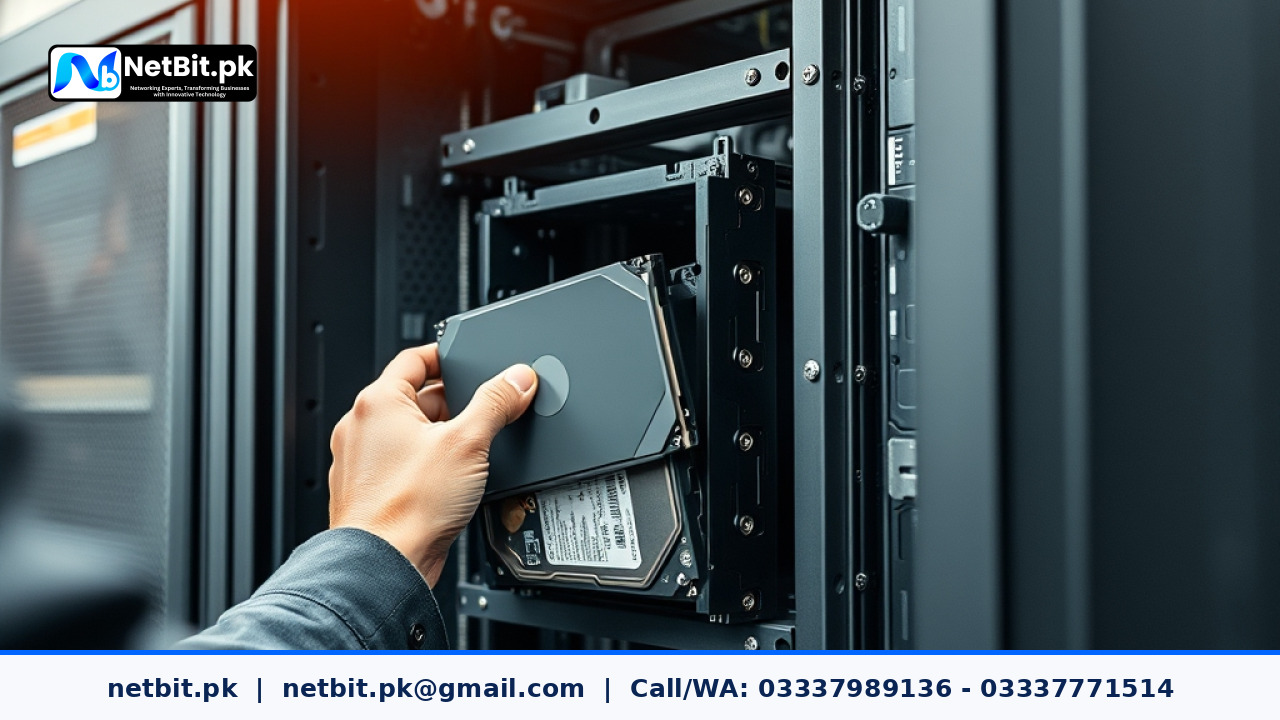
Understanding RAID Configuration for Business Servers
For any growing business in Pakistan, protecting company data is a top operational priority. Whether you are running local inventory systems, customer databases, or enterprise resource planning tools, hardware failures can cause devastating downtime. This is where RAID (Redundant Array of Independent Disks) comes into play. By combining multiple physical hard drives into a single logical unit, server administrators can achieve data redundancy, improved read/write speeds, or both.
At NetBit, our technical teams frequently help businesses in Khuzdar and across Pakistan design resilient IT infrastructures. Choosing the right RAID level depends entirely on your company's balance between budget, required storage capacity, and data security needs.
Common RAID Levels Explained for Office Environments
Before implementing a storage setup on your office server, it helps to understand how different RAID configurations handle data and disk failure:
- RAID 0 (Striping): Splits data evenly across two or more disks without parity or mirroring. It offers high performance, but if a single drive fails, all data is lost. It is rarely recommended for critical business servers unless used for temporary cache.
- RAID 1 (Mirroring): Writes identical data to two drives simultaneously. If one drive fails, the second drive takes over instantly with zero data loss. This is ideal for small business operating system drives.
- RAID 5 (Striping with Distributed Parity): Requires a minimum of three drives. It distributes data and parity information across all drives, offering a great balance of storage efficiency, read performance, and fault tolerance (surviving a single drive failure).
- RAID 10 (Combination of RAID 1 and RAID 0): Combines mirroring and striping across at least four drives. It provides exceptional speed and robust redundancy, making it the industry standard for heavy database servers and busy enterprise applications.
Step-by-Step Guide to Managing RAID Arrays
Properly setting up and maintaining a RAID array requires careful planning and execution. Follow these standard practices to ensure long-term stability:
- Assess Your Workload and Data Criticality: Determine how much downtime your business can tolerate. If zero data loss is non-negotiable, lean toward RAID 1 or RAID 10.
- Use Identical Hard Drives: Always use hard drives of the exact same capacity, speed, and model when building an array. Mixing different drive specs can cause performance bottlenecks and unpredictable array behavior.
- Configure Hardware RAID Controllers: Whenever possible, use a dedicated hardware RAID controller card with battery backup rather than software RAID. Hardware controllers offload processing tasks from the server CPU.
- Set Up Email Alerts and Monitoring: Configure your server RAID management software to send automated email notifications if a drive degrades or fails, allowing for immediate hot-swap replacement.
- Maintain Regular Offsite Backups: Remember that RAID is for high availability and uptime, not a substitute for proper backups. Always back up critical files to external storage or cloud repositories.
Collaborate with NetBit for Reliable Server Solutions
Managing server architecture, network switches, Cat6 cabling, and overall IT infrastructure requires specialized expertise. If your business needs dependable server setup, routine maintenance, custom software, or networking solutions, netbit tech is your trusted local partner. Based in Khuzdar, netbit khuzdar delivers professional, high-performance IT services tailored to Pakistani enterprises. Contact netbit software house today to discuss how we can secure and optimize your digital operations.



Reader comments.
Share your question, suggestion or experience related to this article.
No comments yet
There are no approved comments on this article yet. You can be the first person to leave one.