

Understanding Service Dependencies in Business Environments
In a professional IT environment, your business software and network infrastructure rely on a complex web of services. A service dependency occurs when one software component or background process cannot function unless another service is already running. For businesses in Khuzdar and across Pakistan, failing to manage these dependencies is a leading cause of unexpected server crashes and application failures.
Why Service Dependency Management Matters
When a primary service—such as a database engine—fails to start, it often takes down dependent applications like your internal web portals or inventory systems. By properly monitoring these dependencies, IT administrators at NetBit can identify the root cause of a failure before it impacts your daily operations. Proper maintenance ensures that services start in the correct sequence, preventing 'service start timeout' errors.
How to Audit and Monitor Dependencies
To maintain a stable server environment, follow these practical steps:
- Use the Service Control Manager: On Windows Server, navigate to the 'Services' management console. Right-click any service and select 'Properties' followed by the 'Dependencies' tab to see exactly what services your application requires.
- Review System Event Logs: The Event Viewer is your primary tool for troubleshooting. Look for Error IDs related to service timeouts. These logs often explicitly state which dependent service failed to respond.
- Implement Automated Health Checks: Instead of manual checks, use scripts to ping your critical services. If a dependency fails, the script should alert your IT lead immediately.
- Update Service Startup Types: Set secondary, non-essential services to 'Automatic (Delayed Start)' to allow primary system services to initialize first during a server reboot.
Maintaining Your Infrastructure
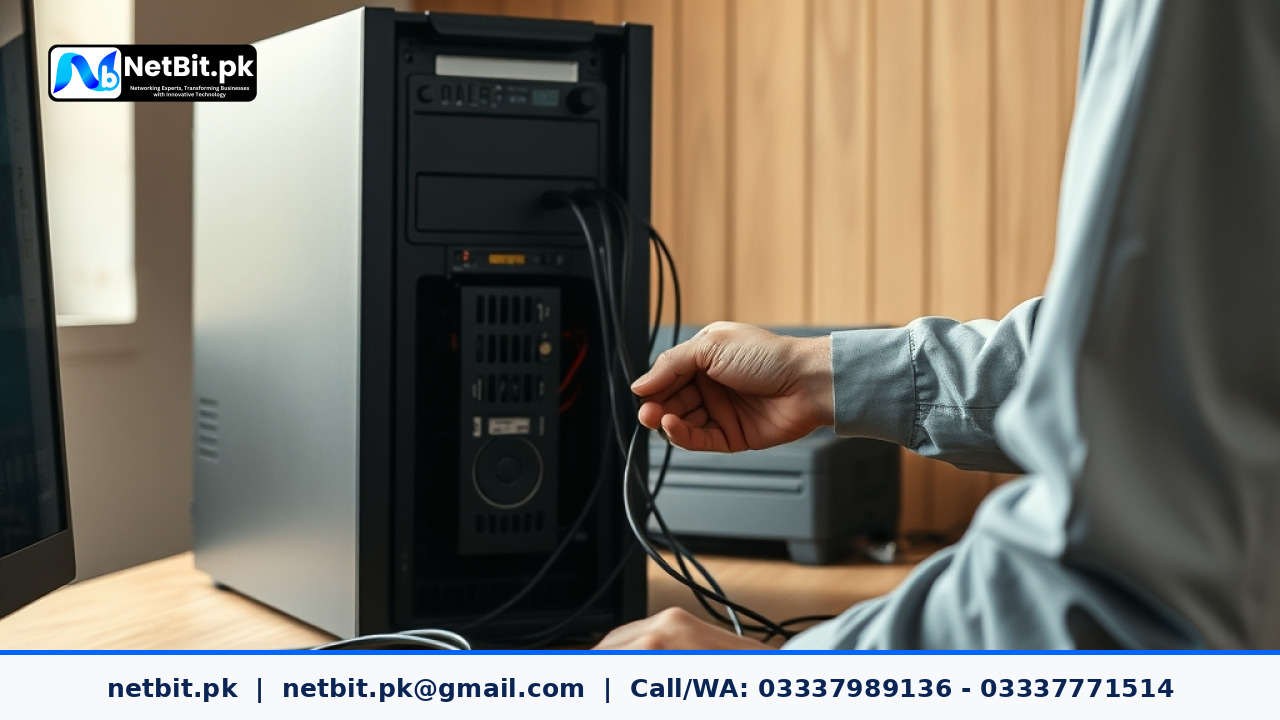
Beyond software dependencies, the physical health of your network is paramount. At NetBit software house, we emphasize that cable management, such as properly organizing Cat6 runs and ensuring fiber patch cords are not bent, directly influences the stability of your hardware-dependent services. A loose connection can cause a network interface service to drop, triggering a cascade of failures in your business software.
Professional IT Maintenance with NetBit Tech
Managing server dependencies and network integrity is a full-time commitment that requires specialized expertise. Whether you are struggling with recurring software crashes or need a complete overhaul of your office networking, the team at NetBit is here to support your business growth. We provide comprehensive IT maintenance, custom software development, and robust CCTV surveillance solutions tailored to the needs of Pakistani businesses. Don't let technical debt slow you down. Contact NetBit Khuzdar today to schedule an infrastructure audit and ensure your systems remain stable, secure, and efficient.


Reader comments.
Share your question, suggestion or experience related to this article.
No comments yet
There are no approved comments on this article yet. You can be the first person to leave one.