
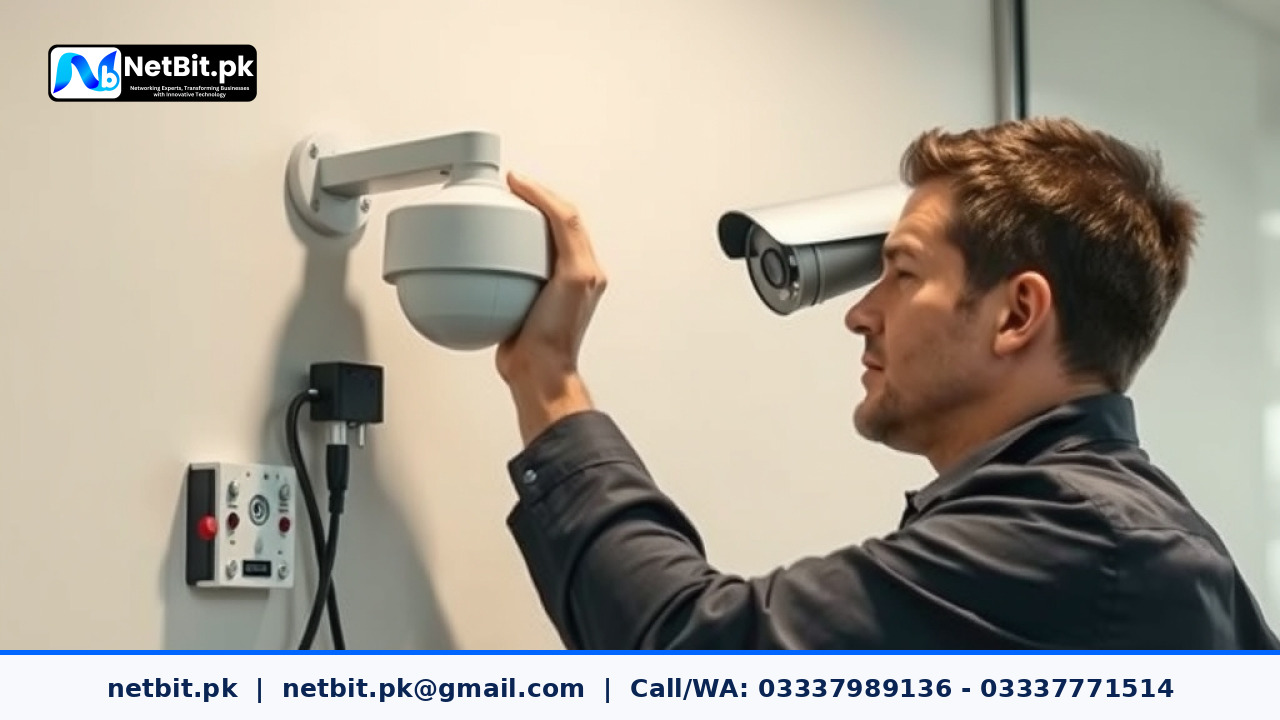
Introduction to Proper CCTV Camera Placement
Securing a business property requires more than just buying high-end equipment. Proper camera placement determines whether your surveillance system will protect your assets or leave blind spots. When installing security setups, many users mistakenly mount lenses too high or point them directly into bright sunlight. At NetBit, our technical team often assists businesses in optimizing their physical security layouts. Whether you are using a standard computer workstation to monitor live feeds or reviewing recordings via a mobile app, proper camera positioning ensures clear footage of every entry point and critical zone.
Choosing the Right Mounting Height and Angle
The physical height of your CCTV camera directly affects the clarity of captured faces and objects. Mounting a lens too high creates a steep downward angle, making it difficult to recognize individuals. Conversely, placing a camera too low makes it vulnerable to tampering or vandalism.
- Optimal Height: Mount outdoor units between 8 to 10 feet off the ground for balanced perspective and safety.
- Downward Tilt: Angle the lens slightly downward toward key pathways rather than pointing it straight out toward the horizon.
- Lighting Considerations: Avoid aiming lenses directly at bright light sources, streetlights, or glaring windows, as high contrast will wash out the video details.
Using sturdy data cables and secure network switches to connect your cameras ensures uninterrupted video feeds to your recording hardware. NetBit tech experts recommend testing each camera angle live using a laptop or monitor before locking the mounting screws permanently.
Overcoming Common Obstacles and Environmental Challenges
Physical environments often present challenges such as pillars, overhead tree branches, or moving vehicles that can obstruct the field of view. When planning your installation layout, walk through your facility and map out potential visual barriers. Ensure that cat6 cable runs are securely routed away from power lines to prevent signal interference that might degrade video quality.
Regular maintenance is just as important as initial setup. Dust, cobwebs, and monsoon rains can accumulate on outdoor glass covers. Schedule routine checks to clean camera lenses and verify that your internal storage software or NVR systems are recording without dropped frames. If you notice connectivity issues, inspect your local network switch and connected power adapters to ensure stable operation.
Partner with NetBit Tech and Software House Today
Designing a reliable surveillance network takes careful planning, proper hardware placement, and dependable software integration. If your business needs professional assistance with configuring CCTV systems, setting up secure viewing applications, or streamlining your office technology, our team is ready to help. Reach out to NetBit tech and software house today to discuss your security requirements and let our experts build a tailored solution for your organization.


Reader comments.
Share your question, suggestion or experience related to this article.
No comments yet
There are no approved comments on this article yet. You can be the first person to leave one.