
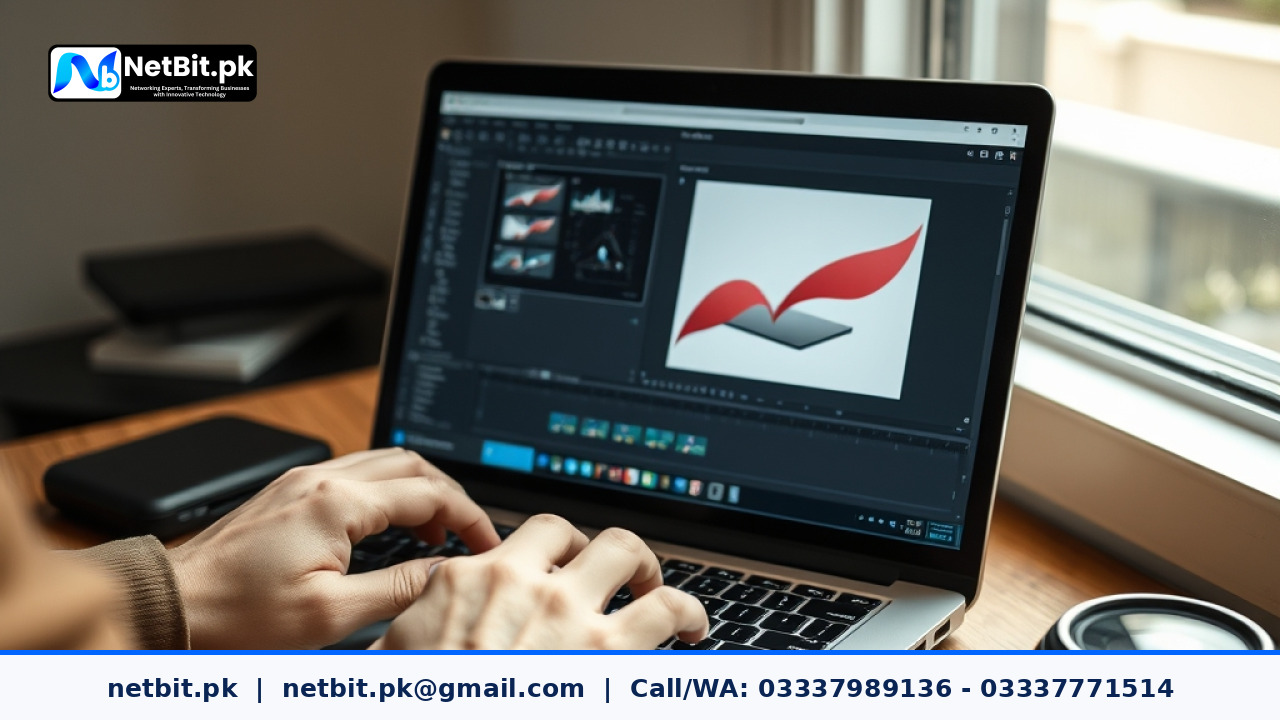
Understanding Vector Graphics and Scalability
In the world of graphics and branding, the ability to scale your visual assets without sacrificing quality is essential. Whether you are designing a small social media icon or a massive billboard for a storefront in Khuzdar or Lahore, your brand identity must remain sharp, clear, and professional. Unlike raster images (such as JPEGs or PNGs), which are made of pixels and lose clarity when enlarged, vector graphics are built using mathematical formulas, lines, curves, and points. This fundamental difference allows vectors to scale infinitely.
For local businesses across Pakistan, maintaining consistent visual quality across diverse marketing channels builds customer trust. When your logo looks crisp on a mobile phone screen and equally sharp on a printed product packaging box, it communicates professionalism. However, proper scaling requires more than just stretching an image file; it involves careful handling of strokes, text outlines, and resolution settings.
Key Steps to Properly Scale Vector Files
To ensure your vector graphics adapt seamlessly from digital screens to large format print materials, follow these practical steps:
- Convert Strokes to Outlines: When scaling vector illustrations or logos, line weights (strokes) can sometimes remain static while the object grows, throwing off the proportions. Always convert your strokes to outlines (paths) before finalizing your file export.
- Lock Aspect Rations: Never distort a logo or icon by manually dragging only one side. Always hold down the shift key or lock the aspect ratio proportions in design software to prevent warping your brand identity.
- Clean Up Unnecessary Points: Complex vector paths with redundant anchor points can create rendering errors when scaled down significantly or when sent to commercial printing presses. Simplify your paths for cleaner output.
- Test Across Multiple Mediums: Before sending a design to print or publishing it online, preview it at 100% scale on a desktop monitor, zoom out to mobile viewing size, and test print a proof copy on an office printer.
Common Mistakes to Avoid
Many business owners make the mistake of embedding raster images inside a vector file format and assuming the entire file is fully scalable. If a raster photo is placed inside an Illustrator file, zooming in will still cause pixelation. Another common error is failing to embed or outline fonts, which leads to missing typography errors when the file is opened on a different computer system.
Frequently Asked Questions
Can I convert a JPEG logo into a vector graphic?
Yes, you can manually trace a JPEG or use automatic image-tracing tools in vector software, but manual tracing usually yields cleaner, more professional results for corporate branding.
What file formats should I use for printing vectors?
Standard professional formats include .EPS, .AI, and high-quality .PDF files that retain editable vector path data.
Elevate Your Brand Identity with NetBit Tech
Struggling to build a cohesive, scalable brand identity that stands out in the Pakistani market? At netbit, our creative and technical teams work hand-in-hand to deliver exceptional digital experiences and robust corporate branding. Based in Khuzdar, netbit tech combines top-tier graphic design expertise with comprehensive IT solutions, including custom software development, mobile app creation, secure networking, and reliable CCTV installations. Let netbit khuzdar help your business make a lasting impression. Contact netbit software house today to discuss your next branding or technology project.



Reader comments.
Share your question, suggestion or experience related to this article.
No comments yet
There are no approved comments on this article yet. You can be the first person to leave one.