
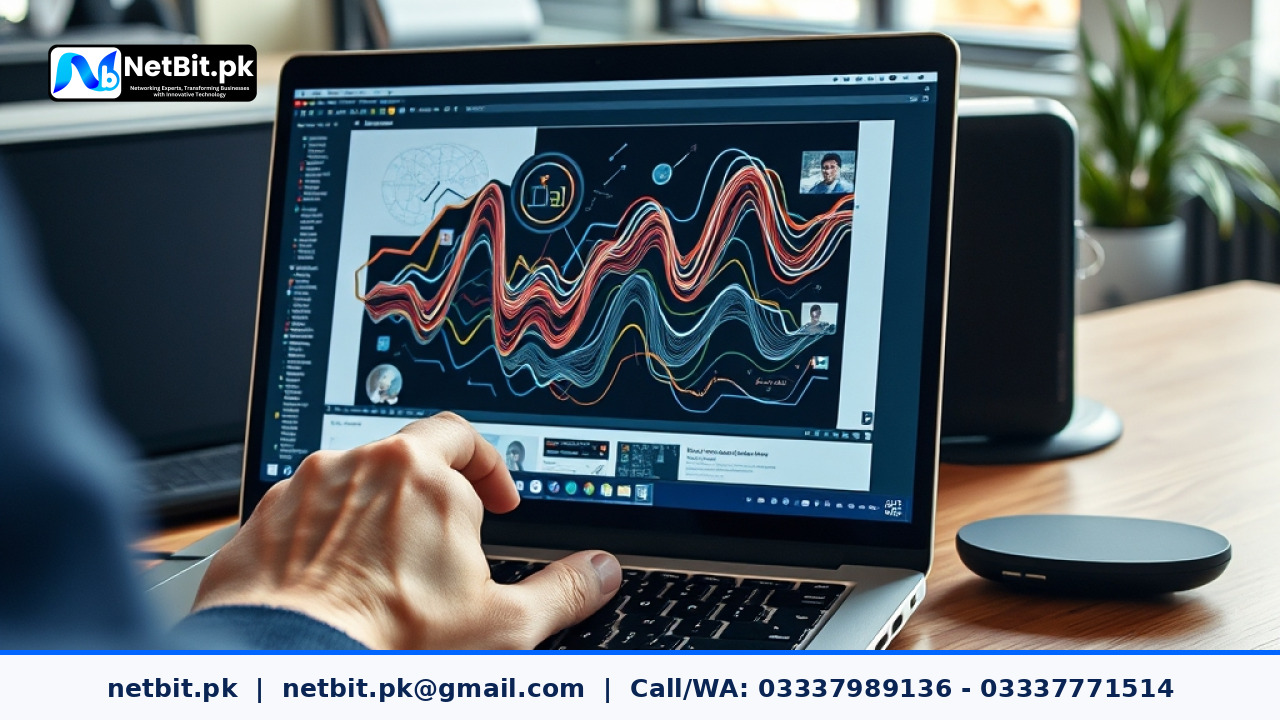
Understanding Vector Graphics for Pakistani Businesses
When launching a new business or refreshing an existing corporate identity in cities like Khuzdar, Quetta, or Karachi, your visual branding is often the first thing a potential customer notices. From storefront signboards to mobile app icons, your logos and graphics must remain crisp, clear, and professional. However, many business owners run into a common issue: logos that look blurry when printed on large banners or pixelated when zoomed in on a high-definition smartphone screen. The secret to avoiding this lies in understanding how to properly scale vector graphics.
Unlike raster images (like JPEGs or PNGs) which are made of fixed pixels, vector graphics are built using mathematical formulas, lines, curves, and points. This means you can scale a vector graphic down to fit a business card or up to cover a massive billboard without losing an ounce of quality. Whether you are working with an in-house designer or outsourcing your visual branding, knowing the fundamentals of vector scaling will save you time, printing costs, and design headaches.
Why Vector Scaling Matters for Local Brands
In the local Pakistani market, branding appears across a diverse range of mediums. You might need your brand logo on a small envelope, a social media post, a flex banner, or even embroidered on employee uniforms. If your designer creates your logo using raster software or fails to outline strokes properly, scaling errors will occur. Here are the core reasons why getting vector scaling right is essential for your business:
- Infinite Scalability: Vector files maintain sharp edges at any size, ensuring your brand looks professional whether viewed on a 2-inch phone display or a 20-foot outdoor sign.
- File Versatility: Standard vector formats like SVG, AI, and EPS can be easily adapted for web applications, mobile apps, and high-end printing presses.
- Consistent Color Profiles: Properly structured vector files allow for seamless transitions between RGB (for digital screens) and CMYK (for physical print) color spaces.
- Clean Editing: Scalable vector graphics allow designers to modify shapes, adjust proportions, and update typography without redrawing the entire asset from scratch.
Step-by-Step Guide to Scaling Vector Assets Properly
To ensure your graphics look sharp across all platforms, follow these practical steps when preparing your vector files for production:
- Lock Proportions Constantly: When resizing graphics in design software like Adobe Illustrator or Inkscape, always hold down the shift key or lock the aspect ratio to prevent the logo from distorting vertically or horizontally.
- Outline All Strokes and Text: Before sending a file to a printer or developer, convert all text to outlines (paths). If the printer's computer does not have your specific font installed, un-outlined text will default to a generic font and ruin your design.
- Clean Up Stray Anchor Points: Zoom in closely to inspect your vector paths. Delete hidden, stray anchor points or overlapping lines that can cause weird rendering errors during printing or web coding.
- Export in the Correct Format: Use SVG for responsive web applications and mobile apps where file size and crisp rendering matter. Use high-resolution EPS or PDF formats for commercial printing presses and signmakers.
Frequently Asked Questions
Can I convert a JPEG logo into a vector file easily?
You cannot simply change the file extension from .jpg to .ai. A JPEG is made of pixels, so converting it requires manually tracing the image using vector pen tools or using automated trace features, followed by manual cleanup to ensure smooth curves.
Why does my vector graphic look blurry on my website?
If your SVG or vector graphic looks blurry on a website, it is usually because it has been embedded incorrectly as a rasterized image or exported with raster effects rasterized at a low PPI (pixels per inch). Ensure you are embedding clean SVG code directly or using properly exported vector formats.
What file formats should my designer hand over?
Always request the master vector file (such as .AI or .EPS), along with scalable .SVG versions for digital use, and high-resolution PDF proofs for printing.
Partner with NetBit Tech for Professional Branding and IT Solutions
At NetBit Software House & Technology (netbit.pk), based right here in Khuzdar, we understand the unique digital and branding needs of businesses across Pakistan. Beyond our core expertise in custom software development, mobile applications, robust networking, and CCTV security installations, we help businesses build cohesive, professional visual identities that stand out in the marketplace. Whether you need custom web applications, responsive user interfaces, or comprehensive brand graphics, our team ensures your digital presence is built to perform and scale seamlessly. Contact netbit today to discuss how we can elevate your business technology and branding.


Reader comments.
Share your question, suggestion or experience related to this article.
No comments yet
There are no approved comments on this article yet. You can be the first person to leave one.