
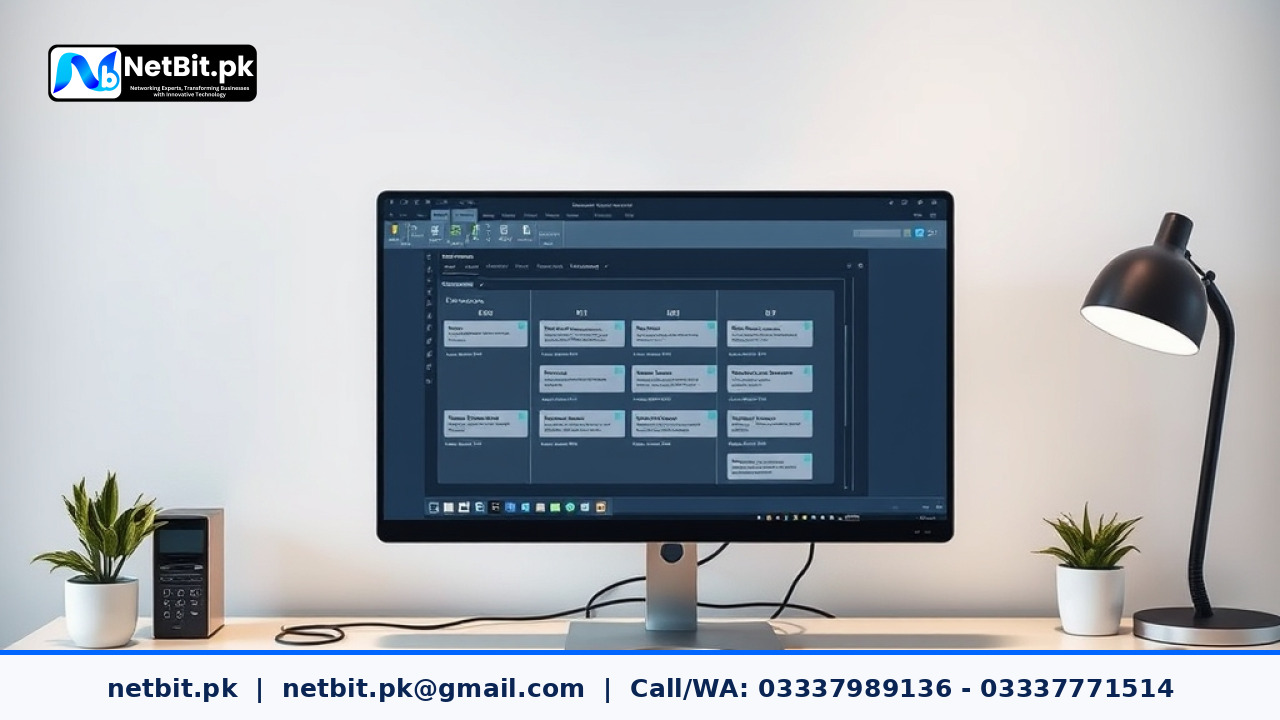
Introduction to Document Version Control in Office Automation
Managing daily paperwork, shared spreadsheets, and collaborative files can quickly become confusing for growing organizations. When multiple team members edit the same files simultaneously, confusion arises over which version is final. Setting up a reliable document version control workflow within your office automation system removes this friction, ensuring everyone works from the correct document while keeping a clear audit trail.
At netbit, we frequently help local businesses structure their digital files efficiently. Whether you operate a small office in khuzdar or manage a broader enterprise network, adopting automated versioning saves countless hours and prevents costly mistakes.
Why Traditional File Sharing Falls Short
Many offices still rely on traditional folders shared across a local network or sent back and forth via email attachments. This traditional approach introduces several persistent challenges:
- File Overwrites: Two team members might save changes at the same time, leading to lost data and overridden updates.
- Naming Confusion: Files end up with chaotic names like Final_Draft_v2_final_edited.docx, making it nearly impossible to trace the correct history.
- Lack of Accountability: Knowing who made specific changes and when those changes occurred becomes difficult to track without logs.
Office automation solves these hurdles by centralizing storage and applying automated metadata rules every time a file is modified.
Core Steps to Set Up Automated Version Control
Implementing an automated tracking structure does not require complex programming knowledge. Follow these practical steps to organize your office documents effectively:
- Choose a Centralized Repository: Select a secure cloud storage platform or an on-premise server solution that natively supports file versioning.
- Establish Clear Naming Standards: Define consistent naming conventions for root files so that automated systems can properly group related revisions.
- Configure Automatic Check-In and Check-Out: Set your office automation software to lock a file when one user is actively editing it, preventing concurrent conflicting edits.
- Enable Retention Policies: Configure your system to automatically archive minor edits while keeping major milestone versions accessible for review.
Testing Your Network Connection Before Syncing Large Files
Automated cloud syncing and version control workflows rely heavily on a stable internet connection. If your office network experiences sudden drops or high latency, large document syncs may fail or corrupt file headers. Before deploying large-scale office automation software, it is wise to run an internet speed test to verify your upload and download bandwidth capacities. Ensuring stable bandwidth prevents interrupted file sync sessions and keeps your team productive.
Best Practices for Maintaining Clean File Archives
Once your automated versioning system is active, regular maintenance ensures long-term reliability. Schedule monthly reviews to check storage utilization, archive outdated project folders, and verify that user permission levels remain secure. Proper access control ensures that only authorized personnel can restore previous document versions or delete archived records.
Partner with NetBit Tech and Software House
Streamlining your administrative tasks and document workflows requires dependable technical guidance tailored to your operational needs. If you are ready to modernize your workplace procedures, our team at netbit tech software house is here to help you build resilient systems. Get in touch with us today to discuss your next office automation project and become a valued client of netbit tech and software house.


Reader comments.
Share your question, suggestion or experience related to this article.
No comments yet
There are no approved comments on this article yet. You can be the first person to leave one.