
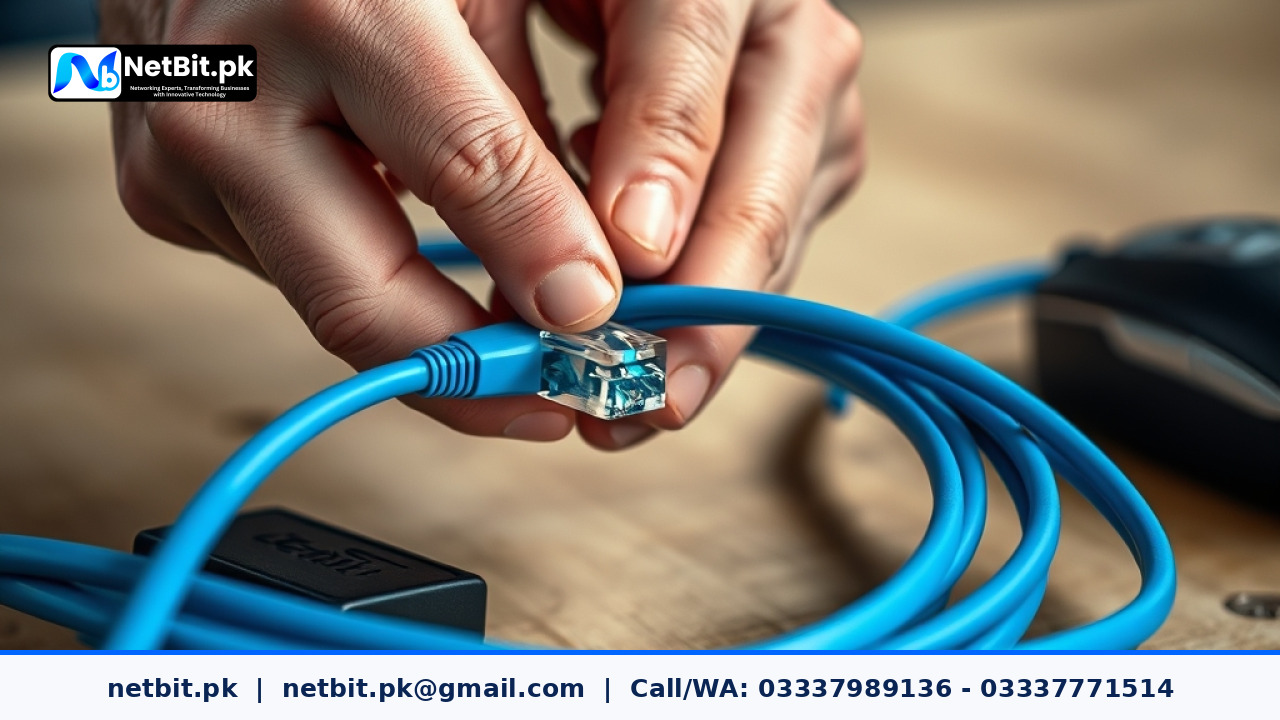
Understanding Cat6 Cable Termination for Business Networks
A stable and dependable office network depends heavily on physical infrastructure. While wireless networks are convenient, hardwired Ethernet connections remain the backbone of any serious business operation in Pakistan. Whether you are running data to desktop computers, IP security cameras, or wireless access points, using Cat6 cables ensures high-speed data transmission without packet loss.
However, running the cable is only half the job. Proper cable termination—attaching the RJ45 connectors or punching down wires into keystone jacks—is critical. Poorly terminated cables lead to intermittent dropouts, slow file transfers, and frustrating network downtime. In this guide, we break down the practical steps to properly terminate Cat6 cables for your office network.
Tools Required for Cat6 Cable Termination
Before starting any cabling job, ensure you have the correct tools on hand. Using subpar tools often results in damaged wires or loose pins:
- Cat6 Cable: Ensure you use solid copper or stranded UTP Cat6 cables suited for your environment.
- RJ45 Connectors: Pass-through RJ45 connectors designed specifically for Cat6 cables make alignment much easier.
- Crimping Tool: A heavy-duty ratcheting crimper that handles standard and pass-through plugs.
- Cable Stripper: Designed to score the outer PVC jacket without nicking the inner copper pairs.
- Wire Snips or Scissors: For trimming internal wires cleanly to length.
- Cable Tester: An essential diagnostic tool to verify continuity and pinout accuracy after termination.
Step-by-Step Guide to Terminating Cat6 Cables
Follow these structured steps to ensure a clean, reliable connection every time:
1. Strip the Outer Jacket
Measure about 2 inches from the end of your Cat6 cable. Use your cable stripper to score the outer jacket by rotating it gently around the cable. Peel away the jacket to reveal the four twisted pairs and the internal plastic spline. Cut away the plastic spline and any pull string using your wire snips.
2. Untwist and Align the Wires (T568B Standard)
Cat6 cables feature four pairs of twisted wires. Untwist the wires carefully right up to the edge of the jacket. In Pakistan, commercial and office installations overwhelmingly follow the T568B wiring standard. Arrange the colored wires strictly in this left-to-right order:
- White/Orange
- Orange
- White/Green
- Blue
- White/Blue
- Green
- White/Brown
- Brown
3. Trim and Insert into the Connector
Hold the aligned wires firmly between your thumb and forefinger. Use your wire snips to cut the ends straight across, leaving about half an inch (12mm) exposed. If you are using pass-through connectors, push the wires straight through the front holes until the outer jacket sits slightly inside the base of the connector. Double-check that the color sequence remains correct before crimping.
4. Crimp and Test the Cable
Insert the RJ45 plug into your crimping tool and squeeze the handles firmly until the ratchet releases. The tool will push the metal pins down into the copper wires while locking the strain relief clip into place. Finally, plug both ends of your newly terminated cable into a cable tester to verify that all eight LED lights blink in numerical sequence.
Partner with NetBit for Professional Network Infrastructure
Proper cabling is foundational to business productivity. If your office in Khuzdar or across Pakistan requires structured Cat6 cabling, switch installations, fiber patch cord routing, or LiteBeam and PowerBeam wireless setups, professional assistance saves you time and prevents costly operational delays.
At netbit, our technical team specializes in end-to-end IT infrastructure and networking services. From custom software development and web applications to robust office networking and IT maintenance, netbit tech provides dependable solutions tailored to your business budget. Contact netbit software house today to discuss your networking requirements and secure your office infrastructure for the future.



Reader comments.
Share your question, suggestion or experience related to this article.
No comments yet
There are no approved comments on this article yet. You can be the first person to leave one.