
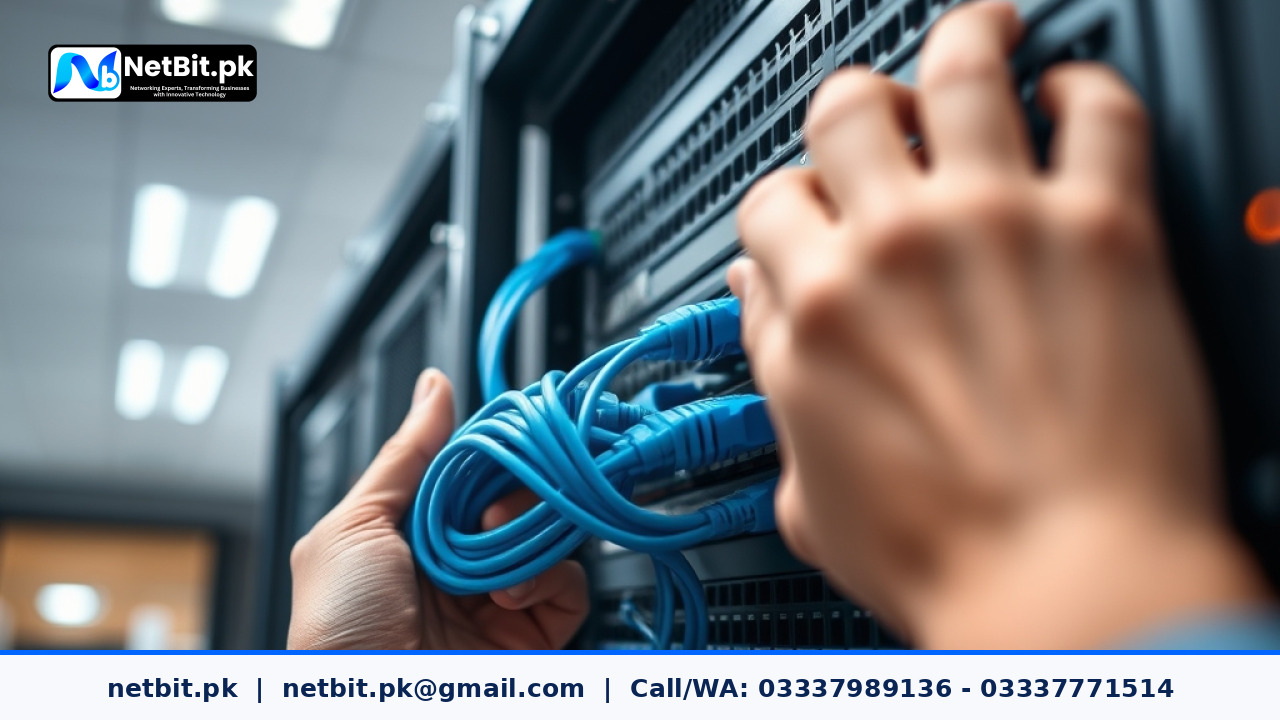
Understanding Network Switch Firmware Maintenance
For Pakistani businesses, maintaining a stable and secure local network is just as important as having reliable internet access. Network switches form the physical backbone of your office infrastructure, connecting computers, printers, network-attached storage, and internet gateways. Over time, manufacturers release firmware updates to patch security vulnerabilities, fix bugs, and improve hardware performance. Skipping these updates can leave your organization exposed to data breaches, internal network stalls, and hardware malfunctions.
At netbit, our technical teams frequently encounter office networks suffering from erratic behavior simply because core network hardware has run on outdated firmware for years. Proper maintenance and support routines must include scheduled firmware checks for all managed and unmanaged switches deployed across your facility.
Step-by-Step Guide to Updating Switch Firmware Safely
Executing a firmware update on networking gear requires careful planning to prevent accidental downtime during business hours. Follow this practical, step-by-step tutorial to keep your hardware running smoothly.
1. Backup Current Configuration Files
Before initiating any software or firmware update on your network switches, always export and download the active configuration file. If anything fails during the update process, having a verified backup ensures you can restore VLAN settings, port configurations, and IP assignments within minutes.
2. Verify the Exact Hardware Model and Revision
Hardware manufacturers often produce multiple hardware revisions under the same model name. Log into your switch management interface using tools like SSH or the web GUI, and verify the exact model number and current firmware version. Downloading the wrong firmware file can permanently brick the device.
3. Schedule the Update During Off-Peak Hours
Network switch reboots cause temporary connection drops for all connected devices. Plan your maintenance window during late evenings or weekends when office staff are offline. This minimizes disruption to daily business operations.
4. Download and Verify the Firmware Package
Obtain the official firmware image directly from the vendor's support portal. Compare the file checksum (MD5 or SHA256) provided by the manufacturer to ensure the download is uncorrupted and safe to install.
5. Upload and Apply the Update
Upload the firmware file to the switch via TFTP, FTP, or the administrative web dashboard. Once uploaded, initiate the update sequence and select the option to reboot the switch into the new image. Do not power off the device or disconnect network cables while the installation progress bar is running.
6. Post-Update Testing and Verification
After the switch reboots successfully, log back into the management dashboard. Confirm that the new firmware version displays correctly. Test connectivity by pinging local workstations and verifying that trunk ports, VLAN tags, and network links operate as expected.
Common Maintenance Challenges in Pakistani Offices
Many offices face unique challenges when maintaining physical IT assets:
- Power Fluctuations: Sudden voltage drops or load shedding can interrupt firmware flashing, leading to corrupted boot partitions. Always ensure your network gear is connected to a stable UPS during updates.
- Documentation Gaps: Organizations often lose administrative login credentials over time. Routine maintenance must include auditing and securely storing all device passwords.
- Lack of Dedicated IT Staff: Small to medium businesses in regions like Khuzdar may lack in-house network engineers to safely manage complex infrastructure updates.
Frequently Asked Questions
How often should network switch firmware be updated?
It is recommended to check for security patches and firmware updates quarterly. However, critical security advisories from manufacturers should be applied immediately.
What happens if power fails during a switch firmware update?
If power cuts out during a flash write, the switch may fail to boot. Many enterprise switches feature dual image banks to recover automatically, but basic models may require manual recovery using a console cable.
Can unmanaged switches be updated?
No. Unmanaged switches operate strictly on hardware logic and do not feature a management interface, IP address, or updatable firmware.
Partner with NetBit for Reliable IT Maintenance & Support
Keeping your office networking infrastructure secure, updated, and optimized requires specialized technical expertise. Whether you need structured cabling, CCTV installation, custom software solutions, or comprehensive network maintenance, netbit software house & technology delivers professional IT services across Pakistan. Let our experienced technicians handle your hardware upkeep so your team can focus entirely on growing your business. Contact netbit tech today to discuss a customized maintenance plan tailored to your organization's exact requirements.



Reader comments.
Share your question, suggestion or experience related to this article.
No comments yet
There are no approved comments on this article yet. You can be the first person to leave one.