
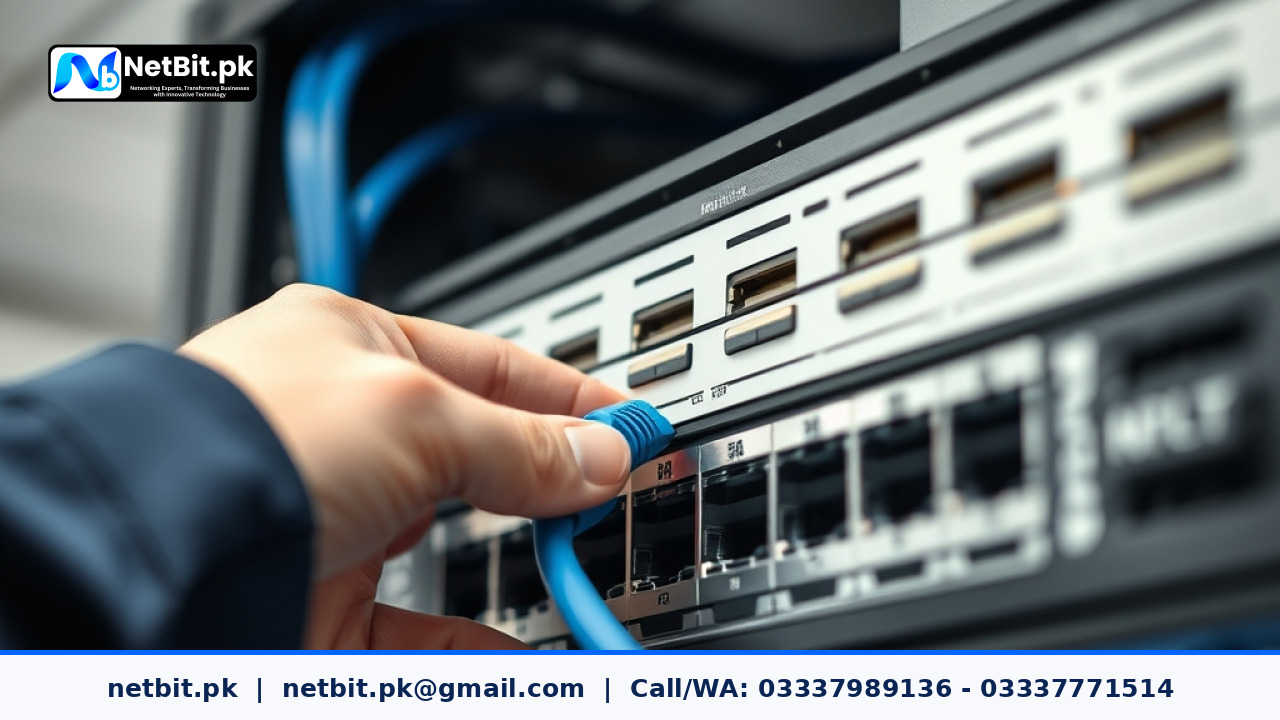
Understanding the Importance of Switch Firmware Upgrades
In any office environment across Pakistan, reliable networking forms the backbone of daily operations. Whether you run a bustling startup in Lahore or a growing business in Khuzdar, your local area network (LAN) relies heavily on managed and unmanaged network switches. Over time, hardware manufacturers release firmware updates to patch critical security vulnerabilities, fix bugs, and optimize performance. Ignoring these updates can leave your office vulnerable to network bottlenecks, unauthorized access, and unexpected downtime.
At NetBit, our IT support team regularly assists businesses in maintaining robust network infrastructures. Proper maintenance ensures your hardware performs reliably under heavy office workloads without sudden dropouts.
Prerequisites Before Updating Switch Firmware
Before initiating any firmware upgrade on your office network switches, careful preparation is required to prevent configuration loss or bricked devices. Follow these essential preliminary steps:
- Check Current Version: Log into the switch management interface or run diagnostic commands to verify the exact current firmware version and hardware model.
- Backup Configurations: Always export and save a current copy of your switch configuration file to a secure local drive.
- Schedule Maintenance Windows: Perform updates during off-peak hours—such as late evenings or weekends—to minimize disruption to employees and clients.
- Ensure Stable Power: Connect your critical switches and management laptops to uninterrupted power supply (UPS) units. A sudden power outage during a flash update can permanently damage the device.
Step-by-Step Procedure to Update Switch Firmware
Executing a firmware update requires careful execution. While specific interfaces vary across brands like Cisco, TP-Link, or MikroTik, the core methodology remains consistent:
- Download the verified, matching firmware binary file directly from the official manufacturer support portal.
- Access the switch's web-based graphical user interface (GUI) or command-line interface (CLI) using administrative credentials.
- Navigate to the system maintenance, firmware upgrade, or flash management section.
- Browse and select the downloaded firmware file from your local workstation storage.
- Initiate the upload and update process. Do not refresh the browser, disconnect network cables, or power down the switch while the installation is underway.
- Once the switch automatically reboots, log back in to verify that the new version is running and that your configuration settings remain intact.
Troubleshooting Common Update Issues
Occasionally, technicians may encounter unexpected hurdles during a firmware flash. If the switch fails to boot or becomes unreachable:
- Use a console cable to connect directly to the switch serial port for real-time boot logs.
- Verify that the checksum of the downloaded file matches the manufacturer's provided hash to rule out corruption.
- Perform a factory reset only as a last resort, then restore your previously saved configuration backup.
For organizations lacking dedicated internal IT staff, managing firmware lifecycles can become overwhelming. Partnering with netbit tech ensures your hardware stays updated without risking operational continuity.
Partner with NetBit Software House & Technology
Keeping an office network secure, fast, and resilient demands ongoing professional oversight. From structured cabling and wireless point-to-point links to comprehensive IT maintenance and custom software development, netbit khuzdar delivers dependable technology solutions tailored to Pakistani businesses. If your organization requires expert network support, proactive maintenance plans, or custom web and mobile applications, trust the specialists at netbit software house. Contact our team today to discuss your digital and physical infrastructure needs and secure your business operations for the future.


Reader comments.
Share your question, suggestion or experience related to this article.
No comments yet
There are no approved comments on this article yet. You can be the first person to leave one.