
Why Your Office Needs a Local File Storage Server
In the modern Pakistani business landscape, data is the most valuable asset. Whether you are running a small consultancy in Khuzdar or a large distribution hub in Karachi, the way you store and share files dictates your efficiency. Relying solely on public cloud services can be frustrating due to intermittent internet connectivity and high subscription costs. This is where a local file storage server, often referred to as a Network Attached Storage (NAS) or a dedicated file server, becomes essential.
A local server provides your team with instant access to shared documents, high-resolution media, and software installers at the speed of your local network, rather than the speed of your internet. At NetBit Software House, we have seen how moving from scattered USB drives to a centralized server transforms office workflows. This tutorial will guide you through the practical steps of setting up a robust file server tailored for the Pakistani environment.
Step 1: Selecting the Right Hardware
The foundation of any server solution is the hardware. You don't always need a multi-million rupee rack-mount server to start. For many small to medium enterprises (SMEs), a repurposed high-end desktop or a dedicated NAS device is sufficient. However, for reliability, we recommend focusing on three components:
- Storage Drives: Use Enterprise-grade HDDs or NAS-optimized drives (like Western Digital Red or Seagate IronWolf). Unlike standard desktop drives, these are designed to run 24/7.
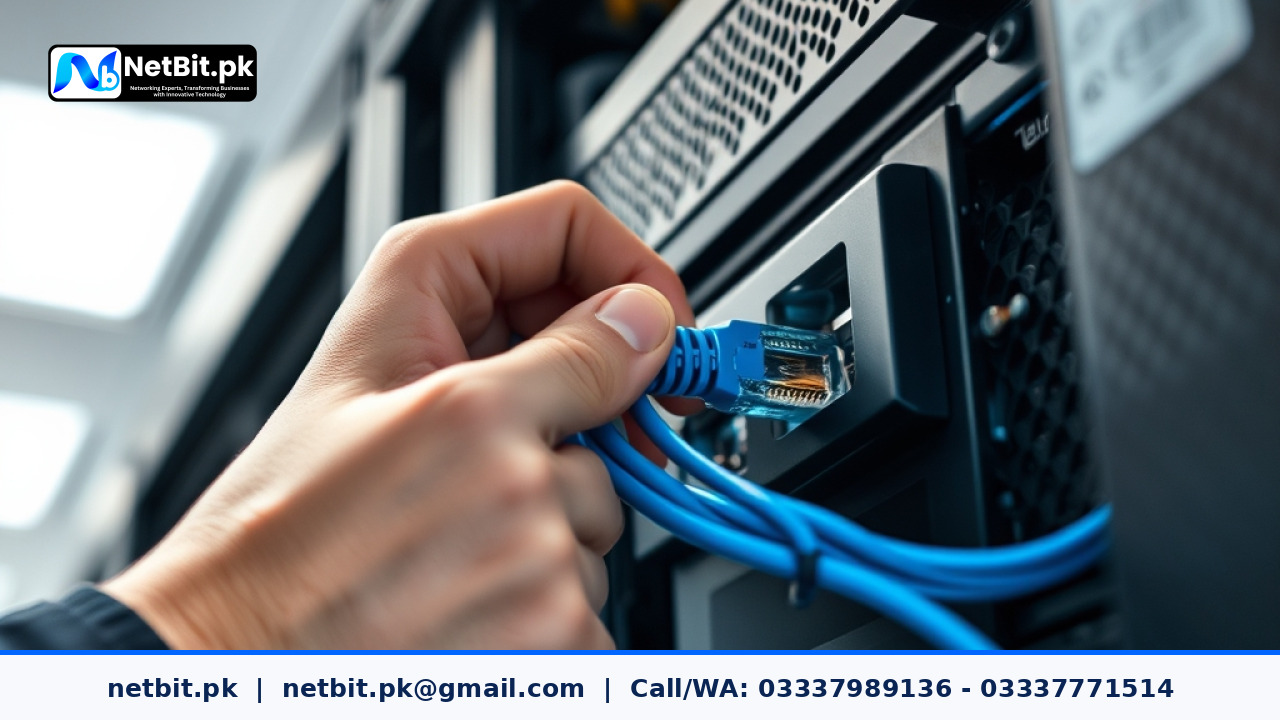
- Network Interface: Ensure your server has a Gigabit Ethernet port. To truly benefit from local speeds, your office should be wired with Cat6 cabling and high-quality switches, which NetBit specializes in installing.
- Redundancy (RAID): Always use at least two drives in a RAID 1 (Mirroring) configuration. If one drive fails, your data remains safe on the second drive.
Step 2: Choosing and Installing the Operating System
For a file server, you have two primary paths: Windows Server or a Linux-based solution like Ubuntu Server or TrueNAS. For most Pakistani businesses looking for a cost-effective yet powerful solution, TrueNAS Core is an excellent choice as it is open-source and highly stable.
To install the OS, you will need to create a bootable USB drive. Once you boot the server from this USB, the installation wizard will guide you through selecting the destination drive. NetBit Tech recommends installing the OS on a small, dedicated SSD to keep it separate from your data storage pool.
Step 3: Configuring the Network Infrastructure
A server is only as good as the network connecting it to the users. This is where professional networking becomes critical. You should assign a Static IP Address to your server so that computers in your office can always find it at the same address (e.g., 192.168.1.100).
If your office spans multiple floors or buildings, you might utilize fiber patch cords or wireless bridges like LiteBeam or PowerBeam to maintain high throughput. NetBit Khuzdar provides comprehensive networking services to ensure your server is accessible from every corner of your facility without lag.
Step 4: Setting Up User Permissions and Shares
Security is paramount. You should never give every employee access to every folder. In your server management dashboard, you will create 'Shares' (folders) and 'Users'.
- Public Share: For general templates and non-sensitive announcements.
- Departmental Shares: Specific folders for Accounts, HR, or Marketing, accessible only by relevant staff.
- Private Folders: Individual storage for each employee to keep their working drafts.
By using the SMB (Server Message Block) protocol, these folders will appear as 'Mapped Network Drives' on your staff's Windows or Mac computers, making them as easy to use as a local hard drive.
Step 5: Implementing a 3-2-1 Backup Strategy
A local server is not a backup on its own; it is primary storage. At NetBit, we always advocate for the 3-2-1 rule: Keep 3 copies of your data, on 2 different types of media, with 1 copy stored off-site. You can automate your server to sync critical data to an external drive every night and a remote cloud backup once a week during off-peak hours when internet bandwidth is cheaper.
Step 6: Environmental Protection and Maintenance
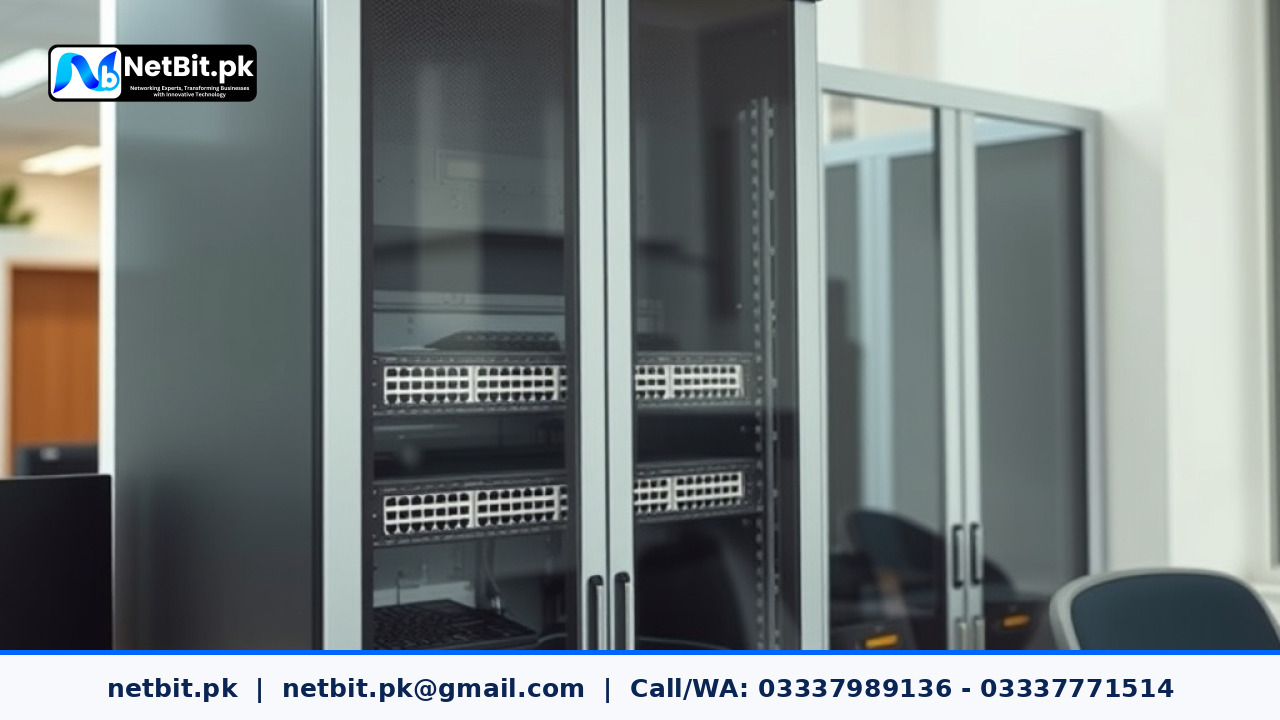
In Pakistan, heat and dust are the enemies of server longevity. Ensure your server is placed in a well-ventilated, dust-free area, ideally on a dedicated network rack. Use a high-quality UPS (Uninterruptible Power Supply) to protect against voltage fluctuations and sudden power outages, which are common in our region. Regular maintenance, such as checking drive health logs and cleaning fans, will extend the life of your investment. NetBit offers specialized IT maintenance packages to handle these technical chores for you.
Frequently Asked Questions (FAQs)
Is a local server better than Google Drive?
For large files and internal collaboration, yes. It is faster and doesn't consume your monthly data quota. However, a hybrid approach using both is often the best for modern businesses.
How much does a basic server setup cost?
A basic entry-level setup can start from 50,000 PKR depending on the hardware chosen, but the long-term savings in productivity and data safety are much higher.
Can I access my local server from home?
Yes, by setting up a secure VPN (Virtual Private Network), you can access your files safely from anywhere in the world without exposing your data to the public internet.
Upgrade Your Business Infrastructure with NetBit Professional Server Solutions
Building a server on your own can be a daunting task, and a single mistake in configuration can lead to data loss or security vulnerabilities. Why take the risk when you can hire the experts? NetBit Software House & Technology is the leading provider of server and networking solutions in Khuzdar and across Pakistan. From custom server builds and Cat6 cabling to advanced CCTV surveillance integration and IT maintenance, we provide the backbone your business needs to thrive.
Don't let slow file sharing and data risks hold your team back. Contact NetBit Tech today for a professional consultation. Our team will assess your office layout, data requirements, and budget to design a server solution that is scalable, secure, and lightning-fast. Let us handle the technology so you can focus on growing your business. Reach out to us at netbit.pk and take the first step toward a modernized office environment.
Reader comments.
Share your question, suggestion or experience related to this article.
No comments yet
There are no approved comments on this article yet. You can be the first person to leave one.