
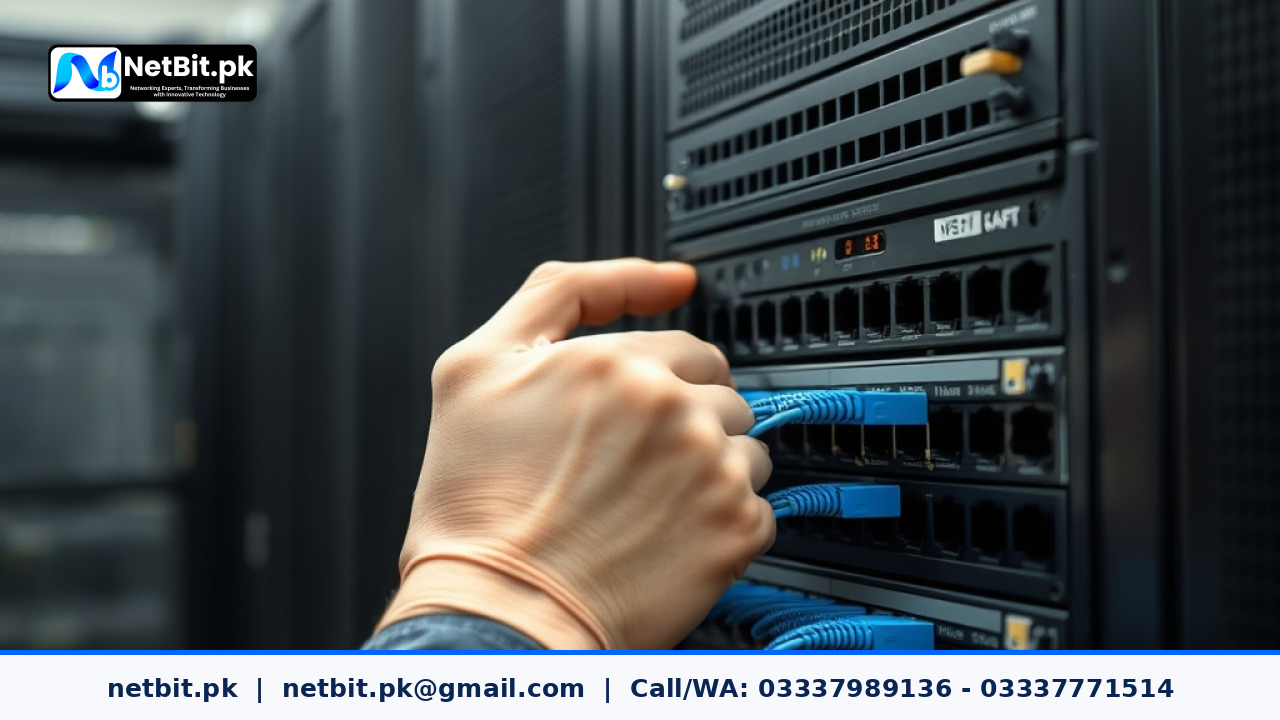
Understanding Network Segmentation for Modern Offices
As businesses across Pakistan expand their IT infrastructure, connecting all office devices to a single unmanaged local network creates severe security risks and bandwidth bottlenecks. Whether you operate a growing retail store, a private firm in Karachi or Lahore, or an office setup in Khuzdar, running accounting computers, employee workstations, guest Wi-Fi, and CCTV cameras on one flat network leaves your operations vulnerable.
A Virtual Local Area Network (VLAN) solves this problem by logically splitting one physical network into multiple distinct subnets. By implementing network segmentation, network administrators can isolate sensitive files, protect surveillance streams, prioritize crucial software traffic, and limit malware propagation without purchasing separate physical switches for each department.
Why Pakistani Businesses Need Network Segmentation
In many commercial offices across Pakistan, unmanaged network deployment remains common. Employees plug their personal smartphones into the corporate Wi-Fi, while CCTV digital video recorders (DVRs) and sensitive financial databases share the exact same broadcast domain. This default configuration leads to several major technical drawbacks:
- High Broadcast Traffic: Devices constantly send broadcast packets across the network. As your node count grows, broadcast storms degrade network responsiveness for everyone.
- Security Risks: A virus or ransomware infection on a visitor's mobile phone can easily scan and reach administrative computers or networked storage (NAS) drives.
- Uncontrolled Bandwidth Usage: High-definition CCTV video streaming can saturate link speed, causing operational lags in custom business software or cloud databases.
- Lack of Access Control: Unrestricted physical access to network jacks allows unauthorized users to connect laptops directly into the company backend.
Step-by-Step Guide to Planning and Configuring VLANs
Proper VLAN deployment requires thoughtful IP subnet planning before making changes inside your switch software. Follow this structured roadmap to segment your business IT infrastructure effectively.
1. Define Your Logical Network Zones
Begin by grouping your organization's devices into logical zones based on function and privilege level. A typical small-to-medium Pakistani office configuration includes:
- VLAN 10 (Management & Infrastructure): Reserved for router interfaces, managed switches, access points, and server admin consoles.
- VLAN 20 (Administrative & Finance): Dedicated to accounting PCs, executive systems, local software servers, and desktop workstations.
- VLAN 30 (Surveillance Systems): Isolated strictly for IP cameras, NVRs, and CCTV video processing hardware.
- VLAN 40 (Guest & Public Wi-Fi): Open for visitor smartphones and non-essential wireless traffic with strict internet-only routing rules.
2. Assign Distinct IP Subnets to Each Zone
Assign separate local subnet ranges for each VLAN to ensure clean routing. For example:
- VLAN 10:
192.168.10.0/24 - VLAN 20:
192.168.20.0/24 - VLAN 30:
192.168.30.0/24 - VLAN 40:
10.0.40.0/24
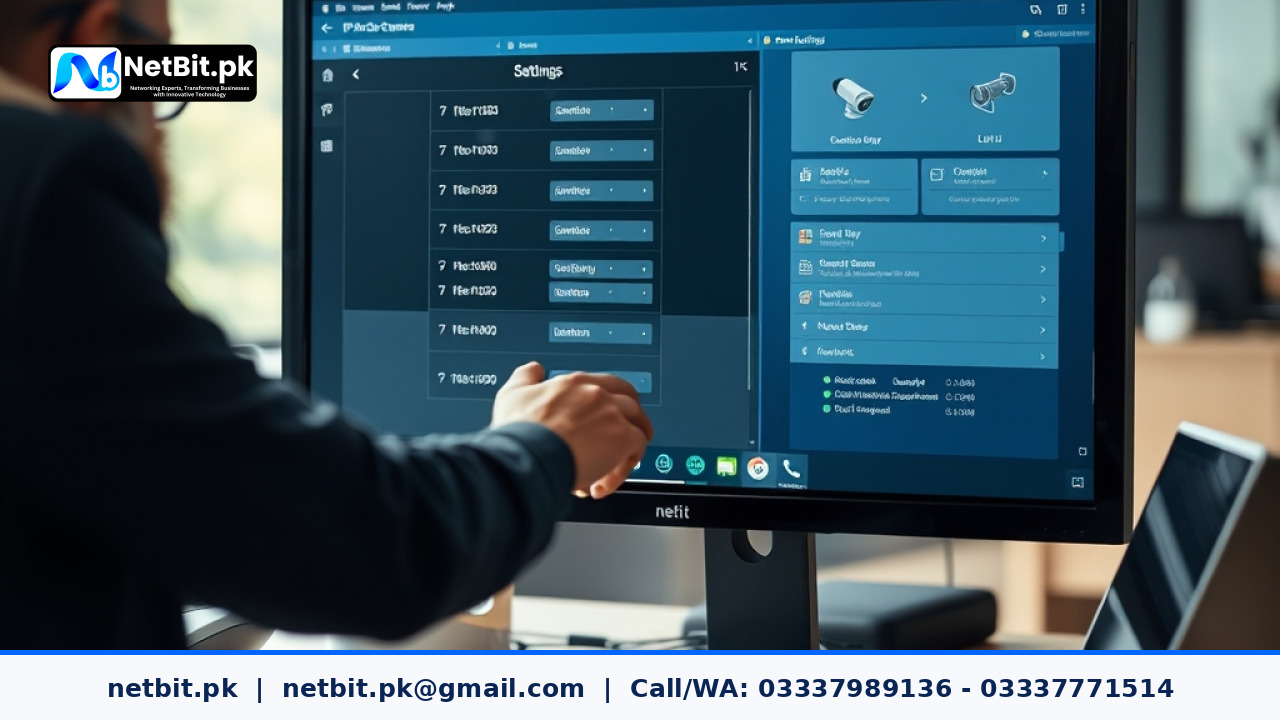
3. Configure Access Ports and Trunk Ports on Managed Switches
Log into your managed network switch interface (accessible via web console or command-line interface) to establish port profiles:
- Access Ports: Assign individual switch ports to specific VLAN IDs. For example, assign ports 1 through 10 to VLAN 20 for staff desktop computers. Any untagged frame entering these ports gets tagged with VLAN 20 inside the switch switch-fabric.
- Trunk Ports: Configure uplink ports connecting switches together, or linking a switch to an edge router, as Trunk Ports (using the
IEEE 802.1Qtagging protocol). Trunk ports carry traffic for multiple VLANs across a single Cat6 Ethernet or fiber patch cord.
4. Implement Inter-VLAN Routing and Firewall Rules
By default, devices on different VLANs cannot communicate with each other. To allow staff PCs (VLAN 20) to print to a shared printer or access an isolated application server, configure inter-VLAN routing on your main Layer 3 switch or gateway router. Apply firewall security policies to enforce strict boundaries:
- Allow VLAN 20 (Staff) to talk to VLAN 30 (CCTV) only on specific video monitor ports, while blocking inverse connections.
- Block VLAN 40 (Guest Wi-Fi) completely from accessing any internal private IP addresses (
192.168.x.x).
Common VLAN Implementation Mistakes to Avoid
While segmenting your local network improves performance and security, misconfigurations can result in connectivity dropouts or security leaks:
- Leaving the Default VLAN 1 Active for All Devices: Vendor default settings place all ports on VLAN 1. Leaving critical servers on VLAN 1 makes them vulnerable to basic network probes. Move corporate nodes to custom VLAN IDs and keep VLAN 1 unused for security.
- Using Unmanaged Switches Downstream: Connecting cheap, unmanaged switches to an 802.1Q trunk port strips VLAN tags, mixing traffic and breaking your security policy. Ensure all network nodes use managed layer-2 or layer-3 hardware.
- Failing to Label Physical Cabling and Patch Panels: Without proper cable labels, network technicians running maintenance may plug access point lines into the wrong switch ports, accidentally granting guest access to corporate subnets.
Frequently Asked Questions About Office VLANs
Do VLANs slow down local network speeds?
No. In fact, VLANs improve performance by eliminating unnecessary broadcast traffic and optimizing local routing paths across your switch backplane.
Can I run VLANs over wireless access points?
Yes. Enterprise-grade wireless access points allow mapping multiple SSIDs (Wi-Fi names) to different VLAN IDs. For example, your 'Office-Internal' SSID maps to VLAN 20, while 'Office-Guest' maps directly to isolated VLAN 40.
What physical hardware is required to set up VLANs?
You need at least one managed network switch that supports IEEE 802.1Q tagging and a VLAN-aware gateway router or Layer 3 switch capable of handling sub-interfaces and inter-VLAN firewall rules.
Professional IT Infrastructure & Networking Solutions by NetBit
Designing and deploying a reliable, secure network infrastructure requires technical precision, quality physical cabling, and proper switch configurations tailored to your organization's operational goals. Whether you are constructing a new facility, setting up point-to-point wireless bridges, installing commercial CCTV arrays, or upgrading server room rack infrastructure, netbit tech delivers end-to-end reliability.
At netbit software house in Khuzdar, our dedicated IT engineers specialize in structured Cat6 cabling, fiber patch cords installation, managed network switch setups, wireless bridge alignment with LiteBeam and PowerBeam, and custom desktop and web application integration. We audit your existing office networks, eliminate performance bottlenecks, and implement structured security policies to keep your digital assets safe.
Contact netbit khuzdar today to schedule a comprehensive IT infrastructure assessment and upgrade your corporate network for long-term productivity and enterprise security.


Reader comments.
Share your question, suggestion or experience related to this article.
No comments yet
There are no approved comments on this article yet. You can be the first person to leave one.