
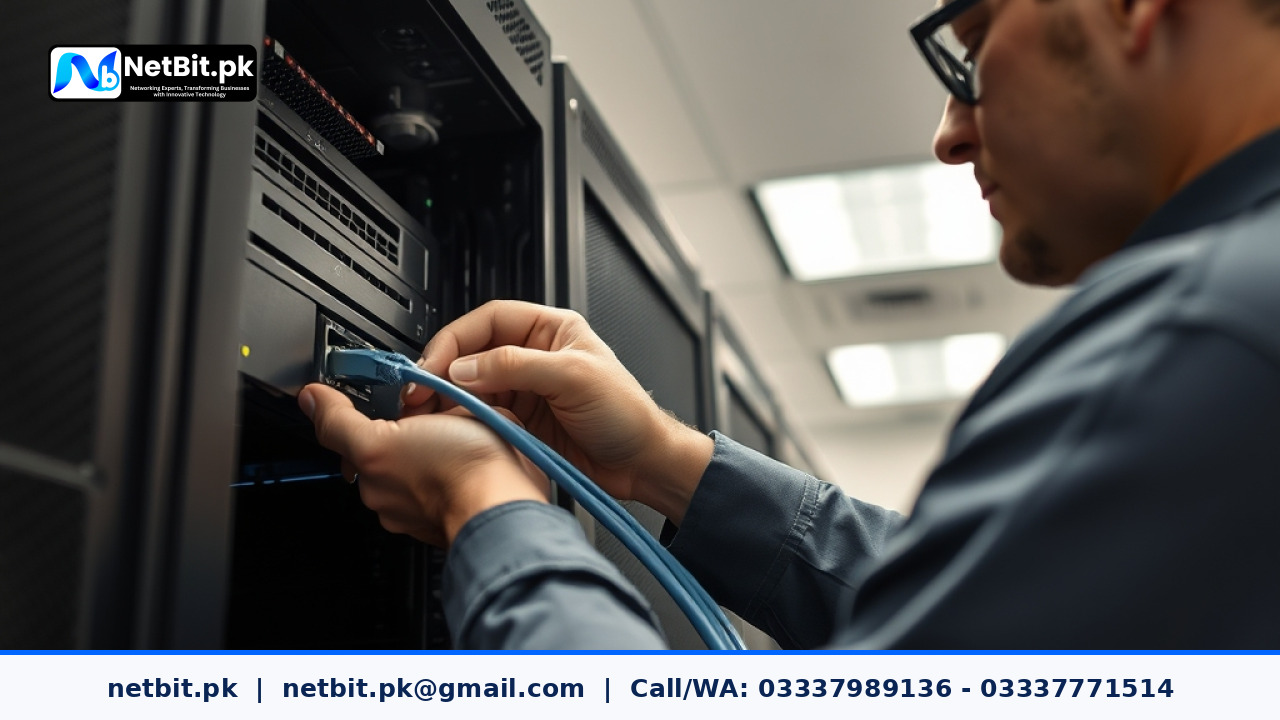
The Shift Toward Virtualized Server Environments
In many Pakistani businesses, institutions, and regional offices, physical server hardware is often underutilized. It is common to see one tower chassis running accounting software, another aging desktop running an in-house inventory system, and a third box managing a local shared drive. Each physical machine consumes power, requires individual UPS backup capacity, collects dust, and introduces a distinct point of hardware failure.
Server virtualization solves this fragmentation. By running a hypervisor directly on enterprise or workstation-grade hardware, an organization can host multiple independent operating systems—called virtual machines (VMs)—on a single physical server. With electricity tariffs continuing to challenge operating budgets across Pakistan, consolidating multiple workloads onto one optimized machine delivers immediate financial and technical benefits.
This update breaks down the practical best practices for planning, deploying, and maintaining virtualized local servers in Pakistani workplaces.
Choosing the Right Hypervisor: Bare-Metal vs. Hosted
The foundation of any virtualized server setup is the hypervisor. Pakistani IT administrators and small business owners must distinguish between the two primary hypervisor types:
- Type 1 (Bare-Metal) Hypervisors: These install directly onto the physical server hardware without requiring an underlying host operating system. Well-known options include Proxmox VE, VMware ESXi, and Microsoft Hyper-V Server. Because there is no consumer OS consuming resources in the middle, Type 1 hypervisors provide superior performance, lower latency, and higher security.
- Type 2 (Hosted) Hypervisors: These run as software applications on top of a standard desktop operating system like Windows 11 or desktop Ubuntu. Examples include VirtualBox and VMware Workstation. While useful for software testing and student lab exercises, Type 2 hypervisors should never be used for live business production environments due to OS overhead and system stability risks.
For most local enterprises and institutions, open-source bare-metal platforms like Proxmox VE have become the preferred standard. They eliminate expensive vendor licensing fees while offering robust web interfaces, native backup tooling, and integrated container support (LXC).
Core Resource Allocation: Balancing CPU, Memory, and Storage
The most common failure point in local virtualization projects is resource starvation. When multiple virtual machines compete for CPU cores, RAM, and disk throughput without clear limits, all hosted systems suffer sluggish performance.
1. Memory (RAM) Allocation
Unlike CPU resources, which can be easily time-sliced among multiple tasks, RAM cannot be casually shared without risking system instability. Always ensure that the physical host machine has enough physical memory to cover all active virtual machines, plus at least 4 GB of unallocated RAM reserved strictly for the hypervisor operating system.
Avoid aggressive memory overcommitment or ballooning on mission-critical databases like MySQL, PostgreSQL, or Microsoft SQL Server. Databases require dedicated, locked memory allocations to cache indexes and respond quickly to queries.
2. Storage Throughput and Drive Pools
Running three or four virtual machines off a single mechanical hard drive will cause a severe disk input/output (I/O) bottleneck. The operating systems will spend excessive time waiting for read/write requests, creating noticeable lag for office workers.
Best practices for local storage architecture include:
- Using solid-state drives (SATA SSDs or enterprise NVMe) configured in a resilient array such as RAID 1 (mirroring) or RAID 10 (striping with mirroring).
- Separating the hypervisor OS boot disk from the storage pool where virtual machine disks (.qcow2 or .vmdk files) reside.
- Allocating fixed disk sizes or monitoring thin-provisioned pools closely so physical drives do not fill up unnoticed.
Networking and Virtual Switch Configuration
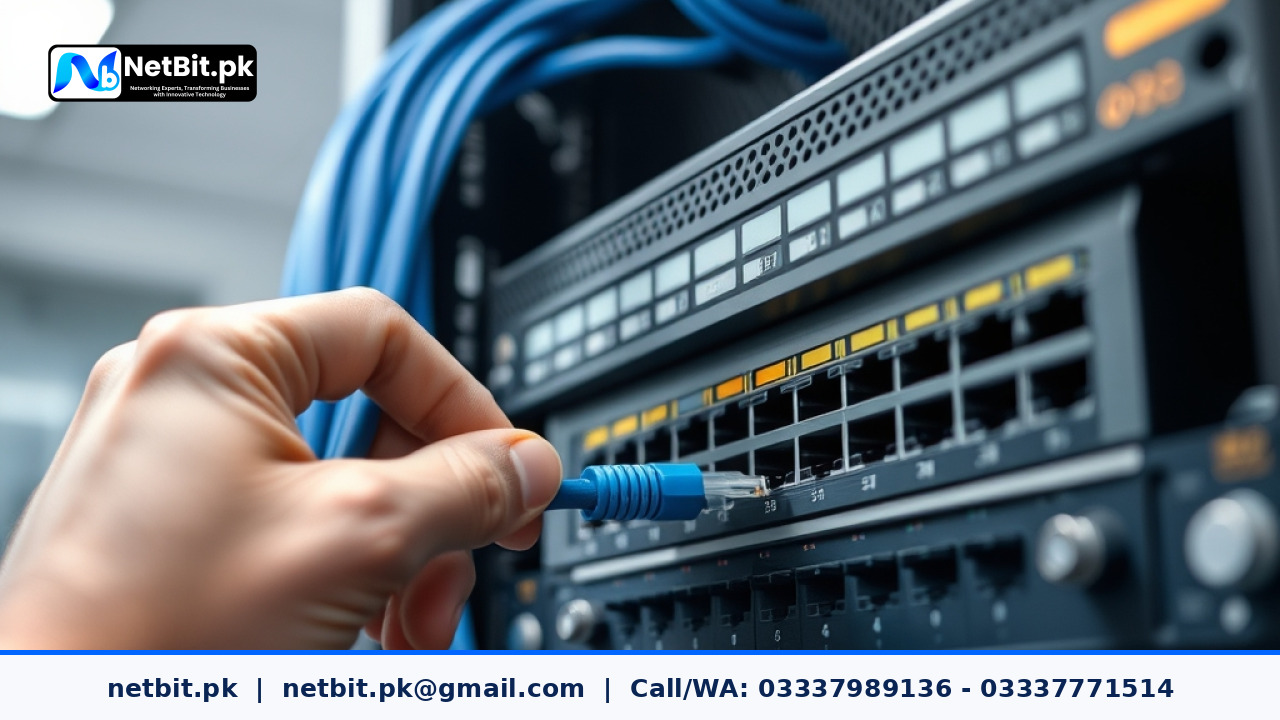
Virtual machines need clear network communication pathways to interact with your physical office network. A properly configured hypervisor creates virtual bridges (vSwitches) that link the virtual network adapters (vNICs) of each VM to the physical network interface cards (NICs) plugged into your office switch.
To maintain security and speed inside the office:
- Separate Management Traffic: Assign a dedicated physical network port for the hypervisor management web interface. Keep this interface off guest networks and restrict access to authorized technical staff.
- Implement VLAN Tagging: If your office handles guest Wi-Fi, CCTV streams, and sensitive accounts, configure Virtual Local Area Networks (VLANs). Pass VLAN tags through your managed switch directly into the hypervisor so that each virtual machine stays isolated in its intended subnet.
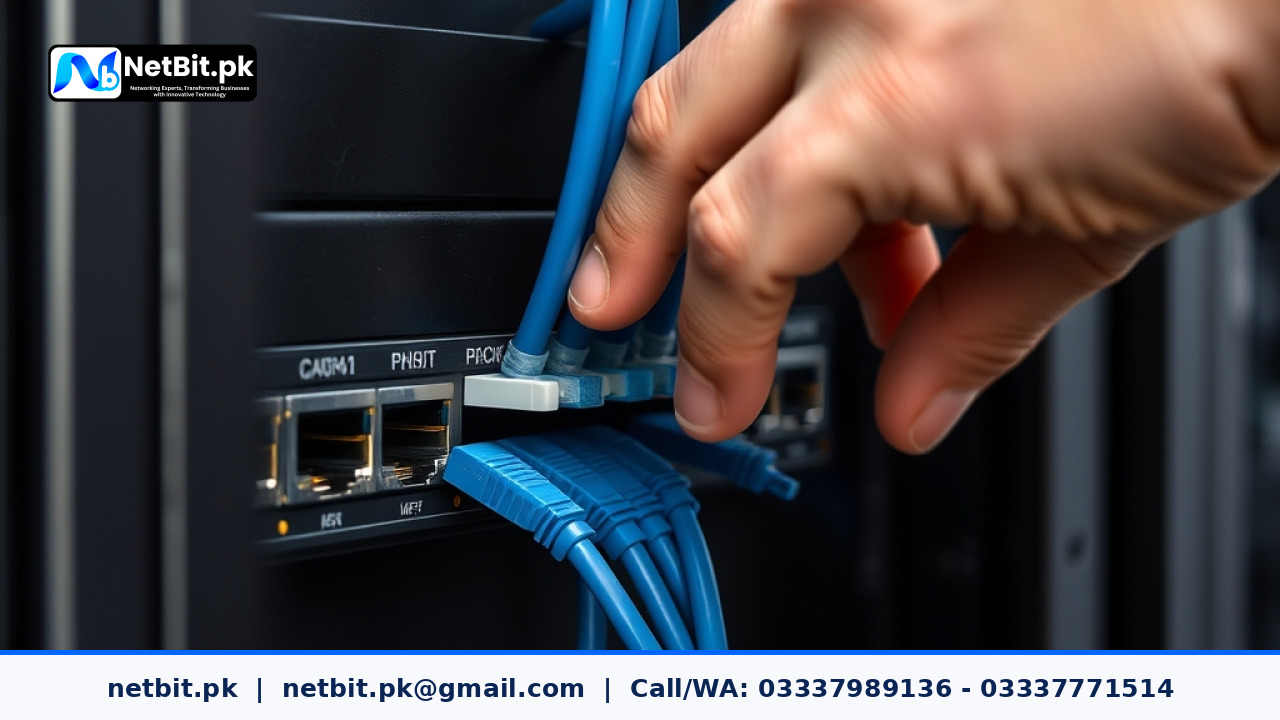
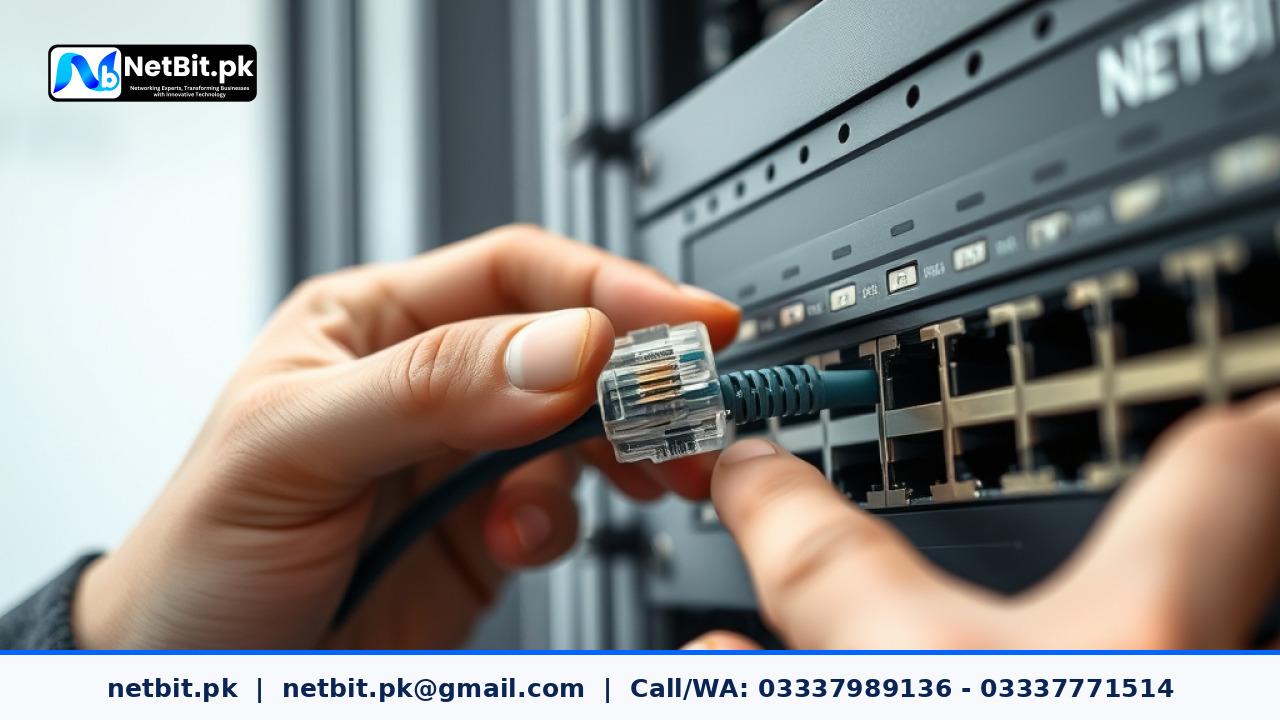
- Cabling Integrity: Ensure your physical server connects to the main network switch via shielded Cat6 cabling. A loose patch cord or bent connector on the main server port can take down every hosted virtual machine simultaneously.
Snapshot Management vs. Proper Backups
One of the greatest advantages of virtualization is the ability to take a "snapshot" of a virtual machine before applying software updates, database migrations, or operating system patches. If the update fails, you can roll back the snapshot in seconds.
However, many administrators confuse snapshots with backups. Snapshots are not backups. A snapshot relies entirely on the integrity of the original virtual disk file. If the underlying physical disk fails, both the virtual machine and all its snapshots are lost.
Implement a true backup routine with these steps:
- Configure automated, scheduled full and incremental VM backups that export complete disk images to an external Network Attached Storage (NAS) or a separate local physical device.
- Keep snapshots temporary. Delete or merge snapshots within 24 to 48 hours once an update is confirmed stable. Leaving snapshots open for months degrades disk read performance and consumes storage space unexpectedly.
- Test restore operations quarterly to ensure backup image files are bootable and uncorrupted.
Power Protection and Automated Shutdown Routines
In Pakistan, regular load shedding and voltage variations pose a direct risk to physical servers. While an Uninterruptible Power Supply (UPS) provides vital bridge power, long outages can drain the battery bank completely.
Configure your hypervisor to communicate directly with your UPS via USB or a network management card. Using tools such as Network UPS Tools (NUT) or vendor daemon software, program the hypervisor to initiate a safe, graceful guest shutdown sequence when battery levels hit 25%. This prevents database corruption and dirty file-system unmounts when mains power is cut.
Frequently Asked Questions (FAQ)
Can we run our CCTV recording software inside a virtual machine?
Yes, provided the virtual machine is allocated dedicated storage and adequate CPU cores for video encoding. However, ensure that the physical network adapter handling the RTSP camera streams does not saturate the link used by your accounting and office database servers.
What is the minimum physical hardware required to begin local server virtualization?
A capable quad-core or 6-core 64-bit processor, 32 GB of RAM, and two enterprise-grade SSDs configured in RAID 1 offer a reliable entry point for small offices looking to run two to four light-to-moderate business workloads.
Is Windows Server or Linux better as a base hypervisor for small offices?
If your office primarily runs Windows-based desktop environments and relies heavily on Active Directory, Windows Server with Hyper-V integrates smoothly. If you want a cost-effective, high-performance, and license-free solution, open-source Linux platforms like Proxmox VE provide exceptional flexibility and reliability.
Modernize Your Server Infrastructure with NetBit
Navigating hardware sizing, hypervisor deployments, and local storage pools can feel daunting without specialized engineering support. NetBit provides comprehensive server solutions, enterprise network cabling, and robust local infrastructure services tailored for Pakistani businesses, academic institutions, and growing offices.
Whether you need to consolidate aging desktop boxes into an efficient rack-mounted bare-metal server, configure isolated virtual networks, or build an automated local backup routine, NetBit Tech delivers turnkey IT support. Based in Khuzdar, our engineering team assists clients across Balochistan and nationwide with reliable server architecture, structured Cat6 and fiber networking, and ongoing system maintenance. Contact NetBit Software House today at netbit.pk to assess your office IT environment and deploy reliable, high-performance server solutions built for long-term operational success.
Reader comments.
Share your question, suggestion or experience related to this article.
No comments yet
There are no approved comments on this article yet. You can be the first person to leave one.