
Why Your Internet Speed Test Results Matter in Pakistan
In today's digital landscape, whether you are a freelancer in Khuzdar, a student attending online classes in Quetta, or a business owner in Karachi, your internet connection is your lifeline. We have all experienced the frustration of a video call freezing or a large file taking hours to upload. To solve these issues, you first need to understand your current performance by performing an internet speed test. Knowing your numbers allows you to hold your ISP accountable and determine if your hardware is the bottleneck.
Using a reliable internet test speed tool is the first step toward a smoother digital experience. While many users rely on global benchmarks, using a localized tool like the NetBit Internet Speed Test provides a more accurate reflection of how your connection performs within the local Pakistani infrastructure. This guide will walk you through the metrics, the tools, and the practical steps to optimize your connection.
Understanding the Metrics: Download, Upload, and Ping
When you run speed test, you are presented with three primary numbers. Understanding these is crucial for diagnosing network health:
- Download Speed: This measures how quickly data travels from the internet to your device. It affects streaming, downloading files, and browsing. A fast speed here is essential for high-definition video.
- Upload Speed: This measures how fast you can send data to others. This is vital for gamers, content creators uploading to YouTube, and professionals on Zoom calls.
- Ping (Latency): Measured in milliseconds (ms), this is the reaction time of your connection. A low ping is critical for real-time applications. If your ping test shows high numbers, you will experience 'lag'.
How to Run a Real Speed Test for Accurate Results
To get a real speed test result, you cannot simply click a button and hope for the best. External factors often skew the numbers. Follow these steps for the most accurate internet speed test free assessment:
- Disconnect Other Devices: Ensure that other smartphones, smart TVs, or laptops are not streaming or downloading updates in the background.
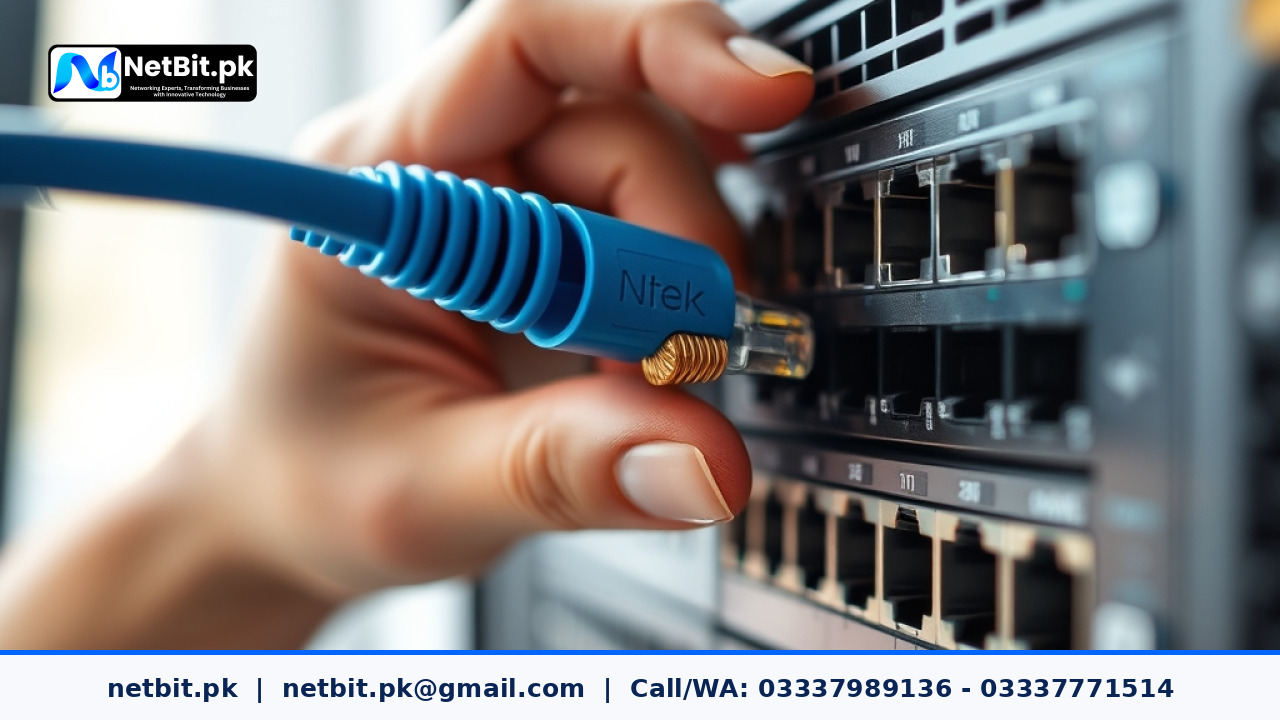
- Use an Ethernet Cable: If you are testing speed test WiFi, you are also testing the quality of your router's wireless signal. For a real speed test wifi vs. line check, plug your laptop directly into the router with a Cat6 cable.
- Close Background Apps: Software like BitTorrent, Windows Update, or cloud syncing services can consume bandwidth during the internet test.
- Check Your Hardware: Old routers often cannot handle the high speeds of modern PTCL Flash Fiber connections.
Comparing Popular Tools: Fast.com, Ookla, and Google
There are several platforms available to measure performance. Many users go to fast.com, which is owned by Netflix and focuses primarily on download speeds for streaming. Others prefer the Speed test by Ookla or the Ookla speed test app because of its extensive server network. Similarly, the Google speed test (or speed test Google) is a quick way to get a snapshot directly from the search results page.
However, for Pakistani users, a Ptcl internet speed test or the NetBit tool is often better for troubleshooting local routing issues. Our tool measures the fast speed test metrics specifically optimized for the Pakistani routing nodes, giving you a clearer picture of your internet speed test free performance without the overhead of distant international servers.
Optimizing PTCL Flash Fiber and Local Connections
Most households in Pakistan rely on PTCL. If your PTCL speed test results are lower than what you pay for, it might be time to review your setup. With the introduction of PTCL Flash Fiber, speeds have increased significantly, but the internal wiring in many Pakistani homes remains outdated. Using old telephone wires instead of modern fiber patch cords or Cat6 cabling will significantly degrade your fast speed.
When looking at PTCL internet packages, always consider your usage. For 2026, we anticipate that PTCL internet packages monthly 2026 will focus heavily on symmetrical upload and download speeds. If your internet speed test app consistently shows poor results despite having a high-tier package, the issue might be your router's placement or interference from other electronic devices.
Common Troubleshooting Steps for Slow Internet
If your internet speed test shows you aren't getting the performance you need, try these practical fixes:
- Restart Your ONT/Router: This clears the cache and can resolve temporary IP conflicts.
- Update Firmware: Ensure your router is running the latest software to handle modern security protocols and data loads.
- Change WiFi Channels: In crowded apartment buildings, WiFi signals often overlap. Switching to a less crowded channel can improve your speed test WiFi results.
- Check for Physical Damage: Fiber optic cables are fragile. A sharp bend in a fiber patch cord can cause massive packet loss.
Professional Networking and IT Infrastructure by NetBit Tech
At NetBit Software House & Technology, we understand that a fast internet test speed is only one part of a productive business environment. Based in Khuzdar, we specialize in helping Pakistani businesses and homeowners build robust, high-speed IT foundations. Our expertise goes beyond simple software; we provide comprehensive networking solutions that ensure your real speed test results stay consistent across your entire premises.
Whether you need professional CCTV surveillance systems to secure your assets, or a custom-designed network using high-quality switches, Cat6 cabling, and fiber patch cords, NetBit is your trusted partner. We also specialize in long-range wireless connectivity using LiteBeam and PowerBeam technology for point-to-point links. Our team of experts can help you choose the right PTCL internet packages and configure your hardware to ensure you actually receive the speeds you pay for.
Don't let poor connectivity hold your business back. From custom web applications and mobile apps to structured cabling and IT maintenance, NetBit Tech provides the professional touch required for modern technology needs in Pakistan. Contact NetBit today to upgrade your office network, install a professional CCTV system, or develop custom software tailored to your business goals. Let us help you turn a simple speed test into a high-performance reality.



Reader comments.
Share your question, suggestion or experience related to this article.
No comments yet
There are no approved comments on this article yet. You can be the first person to leave one.