
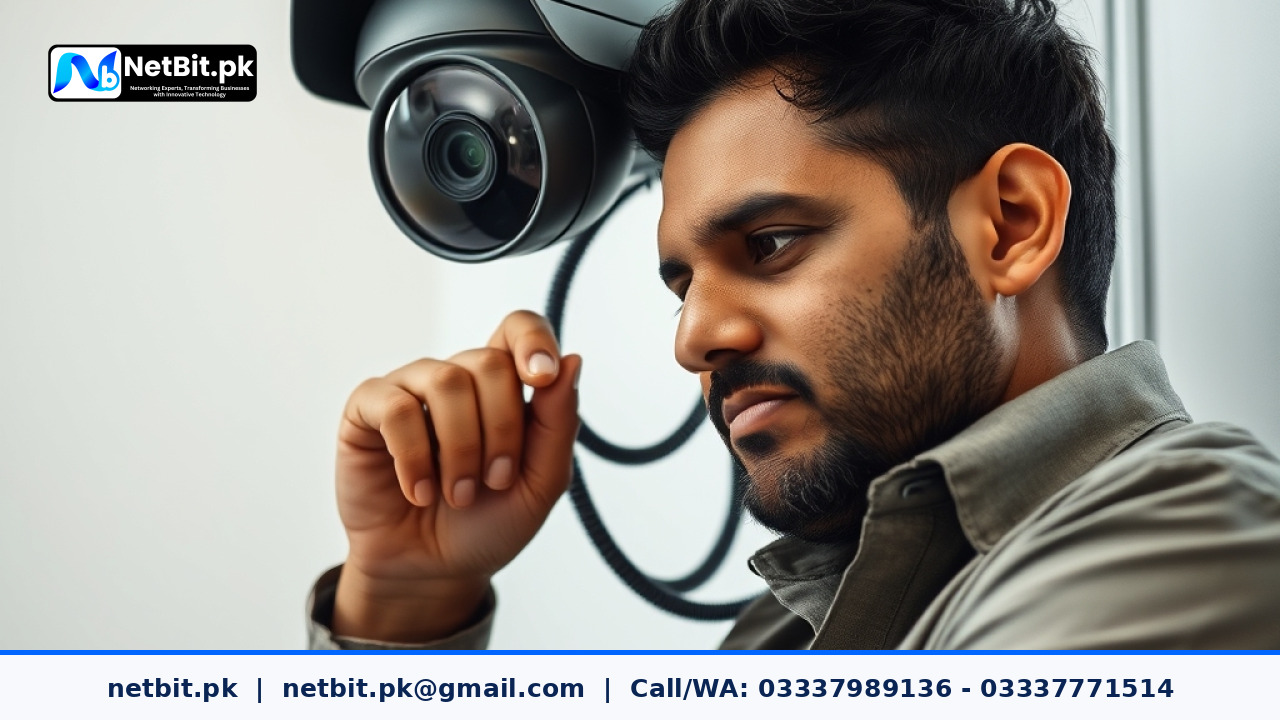
Understanding Infrared Illumination in Commercial CCTV Systems
When securing a business property in Khuzdar or anywhere across Pakistan, nighttime surveillance is just as important as daytime monitoring. Most modern security cameras rely on Infrared (IR) LEDs to capture clear video footage in complete darkness. However, poorly adjusted IR ranges can lead to washed-out footage, blinding glare from nearby walls, or completely dark blind spots where intruders can easily hide.
At netbit, our technical teams frequently encounter security setups where night vision fails simply because the infrared illumination was never calibrated after physical installation. Understanding how IR technology works helps you get the most out of your surveillance hardware, protecting your inventory and assets around the clock.
Common Issues with Improper IR Configuration
Without proper setup, infrared night vision often suffers from specific optical problems:
- Overexposure and Whiteout: If the IR LEDs are too powerful for a narrow hallway, light reflects off nearby walls right back into the lens, turning the entire video feed into an unusable bright white blur.
- Under-Illumination: In larger warehouses or outdoor perimeters, standard built-in IR lamps lack the range to reach far corners, leaving critical zones in total darkness.
- Spider Web and Dust Reflection: Insects attracted to IR wavelengths often crawl across the camera dome, creating glowing, distracting spots on the recorded video.
Steps to Properly Adjust Infrared Range
Optimizing your camera's night vision involves both physical positioning and software configuration within your Digital Video Recorder (DVR) or Network Video Recorder (NVR) interface.
- Inspect the Surrounding Environment: Walk your perimeter at night. Note where light reflects off metal shutters, glass, or light-colored brick walls. Avoid mounting cameras directly facing flat reflective surfaces at close range.
- Adjust Smart IR Settings: Access your camera's web configuration panel or NVR settings menu. Look for features labeled Smart IR, Anti-Overexposure, or Exmor IR Control. Enable these settings to automatically lower LED intensity when objects move close to the lens.
- Calibrate Focus and Zoom: For varifocal lenses, ensure that the focal length matches the IR beam angle. A mismatched lens and IR array will create a bright circle in the center of the frame while the edges remain pitch black.
- Install External IR Illuminators if Needed: If built-in LEDs are insufficient for large outdoor yards, supplement your system with standalone, synchronized infrared illuminators placed at strategic angles to extend coverage safely.
Maintaining Reliable Surveillance Infrastructure
Beyond adjusting infrared settings, your entire security system relies on stable underlying infrastructure. Clean camera lenses, secure Cat6 cabling terminated by professionals, and reliable power distribution via standard switches ensure your surveillance feeds never drop during critical moments. Routine system maintenance prevents hardware degradation caused by dust and extreme seasonal temperatures.
Secure Your Premises with NetBit Tech
Are you looking to upgrade, repair, or properly configure a commercial CCTV surveillance system for your office, warehouse, or retail shop? netbit software house & technology (netbit.pk) delivers professional IT infrastructure, robust networking solutions, and expert CCTV installation services tailored for businesses in Khuzdar and across Pakistan. From precision Cat6 cabling and switch configurations to complete security deployment, our experienced technicians ensure your digital assets and physical property remain fully protected. Contact netbit today to discuss your project requirements and let our team secure your business environment efficiently.


Reader comments.
Share your question, suggestion or experience related to this article.
No comments yet
There are no approved comments on this article yet. You can be the first person to leave one.