
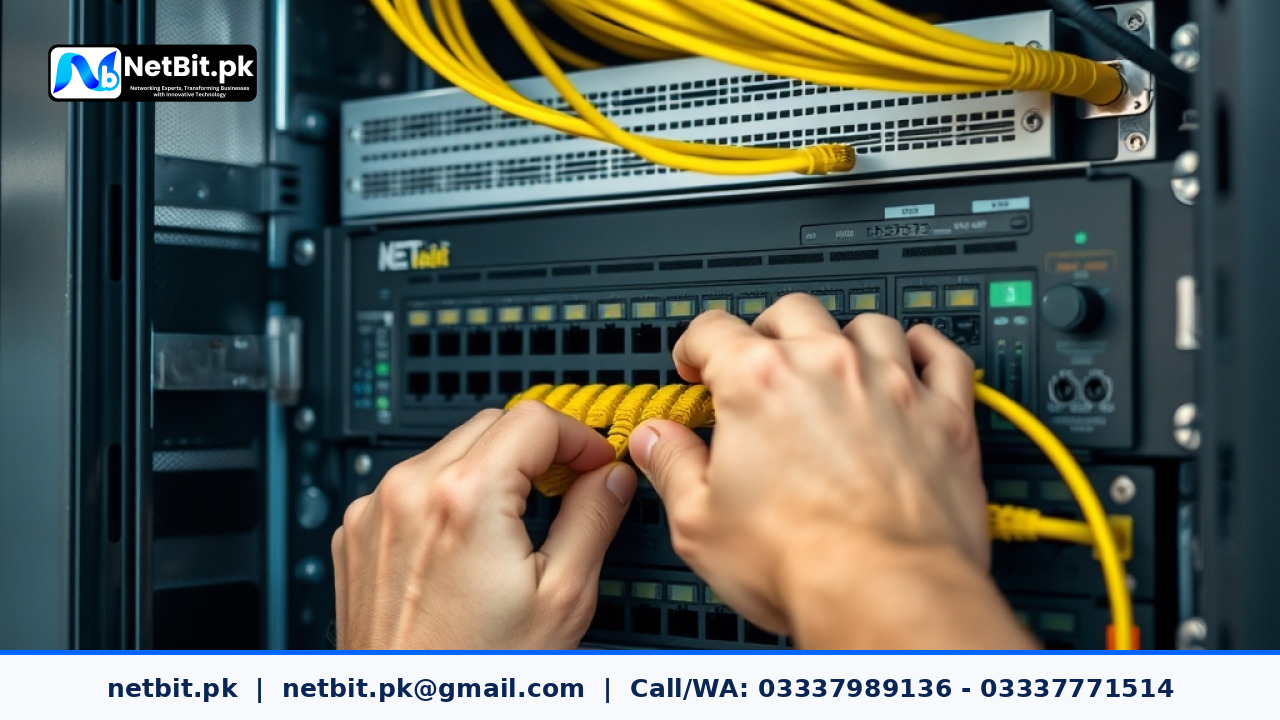
Why Upgrading Physical IT Infrastructure Matters for Local Businesses
As Pakistani businesses expand their digital operations, rely more on local application servers, and deploy high-definition CCTV surveillance, legacy network setups quickly become a primary operational bottleneck. Many offices still rely on unmanaged desktop switches, loose wiring hanging along walls, and outdated copper connections installed years ago. These makeshift setups frequently cause unexpected dropped connections, slow local file transfers, and server downtime that hurts daily productivity.
Updating your physical IT infrastructure is not merely about purchasing faster internet service; it is about ensuring that your local network backbone can move internal traffic efficiently. Modern enterprise applications, centralized databases, and real-time security feeds require robust structured cabling, managed network switches, and clean rack organization. Updating your hardware allows your staff to work without constant network interruptions and ensures your business systems remain secure and expandable.
Signs Your Current Office Network Requires an Immediate Infrastructure Update
Network degradation rarely happens overnight. In most corporate and commercial environments in Pakistan, physical infrastructure slowly degrades until daily business operations suffer. Recognizing early warning signals allows network administrators and business owners to plan hardware updates before total failure occurs.
- Frequent Local Network Disconnections: Workstations losing access to local network drives or printers during high-volume work hours indicates switch buffer congestion or degrading copper cables.
- Slow Inter-Department File Transfers: Transferring large files, graphic assets, or database backups across local network shares taking significantly longer than standard Gigabit throughput speeds (100 MB/s+).
- Unmanaged Network Loops and Broadcast Storms: Plugging an extra network cable into the wrong wall jack brings down the entire office connection due to lack of loop detection software on basic unmanaged switches.
- Overheated and Messy Server Racks: Tangled patch cords blocking fan ventilation units inside server cabinets cause switches and routers to run at high temperatures, drastically reducing hardware lifespan.
- Inconsistent CCTV Recording Streams: High-definition IP security cameras dropping frames or disconnecting from Network Video Recorders (NVR) because existing cabling cannot supply stable Power over Ethernet (PoE) power.
Core Components of a Modern Office Infrastructure Upgrade
A comprehensive IT infrastructure update involves upgrading several interconnected physical and logical layers. Understanding these core components helps business managers make informed decisions when budgeting for network modernizations.
1. Replacing Legacy Cabling with Structured Cat6 and Fiber Uplinks
Structured cabling forms the foundation of any reliable local area network (LAN). Upgrading older Cat5 or lower-grade copper lines with certified Cat6 or Cat6A ethernet cables ensures high signal integrity and supports Gigabit speeds up to 100 meters. For long-distance connections within larger facilities, such as linking separate office floors or connecting different buildings in a commercial compound, implementing single-mode or multi-mode fiber patch cords and optical transceivers eliminates electrical interference and distance limitations.
2. Upgrading Unmanaged Switches to Managed Gigabit & 10GbE Core Switches
Unmanaged switches simply forward traffic blindly without any prioritize controls or security filtering. Modernizing your network infrastructure requires replacing these outdated units with managed Layer 2 or Layer 3 switches. Managed switches provide crucial enterprise capabilities:
- Virtual LAN (VLAN) Segmentation: Isolating office staff traffic, guest Wi-Fi access, financial systems, and IP surveillance cameras into separate virtual networks for enhanced security.
- Quality of Service (QoS): Prioritizing real-time voice and video calls over heavy file downloads so communication remains crystal clear during busy hours.
- Power over Ethernet (PoE/PoE+): Supplying power and network data over a single Cat6 cable directly to wireless access points and security cameras, eliminating extra power adapters.
- Link Aggregation (LACP): Combining multiple switch ports together to multiply trunk bandwidth between floor switches and server racks.
3. Organizing Physical Server Racks & Patch Panels
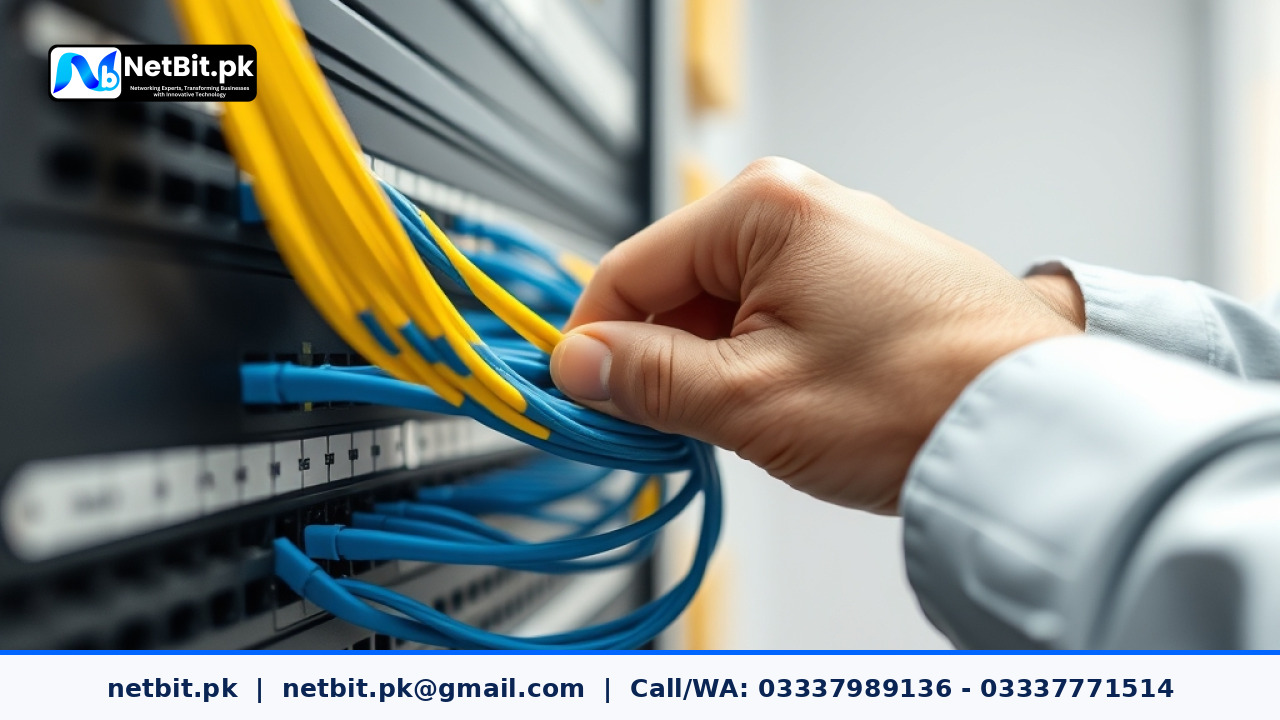
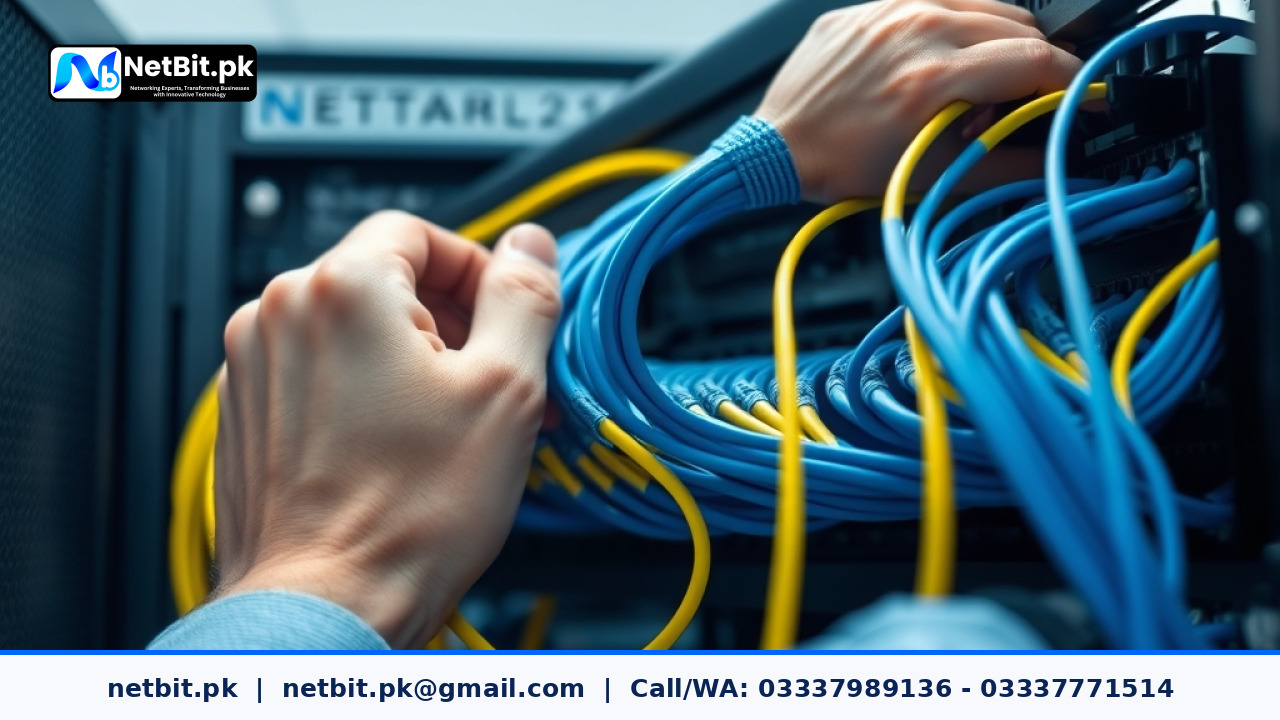
Updating your network architecture involves reorganizing physical rack hardware. Terminating solid core horizontal runs directly into rack-mounted keystones and patch panels prevents cable strain. Utilizing standard length stranded patch cords, horizontal cable management channels, and clear labeling systems allows IT personnel to trace connections instantly during routine maintenance or troubleshooting.
4. Securing Clean Power with Online UPS Integration
In Pakistan, power fluctuations, voltage spikes, and unexpected power outages pose a constant risk to delicate IT equipment. A proper infrastructure upgrade must incorporate online double-conversion Uninterruptible Power Supply (UPS) units. Online UPS systems continuously clean raw grid power, delivering a pure sine wave output that protects core network switches, optical fiber converters, and office servers from hardware damage.
Step-by-Step IT Infrastructure Upgrade Workflow
Executing an IT infrastructure update without disrupting daily operations requires systematic planning and deployment. At netbit tech, we recommend following a structured four-stage implementation process:

Reader comments.
Share your question, suggestion or experience related to this article.
No comments yet
There are no approved comments on this article yet. You can be the first person to leave one.