
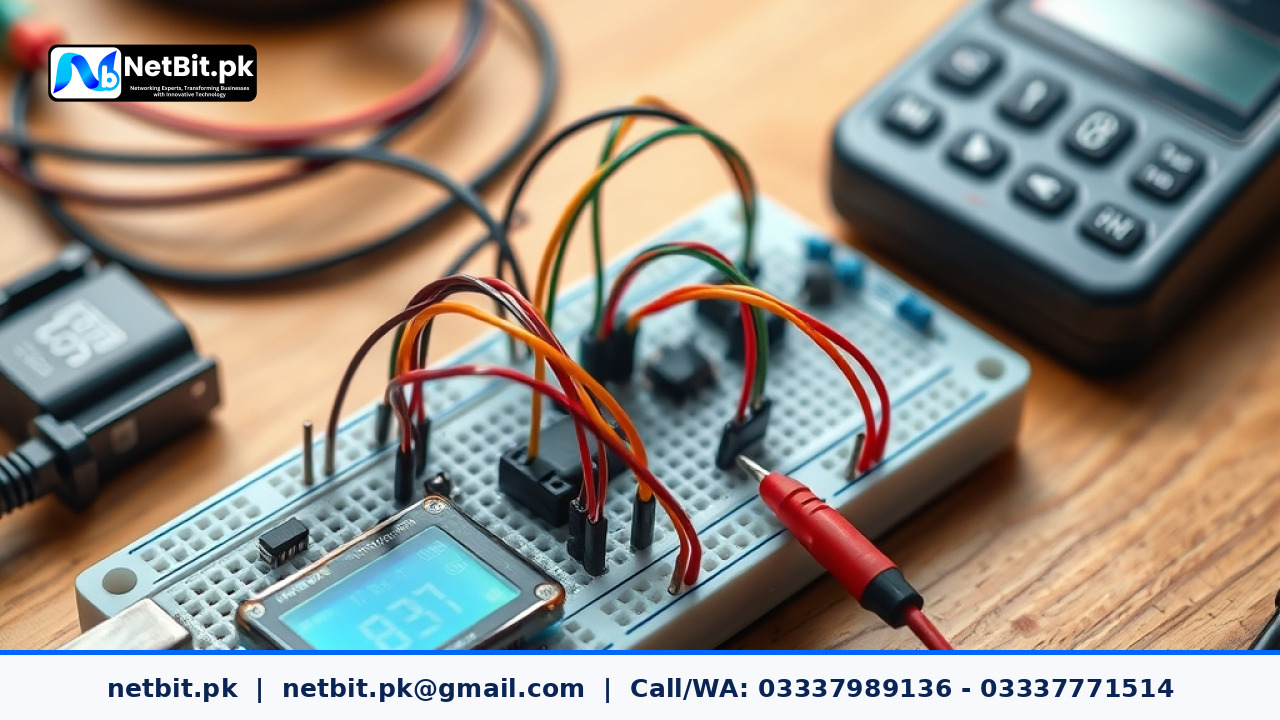
Introduction to Breadboard Prototyping
Working on specialized hardware and electronics projects often starts with a simple breadboard. A breadboard lets you connect wires, resistors, and integrated circuits without soldering. This makes it easy to test ideas, change connections, and fix mistakes quickly. Whether you are a student, hobbyist, or professional working with netbit tech, mastering breadboard assembly is a vital skill for success.
Before you plug in any components, it helps to understand how a standard breadboard is organized underneath its plastic shell. The outer power rails run horizontally to distribute voltage, while the central terminal strips connect in vertical groups of five holes. Knowing this layout prevents short circuits and keeps your wiring neat.
Gathering Necessary Tools and Components
To build a reliable test circuit, you need the right tools and materials close at hand. Having a clean workspace saves time and prevents misplaced parts.
- A standard full-size or half-size solderless breadboard
- A regulated DC power supply or a reliable USB breakout board
- A digital multimeter for checking continuity and voltage levels
- An assortment of pre-cut jumper wires in various lengths
- Your specific electronic components such as resistors, LEDs, or sensors
Step-by-Step Circuit Assembly Guide
Follow these practical steps to assemble your custom circuit safely and efficiently.
- Plan Your Layout: Sketch your circuit diagram on paper first. Map out where power, ground, and signal wires will go before touching the breadboard.
- Connect Power and Ground Rails: Attach your power supply lines to the top and bottom horizontal rails. Use red wires for positive voltage and black or blue wires for ground.
- Place Integrated Circuits and Major Components: Insert your microchips or main components across the central divider groove. This ensures that the left and right pins remain electrically isolated.
- Add Passive Components: Place resistors, capacitors, and LEDs carefully into the vertical terminal strips, making sure each pin fits securely into a separate hole.
- Run Signal Jumpers: Connect the remaining signal lines between components using short, flat jumper wires that lie close to the board surface.
Testing and Troubleshooting Your Circuit
Once your wiring is complete, resist the urge to turn on full power immediately. Careful testing protects your components from accidental damage.
First, use your digital multimeter in continuity mode to check for accidental short circuits between the power and ground rails. If the meter buzzes, find and remove the crossed wire. Next, apply power gradually while keeping a close eye on your components. If any part begins to heat up unusually fast, disconnect the power immediately and check your pin connections.
Ready to Start Your Next Project with Netbit
Building reliable prototypes takes patience, the right tools, and careful testing methods. When your specialized project grows beyond a simple breadboard and you need professional development support, expert guidance is just a message away. We invite you to contact us and become a client for Netbit tech and software house today so we can help bring your technological ideas to life.



Reader comments.
Share your question, suggestion or experience related to this article.
No comments yet
There are no approved comments on this article yet. You can be the first person to leave one.