

Understanding Network Segregation for Modern IP CCTV Systems
When businesses install modern IP security cameras, all video streams travel directly across the local area network. If your security cameras share the exact same network segment as regular office computers, guest Wi-Fi, and heavy file-sharing devices, you will likely run into performance bottlenecks. Network segregation is a technical method that splits your physical network into separate virtual networks. By isolating your video surveillance traffic, you prevent unauthorized access from standard workstations and ensure your recording servers receive a steady, uninterrupted data stream.
At NetBit, our team often helps local organizations design clean, secure infrastructure architectures. Proper camera isolation is one of the most effective ways to protect physical security feeds from internal cyber threats. Whether you are running a small retail shop or a larger corporate office, organizing your networking switches correctly keeps your security operations running smoothly.
Why Default Network Configurations Leave CCTV Feeds Exposed
Many businesses simply plug their network video recorder and IP cameras straight into the main office router or unmanaged switch right out of the box. While this gets the system running quickly, it creates serious security vulnerabilities. Every device on that local subnet can potentially see and ping your security cameras. If a single employee laptop gets infected with malware or if an unvetted guest connects to your primary network, your entire camera system could be scanned, intercepted, or manipulated.
Furthermore, high-definition video streams consume substantial bandwidth. When staff members download large files or stream video during peak working hours, unsegregated networks often drop packets. Dropped video frames lead to stuttering footage, delayed live views, and corrupted recordings on your network video recorder. Using virtual local area networks allows you to contain this heavy video traffic within its own dedicated lane.
Step-by-Step Approach to Implementing VLAN Isolation
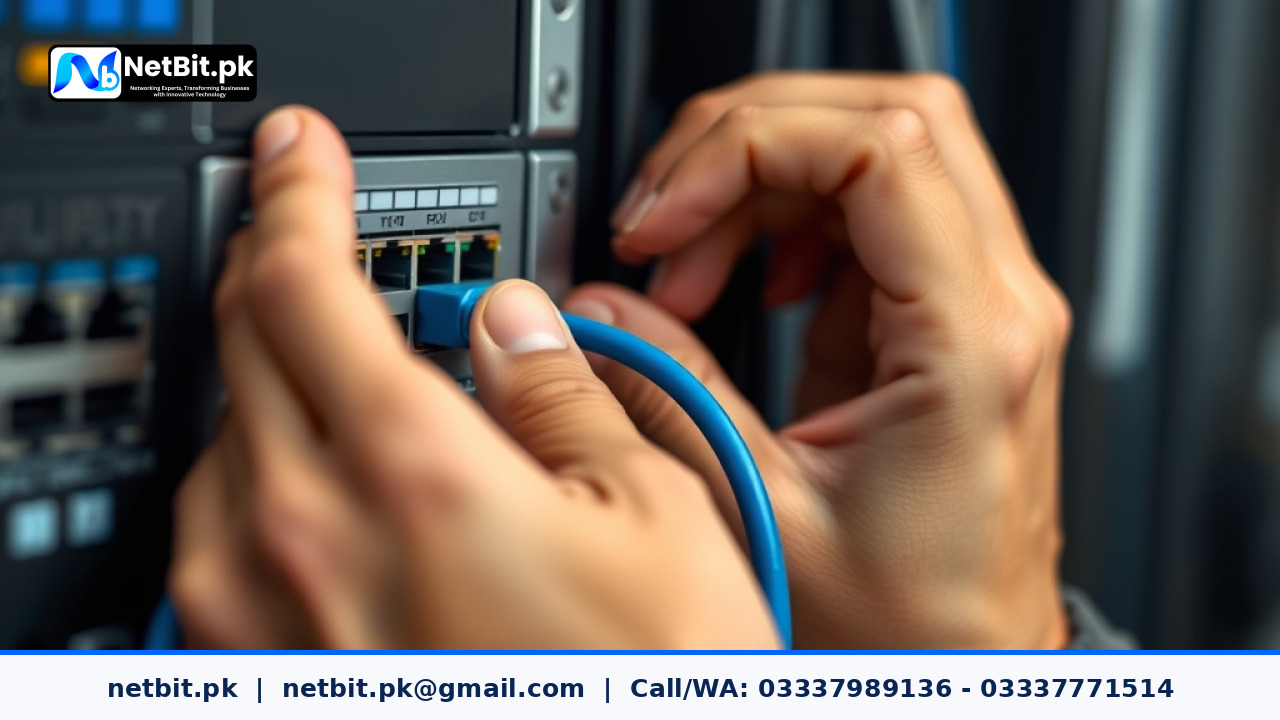
Setting up a segregated camera network requires managed network hardware, such as a managed switch and a business-grade router or firewall. Here is how network administrators typically approach the configuration process:
- Plan Your Subnet Scheme: Assign a distinct IP address range for your CCTV equipment, separate from your corporate computers and guest networks. For example, if your office uses
192.168.1.x, you might place your security devices on10.10.20.x. - Configure the Managed Switch: Create a dedicated VLAN ID on your network switch specifically for video surveillance ports. Assign the ports where your cameras and network video recorder plug into this new VLAN.
- Establish Inter-VLAN Routing and Firewall Rules: Set up strict firewall rules on your router. Allow your administrative computers to view the camera streams, but block unauthorized devices from accessing the camera management portals directly.
- Test Bandwidth and Stream Stability: Once your segregated channels are active, verify that your video feeds load without interruption. You can also run a quick check using the NetBit Speed Test if you need to evaluate your overall local link capacity before finalizing high-definition stream bitrates.
Maintaining Long-Term Security and Performance
Network security is not a one-time setup task; it requires ongoing review. As you add new cameras or expand your office building, make sure every new device is assigned to the correct segregated virtual network right away. Periodically audit your switch port configurations and review firewall logs to ensure no unauthorized devices have bypassed your isolation rules.
Keeping your firmware updated across all switches, routers, and cameras also prevents external exploits. Simple maintenance habits go a long way in protecting your physical premises and your digital data network from unexpected disruptions.
Ready to Secure Your Business Infrastructure with NetBit
Properly configuring network segregation requires technical precision, reliable hardware, and careful planning to ensure your surveillance system remains both secure and accessible. If you want to upgrade your security architecture or need professional assistance setting up robust network solutions, we are here to help. Contact NetBit tech and software house today to speak with our technical team and become a valued client of our professional IT and security services.

Reader comments.
Share your question, suggestion or experience related to this article.
No comments yet
There are no approved comments on this article yet. You can be the first person to leave one.