

The Challenge of Legacy Desktop Software in Pakistani Businesses
Many established enterprises, wholesale traders, and educational institutions in Pakistan still rely on legacy desktop software built decades ago. Software developed in Visual Basic 6, FoxPro, Microsoft Access, or early versions of .NET often powers core business operations—from inventory management to accounting. While these systems may have served well in the past, maintaining them on modern Windows operating systems presents severe operational risks.
As computer hardware upgrades and modern operating systems enforce stricter security rules, older desktop programs frequently crash, suffer from database corruption, or fail to launch entirely. Furthermore, legacy systems tie your operations to a single physical computer in an office, preventing remote access, multi-branch synchronization, and mobile accessibility for field staff.
Migrating from a legacy desktop application to a web-based platform or a modern multi-tenant architecture is a major project, but doing so structured properly guarantees long-term stability, data security, and operational flexibility.
Why Modernize Your Outdated Software Systems?
Continuing to run business operations on legacy desktop software introduces hidden costs and operational bottlenecks. Understanding the risks helps business owners make informed choices about software modernization projects:
- Hardware and OS Incompatibility: Modern 64-bit operating systems often fail to run older 32-bit compiled binaries or legacy database drivers without complex workarounds.
- Data Isolation and Silos: Old desktop databases (like Microsoft Access
.mdbfiles or DBF tables) cannot handle concurrent multi-user writes reliably, leading to file corruption during peak usage. - Lack of Remote Access: Branch managers and mobile staff cannot check inventory, record sales, or review reports outside the immediate office network without relying on slow remote desktop tools.
- Security and Compliance Vulnerabilities: Legacy desktop systems lack modern authentication standards, data encryption at rest, and automated backup routines, leaving critical business records exposed to ransomware and disk failures.
Step-by-Step Strategy for Software Migration Projects
Successful software migration projects require careful planning, clear architectural decisions, and detailed testing to prevent data loss. NetBit Software House recommends taking a structured approach to transition your operations smoothly.
1. Auditing Business Logic and Data Structures
Before writing new code, document all existing workflows inside the legacy system. Legacy applications often contain hidden business rules, validation formulas, or custom tax calculations that are not written down anywhere else. Extracting database tables, relationships, and stored procedures ensures that no vital feature is left behind in the new web system.
2. Selecting the Target Architecture
Decide whether your operations require a fully cloud-hosted web application, an on-premises local web server, or a modern cross-platform desktop wrapper. For Pakistani enterprises operating in areas with unstable internet connectivity, a local network deployment using a central server on a dedicated local subnet provides high performance while keeping data accessible across local office devices.
3. Database Extraction and Cleaning
Legacy databases often contain corrupt records, duplicated customer profiles, and invalid field values accumulated over years. Use database migration tools to export raw data into structured SQL databases such as MySQL or PostgreSQL. Run normalization scripts to clean up formatting, assign primary keys, and enforce modern foreign key constraints.
4. API-First Backend Development
Build the new system using an API-first approach (such as RESTful services or GraphQL). By separating the database logic from the front-end user interface, your business gains the flexibility to connect web dashboards, Android/iOS mobile apps, and third-party hardware like thermal barcode printers without re-engineering the backend.
5. Parallel Testing and Phased Rollout
Never shut down an operational legacy application overnight. Run the new web application alongside the old desktop system during a trial period. Have your staff input real transactions into both systems to verify that calculations, financial reports, and inventory counts match perfectly before fully switching off the legacy system.
Addressing Connectivity Concerns in Pakistan
A common concern among Pakistani business owners considering web software is internet reliability. If internet connectivity drops, will daily sales or inventory entry stop? Modern software engineering techniques eliminate this vulnerability:
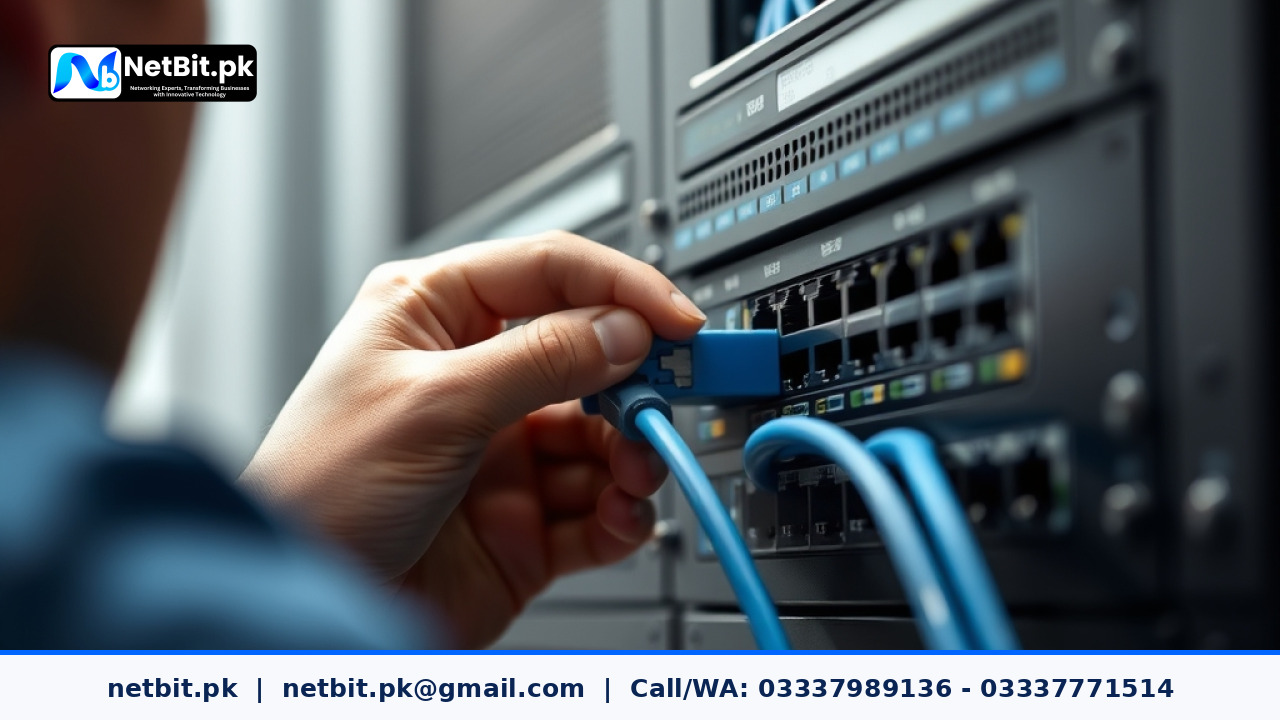
- Local Server Hosting: Web applications can be installed on a local office server (such as an Linux or Windows server connected to local network switches using Cat6 cables). Local staff access the application high-speed via local Wi-Fi or LAN without requiring active internet access.
- Offline-First Progressive Web Apps (PWAs): Web browsers can store transactional data locally in IndexedDB when offline and automatically synchronize records with the central database once connection restores.
- Hybrid Synchronization: Multi-branch setups can run local web servers at each branch, syncing data periodically back to a main central database whenever connection is available.
Frequently Asked Questions
How long does a legacy software migration project usually take?
Depending on database complexity and custom logic, typical legacy migration projects take between 4 to 12 weeks. Small inventory utilities take less time, whereas multi-module enterprise resource systems require extended parallel testing.
Will our historical sales and financial data be preserved?
Yes. Data migration scripts clean, map, and import historical tables into the modern relational database so all past records remain accessible for financial reporting and auditing.
Can a web application print directly to local receipt and barcode printers?
Yes. Modern web systems use silent network printing protocols or small background agent scripts to output invoices directly to thermal printers connected to your local network or desktop computers.
Modernize Your Business Software with NetBit Software House
Outgrown your old desktop software? Facing frequent database crashes or needing multi-branch access? NetBit Software House provides end-to-end software migration and custom software development services tailored for Pakistani enterprises, schools, and commercial organizations.
Based in Khuzdar, Balochistan, NetBit Tech specializes in transforming legacy desktop applications into secure, high-speed web platforms and custom database solutions. From structural data cleaning and API development to local network server configuration and hands-on staff training, our technical team ensures a seamless transition without disturbing your ongoing operations.
Contact NetBit Software House today to audit your existing legacy software project and receive a practical, cost-effective modernization roadmap for your business.

Reader comments.
Share your question, suggestion or experience related to this article.
No comments yet
There are no approved comments on this article yet. You can be the first person to leave one.