
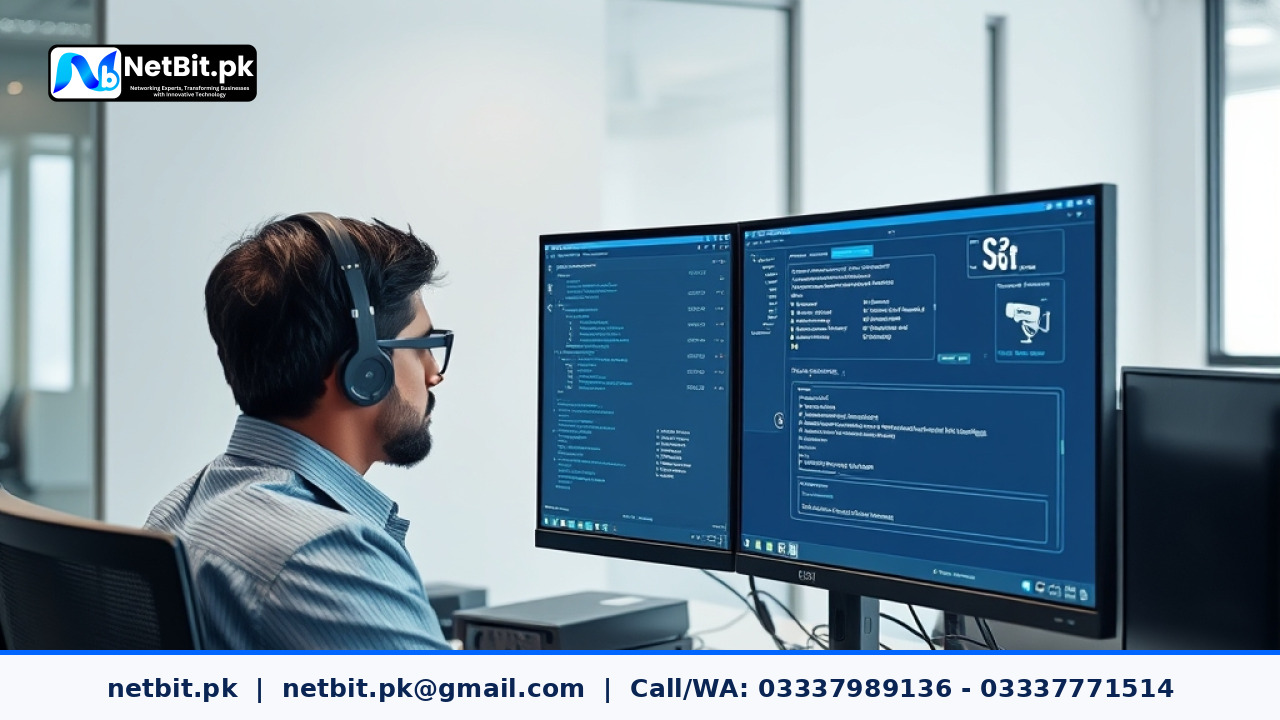
Understanding CCTV Firmware and Security Updates
When running a business security setup, most people think that once the cameras and Network Video Recorders are installed, the job is finished. However, just like computers and smartphones, modern security cameras run on internal software known as firmware. Keeping this software up to date is an essential part of keeping your physical premises safe.
At NetBit, we often advise business owners in Khuzdar and across Pakistan about the importance of regular system upkeep. Security cameras are connected to local networks and often the internet, which means they face potential digital risks. Routine updates close security gaps, fix bugs, and improve overall camera performance.
Why Regular Security Patches Matter
Manufacturers constantly test their security hardware and release updates to solve newly discovered problems. Ignoring these updates leaves your surveillance system open to known security risks. Here is why staying updated is critical for your business:
- Protection Against Digital Threats: Security patches block unauthorized access attempts to your camera streams.
- Better System Stability: Updates fix random crashes, freezing issues, and reboot loops on recording units.
- Improved Device Compatibility: New firmware ensures your cameras work smoothly with modern routers, storage drives, and mobile viewing apps.
- Enhanced Feature Sets: Manufacturers frequently improve night vision processing, motion detection accuracy, and bandwidth usage through software improvements.
Practical Steps for Managing Your CCTV Update Schedule
Managing updates across multiple cameras and recorders requires a structured approach. Instead of guessing when to update, follow a simple maintenance routine:
- Check Current Versions: Log into your NVR or DVR admin panel once a month to note the current firmware versions installed on your devices.
- Verify with the Manufacturer: Visit the official support page of your camera brand to check if newer stable versions are available. Avoid downloading firmware from unverified third-party websites.
- Backup Your Configurations: Export your network and camera settings before starting any update process so you can easily restore them if needed.
- Update During Off-Hours: Perform updates at night or when your business is closed to avoid interrupting live monitoring and recording.
- Test After Updating: Check live feeds, playback functions, and mobile app connectivity immediately after the update process finishes.
Common Pitfalls to Avoid During Updates
While updates are necessary, rushing through them can cause problems. Never turn off the power or disconnect the network cable while a camera or NVR is installing a firmware update, as this can permanently damage the device hardware. If you are unsure about compatibility or the correct update file for your specific hardware model, it is always safer to consult experienced professionals.
Many local businesses partner with netbit tech software house to handle routine system maintenance, ensuring that cameras, networks, and recording equipment remain secure and operational without disrupting daily work.
Ready to Secure Your Business Systems?
Maintaining a reliable security setup requires consistent attention, technical skill, and regular software care. If your business needs professional support, expert configuration, or reliable system updates for your surveillance infrastructure, you do not have to handle it alone. Get in touch with our team at netbit.pk today, and let netbit tech and software house help you protect your assets with confidence.


Reader comments.
Share your question, suggestion or experience related to this article.
No comments yet
There are no approved comments on this article yet. You can be the first person to leave one.