
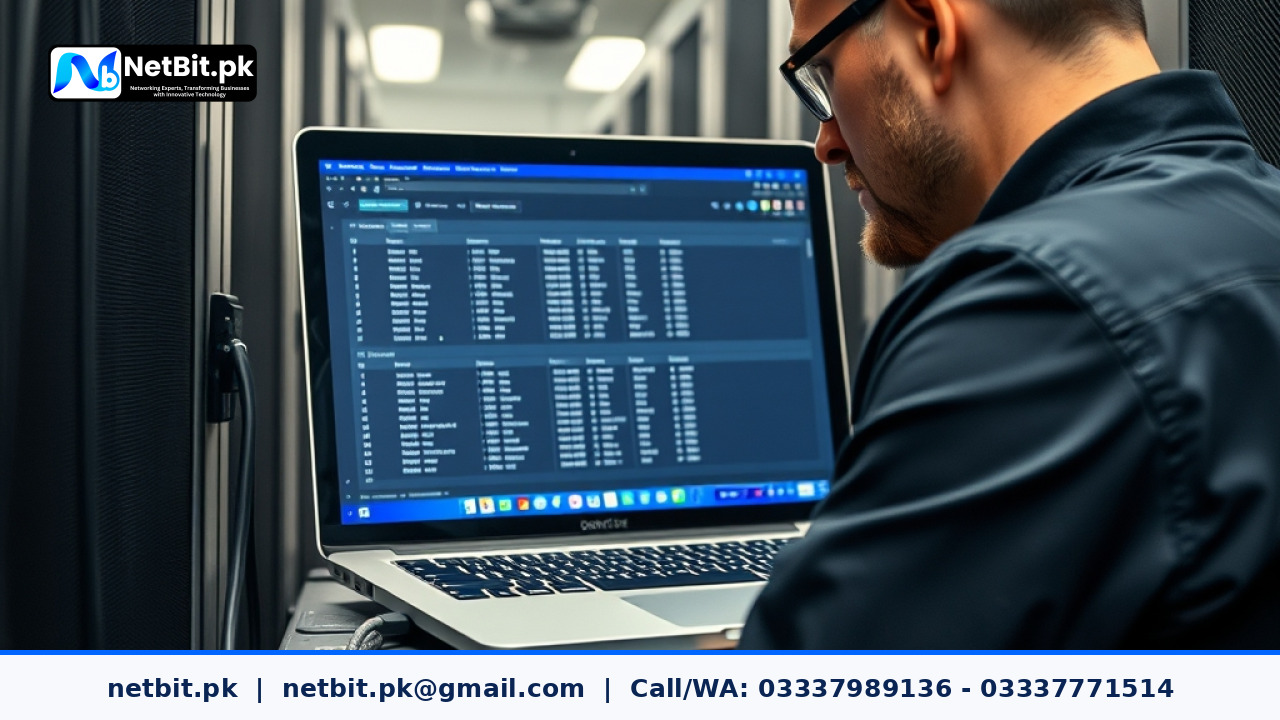
Understanding Network Configuration Backups
For any growing business in Pakistan, reliable IT infrastructure forms the backbone of daily operations. Whether you run a bustling office in Khuzdar or manage a remote branch elsewhere in the country, unexpected hardware failures, power surges, or firmware corruption can halt operations instantly. One of the most overlooked aspects of IT maintenance is saving and managing regular backups of your core networking equipment, including managed switches and routers.
When a network switch or router experiences a critical failure, restoring physical connectivity is only half the battle. Without a saved configuration file, your network administrator has to rebuild VLANs, routing tables, port security rules, and access control lists entirely from scratch. This introduces hours of avoidable downtime. Implementing a structured backup routine ensures your business can recover within minutes rather than days.
Why Office Network Backups Matter
Many small and medium-sized enterprises assume that network hardware operates indefinitely without intervention. However, volatile memory (RAM) and non-volatile storage (NVRAM) on routing devices can degrade or experience unexpected faults during voltage fluctuations common in local power grids. A proper backup strategy protects your business against:
- Hardware Failures: Sudden physical damage to switches or routers.
- Misconfigurations: Human error during manual updates or rule changes.
- Firmware Corruption: Failed updates that leave devices in an unbootable state.
- Security Breaches: Unauthorized changes requiring a complete system wipe and restore.
Step-by-Step Guide to Backing Up Network Devices
Executing a reliable configuration backup requires a methodical approach. Follow these practical steps to secure your office network equipment:
1. Access the Device Management Interface
Log in to your managed switch or router using a secure protocol like SSH (Secure Shell) or HTTPS via your local network. Avoid using unsecured Telnet or HTTP connections, especially when transmitting administrative credentials or configuration files across the local area network.
2. Export the Running Configuration
Most enterprise and business-grade networking gear separates the running configuration (active settings in RAM) from the startup configuration (saved settings in non-volatile memory). Always ensure your startup configuration matches your running configuration before initiating a backup:
- Save current changes to startup memory using the command interface or web dashboard.
- Export the configuration file (often saved in
.cfgor plain text format) to a secure local storage drive or a dedicated internal backup server. - Verify the integrity of the downloaded file by opening it in a simple text editor to check for readable parameters.
3. Establish a Version Control Routine
Do not rely on a single backup file from years ago. Every time your network team adds a new VLAN, changes port assignments, or updates firewall rules, generate a new backup. Use clear naming conventions that include the device name, location, and date (e.g., Khuzdar_Core_Switch_2023_11_15.cfg).
Automating Backups and Offsite Storage
Manually logging into multiple switches and routers every week can lead to oversight. For businesses managing multiple switches and wireless bridges, setting up automated backup scripts using lightweight tools or network management systems (NMS) ensures files are automatically pushed to a secure local drive or encrypted cloud storage daily or weekly.
Keep in mind that storing backups on the same physical switch is useless if that switch suffers a catastrophic power failure. Always transfer the configuration files to an offsite location, a separate server, or a secure physical USB drive kept in a manager's office.
Partner with NetBit for Reliable IT Infrastructure
Maintaining robust IT infrastructure goes beyond basic backups. At NetBit, we specialize in building, securing, and maintaining enterprise-grade IT environments for businesses across Pakistan. From configuring complex network switches and Cat6 structured cabling to setting up robust wireless bridges and custom software applications, our team delivers dependable solutions tailored to your operational needs.
If your business needs professional assistance with network optimization, IT maintenance, or comprehensive infrastructure upgrades, connect with netbit tech today. Let our experts at netbit khuzdar and netbit software house secure your digital operations so you can focus entirely on business growth.

Reader comments.
Share your question, suggestion or experience related to this article.
No comments yet
There are no approved comments on this article yet. You can be the first person to leave one.