
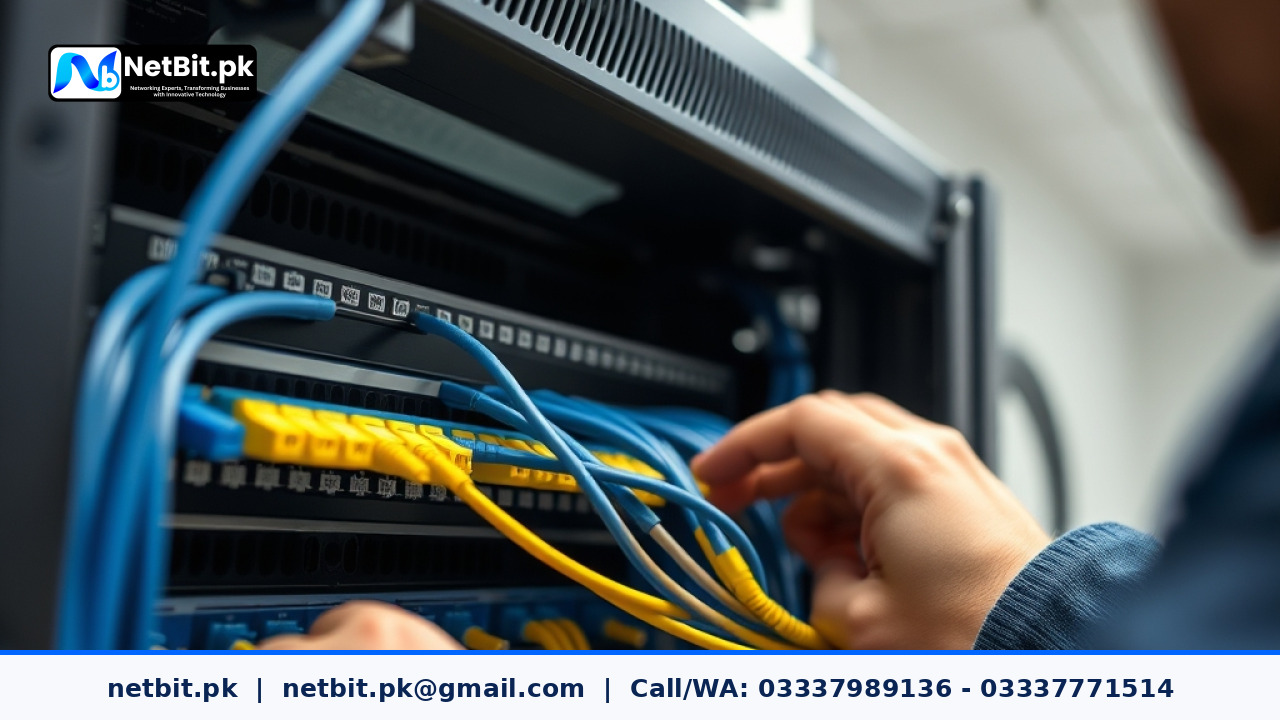
Understanding Network Segmentation for Modern Businesses
As businesses in Pakistan grow, so do their internal digital operations. Whether you run a bustling commercial office in Khuzdar or manage a expanding enterprise network, keeping your data secure and organized is essential. One of the most effective ways to manage internal traffic is by setting up Virtual Local Area Networks (VLANs) on your office switches. At netbit, our networking team frequently helps local organizations move away from flat, congested networks toward structured, high-performance infrastructures.
A VLAN allows network administrators to divide a single physical network switch into multiple logical networks. This means your security cameras, employee workstations, guest Wi-Fi, and management servers can all share the same physical hardware without actually being able to communicate with each other directly unless explicitly permitted. Proper network segmentation boosts overall security, reduces broadcast traffic, and keeps your operations running smoothly.
Why Your Office Needs VLAN Configuration
In a standard, unsegmented network, every connected device broadcasts traffic to every other device. As your team adds more computers, printers, IP phones, and CCTV cameras, this creates unnecessary network congestion. Here are the core benefits of implementing VLANs:
- Enhanced Security: If a guest device or a compromised workstation connects to your network, it cannot easily access sensitive financial databases or administrative servers residing on a restricted VLAN.
- Reduced Broadcast Noise: Isolating devices into smaller broadcast domains prevents unnecessary data packets from slowing down your primary office computers.
- Simplified Administration: Grouping users by department (e.g., Accounts, HR, Operations) makes it easier to apply security policies, firewall rules, and access permissions.
Step-by-Step Guide to Configuring Office VLANs
Configuring VLANs requires access to a managed network switch (such as a Layer 2 or Layer 3 switch). Below is a practical guide on how administrators approach this setup.
Step 1: Plan Your Network Layout and ID Scheme
Before logging into any hardware, map out your network requirements on paper. Assign a unique VLAN ID and a distinct subnet to each department or device category:
- VLAN 10: Management and IT Infrastructure (Subnet:
192.168.10.0/24) - VLAN 20: Employee Workstations (Subnet:
192.168.20.0/24) - VLAN 30: IP CCTV and Security Systems (Subnet:
192.168.30.0/24) - VLAN 40: Guest Wi-Fi (Subnet:
192.168.40.0/24)
Step 2: Access the Managed Switch Interface
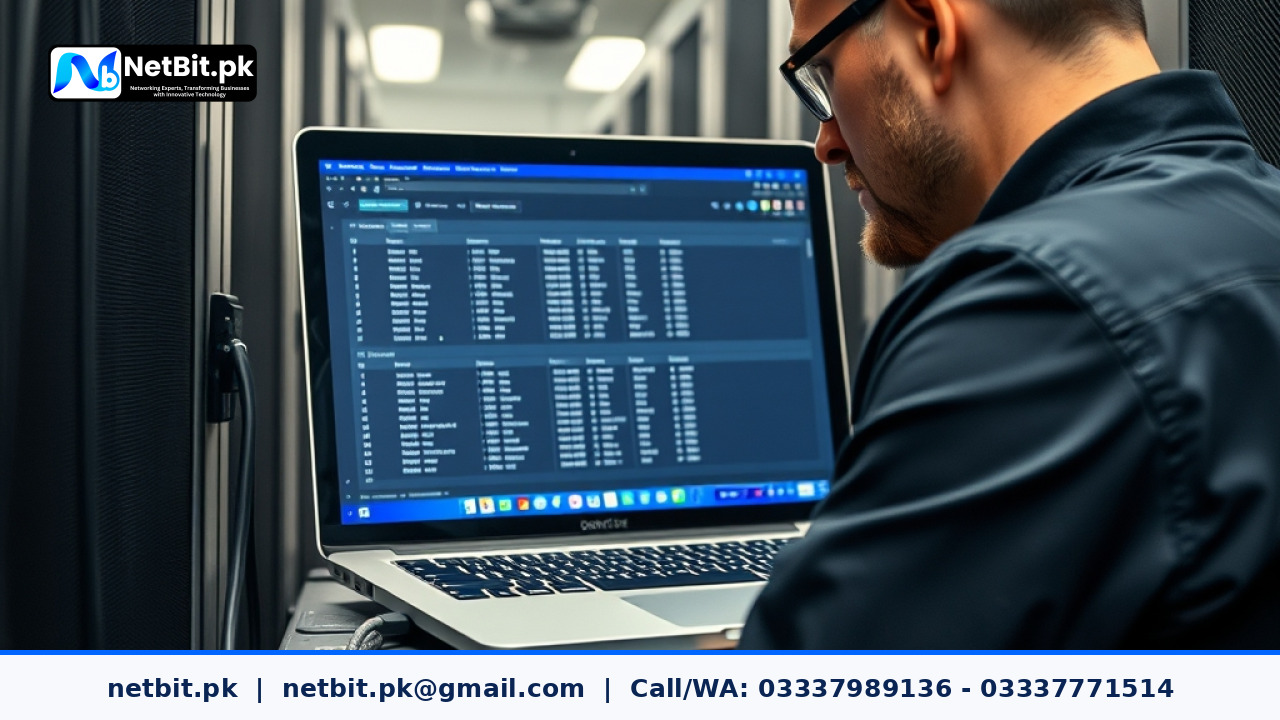
Connect your computer to the management port or default IP address of your core switch using an Ethernet cable. Log into the switch's web-based dashboard or command-line interface (CLI) using your secure administrator credentials.
Step 3: Create the VLANs on the Switch
Navigate to the VLAN configuration menu (often found under 'Network' or 'Switching' settings). Create the individual VLANs using your predetermined IDs and assign recognizable names to each, such as VLAN20_Workstations or VLAN30_CCTV.
Step 4: Configure Access and Trunk Ports
Assign your physical switch ports based on what devices connect to them:
- Access Ports: Ports connecting end-user devices like desktop PCs, printers, or security cameras should be configured as access ports assigned to a single specific VLAN.
- Trunk Ports: Ports connecting the switch to a router, a firewall, or another switch must be configured as trunk ports. Trunk ports carry traffic for multiple VLANs simultaneously using 802.1Q tagging.
Step 5: Test and Verify Connectivity
Once your VLANs and routing rules (inter-VLAN routing) are configured on your gateway router, test the connection. Verify that a device on VLAN 20 can access the internet but cannot ping devices on the isolated CCTV VLAN 30 unless authorized. Proper testing ensures your security policies function correctly before deployment.
Frequently Asked Questions
Do I need special hardware to set up VLANs?
Yes. You need managed switches that support IEEE 802.1Q VLAN tagging. Unmanaged switches will simply pass all traffic indiscriminately and cannot separate broadcast domains.
Will VLANs improve my internet speed?
While VLANs do not increase your raw bandwidth from your Internet Service Provider, they significantly improve local network efficiency by reducing broadcast storms and packet congestion.
Can NetBit help us set up our office network?
Absolutely. netbit tech provides comprehensive enterprise networking services across Pakistan, ensuring your physical cabling, switch configurations, and security measures are optimized for reliability.
Partner with NetBit for Reliable Office Networking Solutions
A stable, secure network is the backbone of any modern business operation. Whether you are setting up a new commercial office or upgrading an existing network rack with modern core switches, Cat6 cabling, fiber patch cords, and secure VLAN architectures, professional assistance saves you time and prevents costly downtime.
At netbit khuzdar, our experienced technicians specialize in professional network design, structured cabling, IT maintenance, CCTV installation, and custom software solutions tailored to Pakistani businesses. Let us help you build a robust and secure digital infrastructure. Contact netbit software house today to discuss your next IT or networking project.


Reader comments.
Share your question, suggestion or experience related to this article.
No comments yet
There are no approved comments on this article yet. You can be the first person to leave one.