
Understanding the Importance of Local Server Backups
For any business in Khuzdar or across Pakistan, data is the most valuable asset. Whether you run a small retail shop or a growing software house, losing customer records, financial data, or project files can be catastrophic. Relying solely on manual backups is risky because humans forget, and hardware fails without warning. Implementing automated local server backups ensures that your data is consistently copied to a secure, secondary location without requiring daily intervention.
Why Local Backups Matter
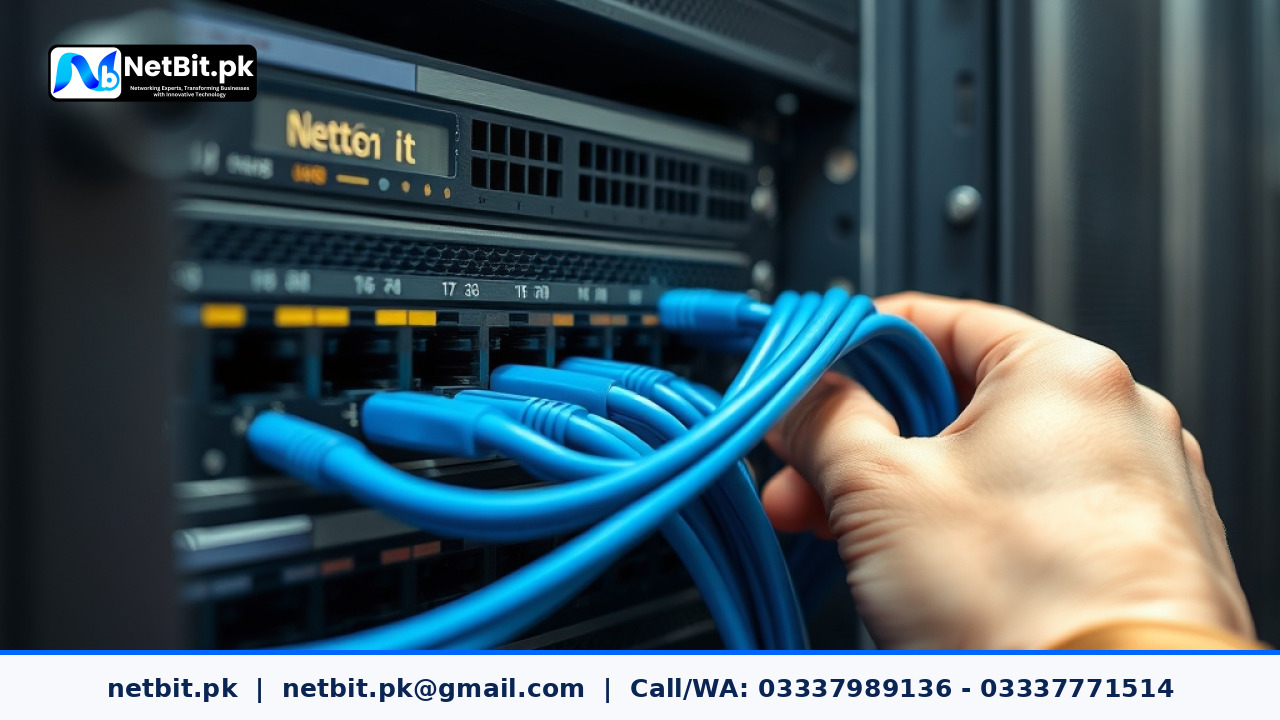
While cloud storage is popular, local backups provide faster recovery times and complete control over your data. In areas where internet connectivity might fluctuate, having a physical backup server or a network-attached storage (NAS) device on-site allows for near-instant data restoration. This approach minimizes downtime and keeps your business running smoothly even during hardware malfunctions.
Steps to Configure Automated Backups
- Choose Your Hardware: Invest in a dedicated server or a reliable NAS unit. Ensure it has enough capacity to hold at least three times the amount of data you currently store.
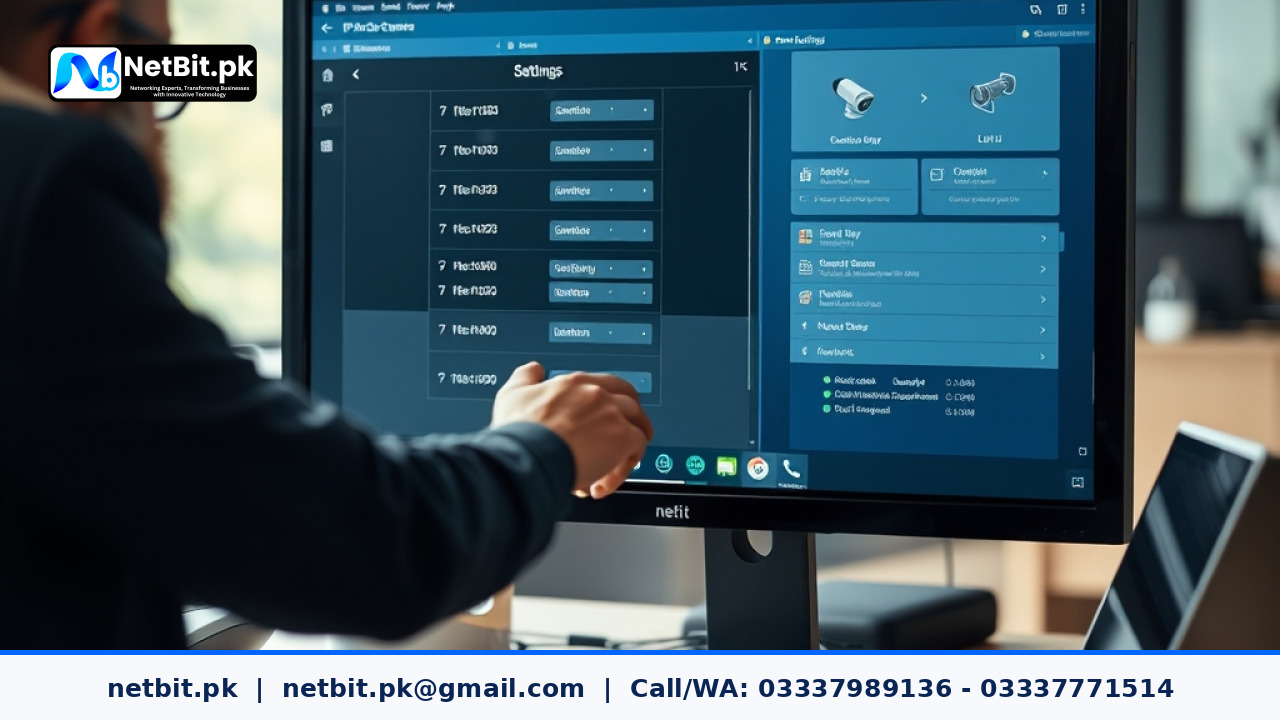
- Establish a Schedule: Configure your server software to perform backups during off-peak hours, such as late at night, to avoid slowing down your network during business operations.
- Implement Incremental Backups: Instead of copying your entire database every time, configure the system to save only the changes made since the last backup. This saves storage space and reduces network load.
- Test Recovery Regularly: A backup is only useful if it works when you need it. Perform a test restoration of your files at least once a month to ensure data integrity.
- Offline Storage: For maximum security, rotate an external hard drive or tape drive that stays disconnected from the network when not in use. This protects you against ransomware that might try to infect all connected drives.
Why Choose NetBit for Your Server Solutions?
At NetBit Software House & Technology, we specialize in building robust IT infrastructures tailored to the unique needs of Pakistani businesses. Whether you are setting up your first server or looking to optimize your existing network, our team provides professional guidance and hands-on installation.
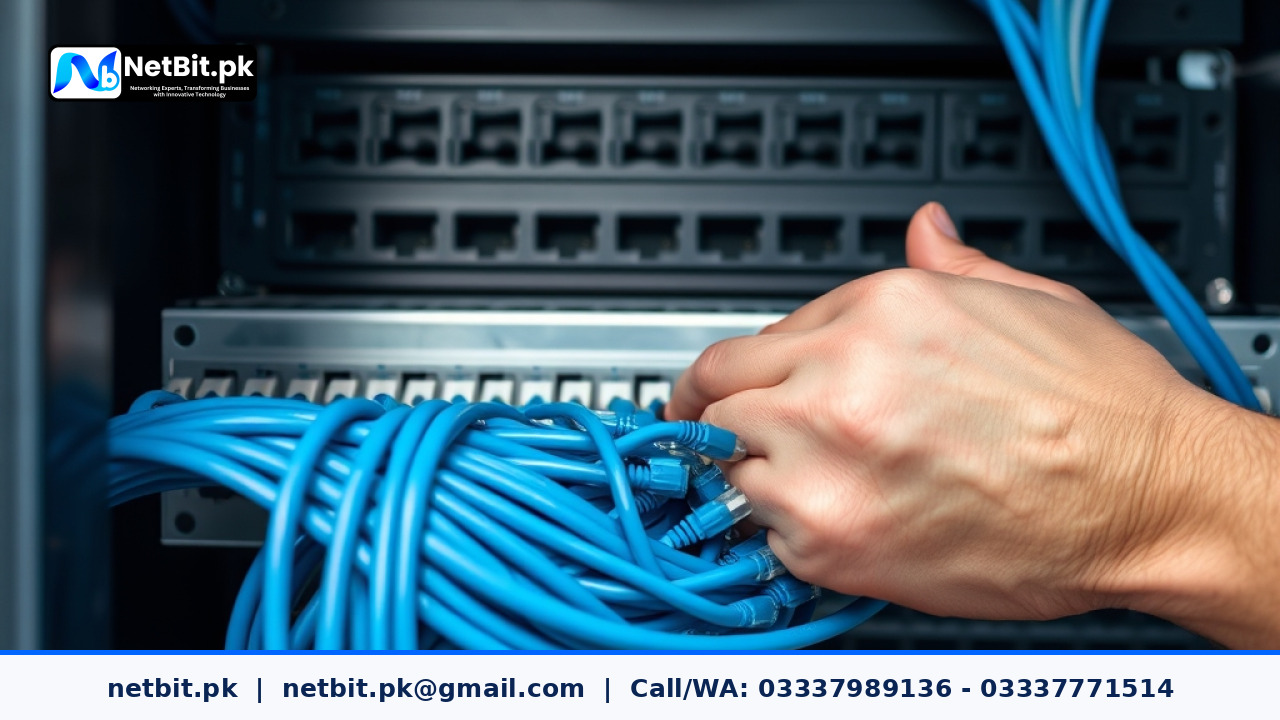
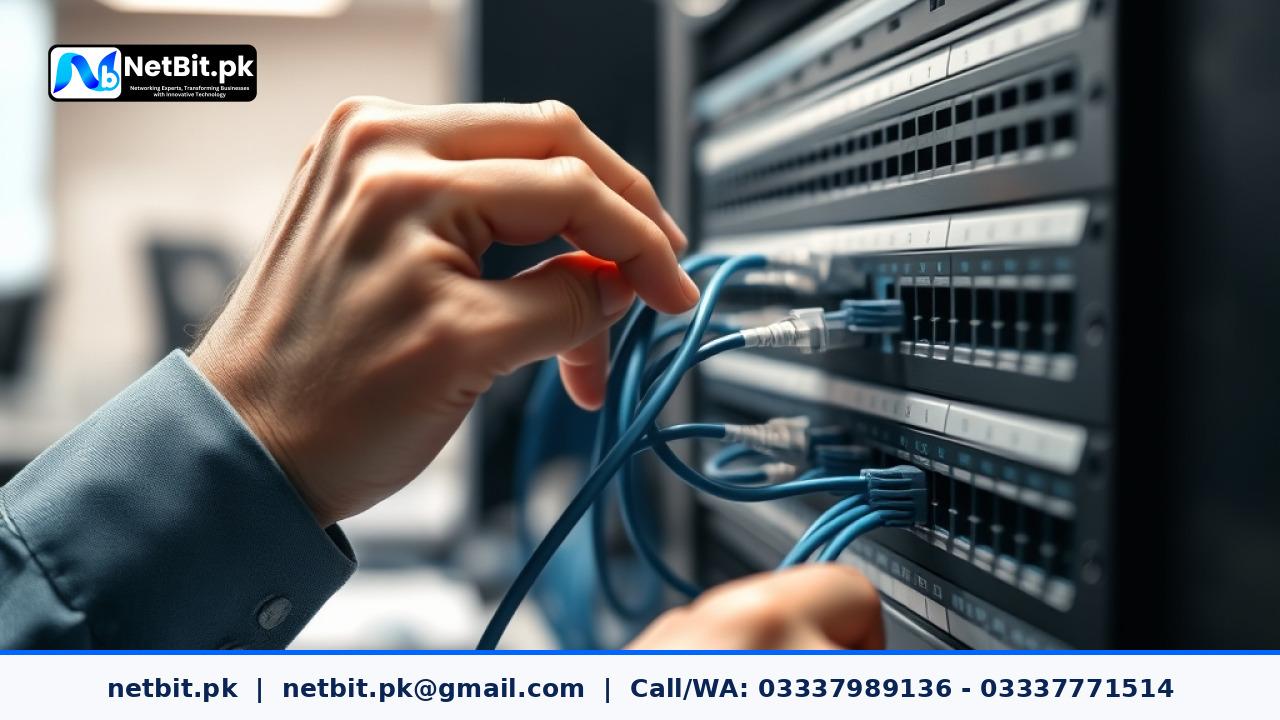
Our services include expert network design, secure Cat6 cabling, professional CCTV installation, and custom software development. We understand the local landscape and provide solutions that are both practical and reliable. Don't leave your business data to chance. Contact the experts at NetBit today to discuss how we can secure your digital future. Visit us in Khuzdar or reach out to our team to schedule an on-site assessment of your IT requirements.
Reader comments.
Share your question, suggestion or experience related to this article.
No comments yet
There are no approved comments on this article yet. You can be the first person to leave one.